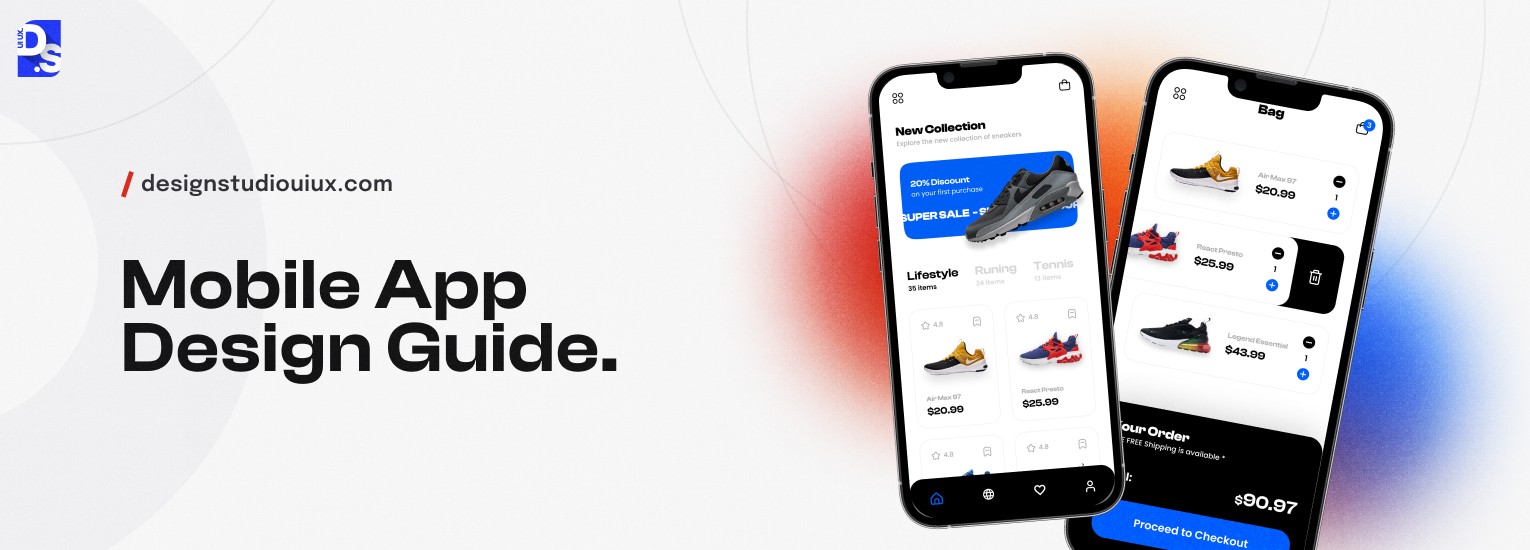
A Comprehensive Guide to Mobile App Design 2026


Mobile app design process covers the complete visual and structural creation of a software’s look. It can directly impact the success metrics that are related to the user interaction.
Get these design choices right to keep users engaged with the digital product and make sure your design decisions help them manage cognitive load.
Today, smartphones outnumber humans and the mobile app market alone is worth $2.5+ trillion. You read that right – the mobile app market is bigger than most nations’ GDP. Most of this revenue is generated through ads and in-app purchases.
According to Business of Apps’ global app revenue data, In-app purchases alone generate over$380 billion per year in revenue worldwide. Now, the real question – how have mobile apps become such revenue-generating monsters? High-quality mobile app design is one of the main reasons.
In this complete guide, we will explore the details of mobile app design. We will cover the main principles and best practices, along with real-world examples of great mobile app design.
What is Mobile App Design?
‘Mobile app design’ as the term suggests, is the process of designing native mobile applications. While every mobile app is different, they all need to be usable, accessible, engaging, and deliver incredible user experiences. App designers make all of this happen.
From the figures above, you can tell that overall, they’re doing a really great job at creating app designs that users love intimately. We say ‘intimately’ because unlike with websites, there is a sense of intimacy people feel when they are using apps.
You can explore some inspiring examples of mobile app design to see how top apps create these seamless experiences.
With apps, the engagement is much more personal and the design choices made by app creators have a huge role to play in this. It is because of multiple reasons:
Mobile Hardware
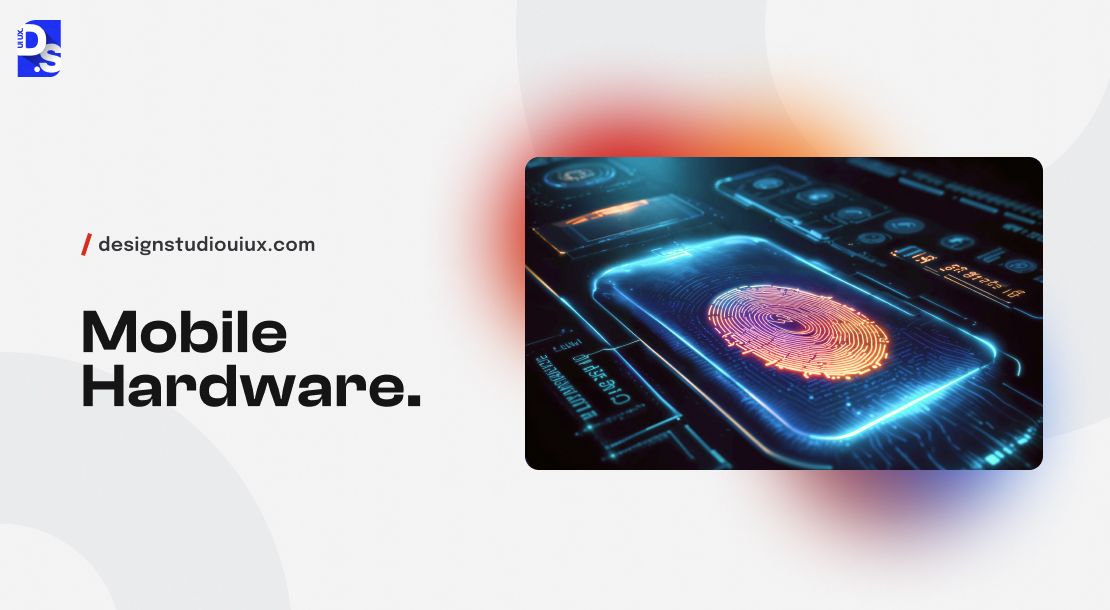
Mobile apps can access a wide range of built-in device features. Websites or web apps cannot. Mobile app designers use this privilege to create highly interactive, unique, and personalized mobile app experiences.
For example, the Apple Pay app on iOS uses the fingerprint sensor for secure authentication, while many Android apps utilize the accelerometer for motion-based controls or fitness tracking. By deeply integrating with mobile hardware, app designers craft experiences that feel like a natural extension of the user’s device and lifestyle.
Integrating with Operating Systems
Mobile apps are deeply integrated with their respective operating systems. This integration allows them to use core platform and device features in ways that websites or SaaS apps cannot. For example, let us say you want to design Apple and Android versions of the same app.

To get the design work started, you can turn to Apple’s Human Interface Design Guidelines and Android’s Material Design guidebook. If your design is in line with the requirements in these documents, your app will look appealing and feel intuitive to use on both Apple and Android.
Smooth Transitions
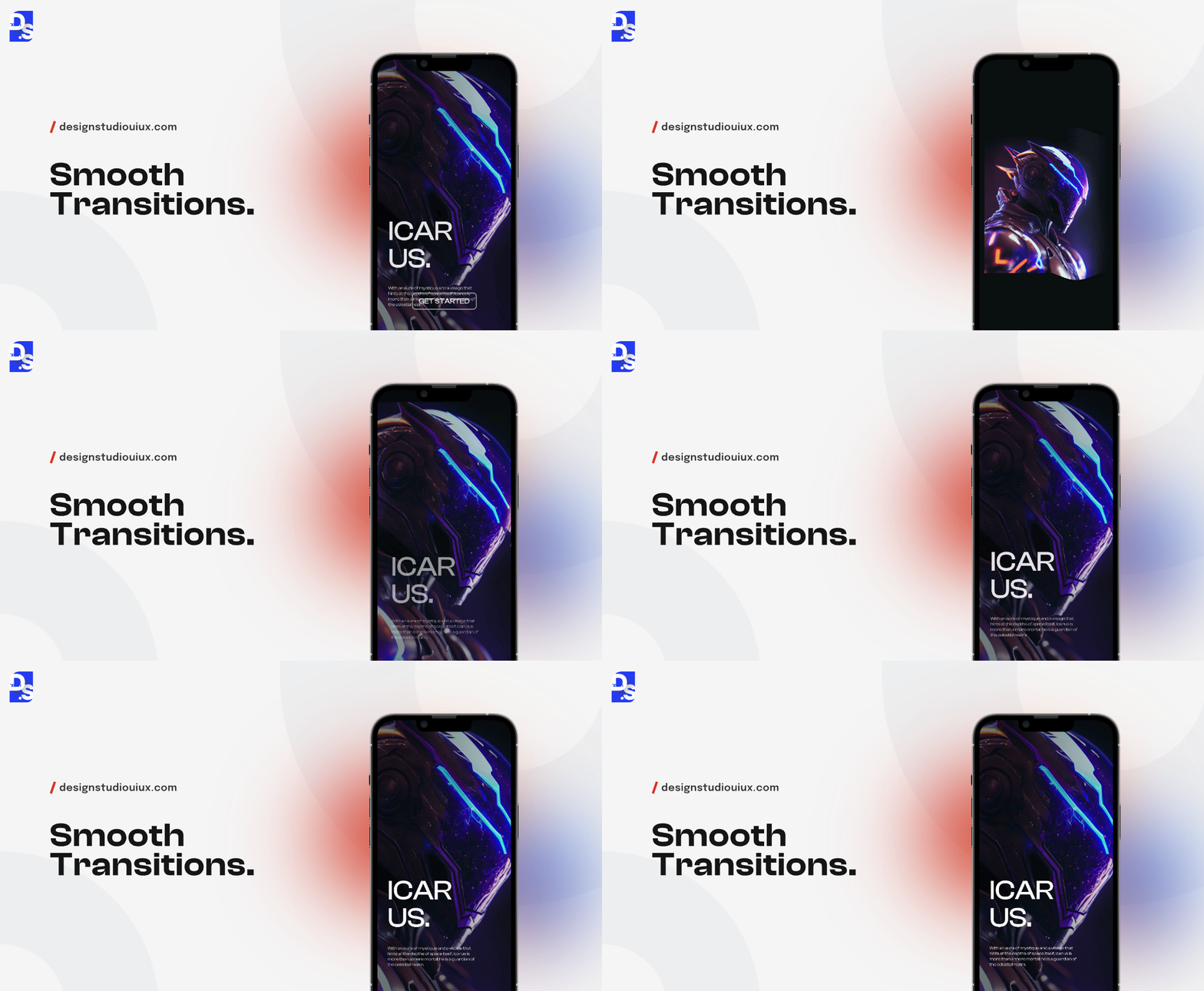
Apps support animations and transitions more effectively than websites. This allows designers to create fluid, creative, and visually stunning user interfaces. Designers can easily implement sliding, fading, zooming, and various other screen transitions, to guide users through the app’s interface and create a sense of continuity.
This ability to create smooth transitions and pleasantly surprise users enhances the overall immersion and intimacy effects.
Performance Optimization
Designers have perfected this aspect of mobile app design over the years. They have basically found ways to optimize every inch of their designs to make them feel more immersive and engaging. You can study mobile app design best practices to learn about these hacks.
We’ll discuss some of the best practices later on in this article. The point here is that today’s app designers rest on the shoulders of giants. The work done by their predecessors has set high standards. Designers today only need to meet these standards to create top-quality designs.
Now that we understand how and why the field of mobile app design has been able to fuel a trillion-dollar industry, let us dissect the discipline itself.
What Does Mobile App Design Actually Involve?
Mobile app design combines UI for visual look ( e.g. improve screen, button, animation, etc.) and UX for a smooth user flow. You need both, because a pretty app that is hard to use or a broken app with great graphics will both lose users.
When people think of mobile app design, they usually think of the app’s external design and its interface (UI) that users interact with. They are partially right because without a well-designed UI, users won’t be able to communicate with an app.
But, the app design process involves way more than just UI design. In addition to designing pretty visuals, buttons, layouts, and other UI elements, app designers also have to create user flows, user journeys, and information architecture.
All of this falls under the purview of UX (user experience) design.
What are the Key Principles of Effective Mobile App Design?
Good mobile app design comes down to a handful of core principles that shape every decision, from how a screen is laid out to how a button responds when tapped. These aren’t tactical details like touch target sizes or thumb zones.
They’re the thinking underneath all of that, the reason some apps feel effortless and others just feel tolerable.
None of this is new. Nielsen Norman Group’s 10 Usability Heuristics go back to 1994, and people are still citing them today because they still hold up when tested against modern products.
It’s probably the most referenced framework out there for judging whether an interface actually works, on any platform, mobile included. What follows takes those same heuristics and looks at what they mean specifically for mobile app design.
Follow these design principles to improve usability and help users complete tasks without confusion –
1. Maintain Clarity
Use simple labels, familiar icons, and clear layouts. Make the main action easy to find. Users should know what to do without guessing.
2. Stay Consistent
Keep colors, buttons, and actions the same across the app. Similar tasks should always work in the same way. Follow Android and iOS design patterns.
3. Give Feedback
Show users when something is loading, completed, or failed. Use small animations or messages after every action. This builds trust and removes confusion.
4. Let Users Fix Mistakes
Ask before deleting important data. Offer an Undo option whenever possible. Let users leave a screen without losing their work.
5. Show Information Step by Step (Progressive Disclosure)
Keep the screen focused on the current task. Place extra options in menus or settings. It is recommended to introduce new features only when users need them.
6. Design for Real-Life/Practical Use
People use apps in different places and situations. Support dark mode, offline access, readable text, and useful location or haptic features.
7. Make Errors Easy to Recover
Save work automatically with auto drafts whenever possible. Move deleted items to Trash instead of removing them forever. Show clear error messages with simple solutions.
8. Design for Speed
Load the most important content first. Use skeleton screens while content loads. Optimize images and design for slow internet as well as fast connections.
What Is UX Design in Mobile App Development?
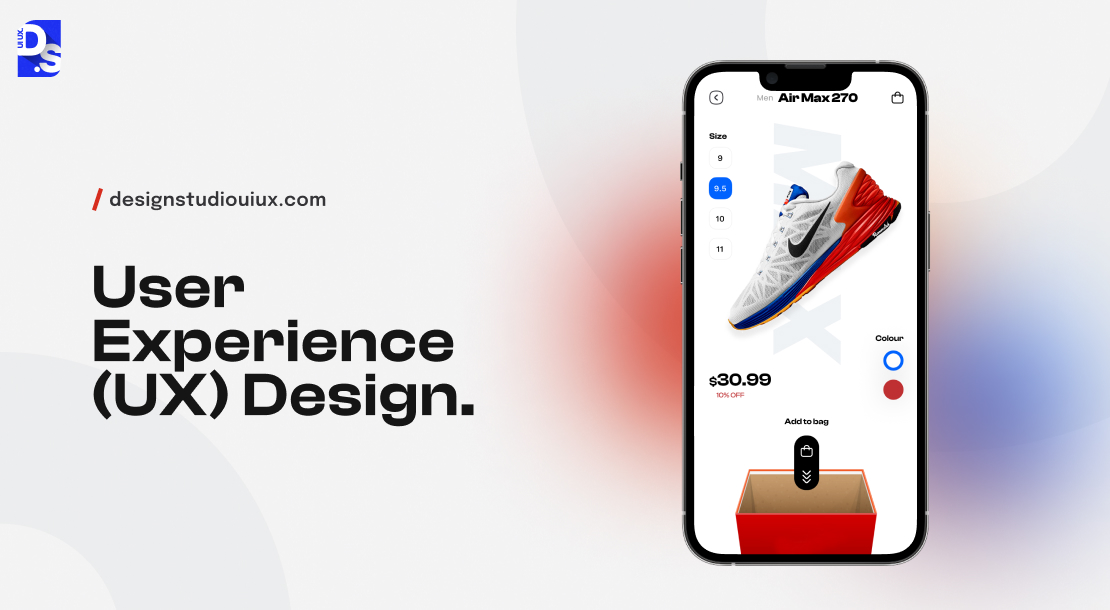
UX design is the process of building an app with proper planning and optimizing user interaction. It makes sure every tap and swipe works perfectly to help users complete their journey quickly. This covers everything a user experiences from their very first discovery to their daily use of the app.
Before you start working on improving UX design, consider these questions-
What type of experience do you want your app to deliver? What do you want users to feel as they discover, onboard, and sign up on your app? What do you want them to feel as they interact with your app’s key features? How’d you want your users to remember your app?
User Experience (UX) design is the overarching design strategy that answers these types of questions in advance. It centers on optimizing every interaction users have with the app. The goal is to exceed their expectations.
Here are the details UX designers have to take care of in the mobile app design process:
- Usability: Ensuring that the app is easy for users to use, navigate, and achieve their goals
- Accessibility: Is the app accessible to all users, even those with varying abilities/disabilities?
- Reliability: Is every aspect of the design consistent with user expectations? The design should also minimize user errors and provide clear feedback whenever users make mistakes.
- Usefulness: Does the app meet the specific needs of its users? Does it provide tangible benefits every step of their respective journeys?
In practice, the UX design process involves a cycle of research, design, testing, and iteration. Each of these stages directly impacts the overall mobile app design cost, especially when extensive user research and testing are required.
Tasks to be Performed in UX Design Process
Here are all the tasks UX professionals typically carry out:
- Conduct user research through surveys and interviews
- Conduct usability testing to understand user behaviors, motivations, and pain-points
- Create user personas representing target audience segments
- Identify the app’s information architecture to facilitate intuitive navigation and information retrieval
- Design user flows and wireframes mapping out task completion steps and visualizing layout and functionality.
- Develop interactive prototypes
- Conduct user testing on prototypes
- Identify usability issues
- Iterate on designs based on feedback
Let us say we are designing a mobile banking app. Before even thinking about the app’s UI designers will turn to the UX team to get a low-down on the target user base. The UX team will conduct user interviews to understand the banking-related needs of the target audience.
Then, they would then create personas and map out user journeys to identify all interactions users would have in the app. Then, prototypes will be developed for testing. User reviews will be used to refine the design.
All of this will finally ensure that the app’s design has all the four UX-related qualities mentioned above.
What Is the Difference Between UX and UI Design in Mobile Apps?
While UX design focuses on the overall experience a user has with a product, UI (User Interface) design zeroes in on the specific visual and interactive elements that users will engage with on the app. They undertake a variety of tasks which include:
- Creating style guides that define the app’s visual language
- Finalizing the app’s layout, color schemes, typography
- Selecting appropriate color palettes, typography, and component styles.
- Reviewing usability test results to find & fix UI issues
- Designing animations and transitions that enhance UX
- Selecting fonts and color schemes that align with the brand identity
- Developing interactive UI components like buttons, sliders, scrollbars, animations, and transitions
Let us build on our mobile banking app example. While UX designers focus on the user end of things, UI designers will undertake tasks like –
- Create an interactive dashboard (the main UI) that displays user data in an easy-to-read format
- Select colors that evoke energy and motivation
- Choose fonts that are legible on small screens,
- Design banking forms that are easy to read and fill
- Implement smooth transitions between different sections of the app
Let’s take a quick comparison of UX and UI design in the mobile app context:
| Context | UX Design | UI Design |
| Primary Focus | The full user journey from discovery to ongoing use | The visual and interactive layer: screens, buttons, colors, animations |
| Core Question | Does this app help the user accomplish their goal?’ | Does this screen look right and feel intuitive to interact with?’ |
| Key Deliverables | User research, personas, wireframes, user flows, prototypes | Style guides, color palettes, typography, icons, micro-animations |
| Main Tools | Maze, Hotjar, Figma (flows), Miro, UserTesting | Figma, Sketch, Adobe XD, Zeplin, Framer |
| Timing | Comes first — defines the structure and logic of the app | Comes after UX — applies visual design to the approved structure |
| Success Measure | Task completion rate, time-on-task, error rate, NPS | Visual consistency, accessibility score, click-through rates |
As you can see, both disciplines – UI and UX design are critical for creating successful mobile app designs. That is why all the leading mobile app design agencies in the world employ both types of professionals.
They combine UI and UX design to address all the different aspects of the user experience.
How to Design a Mobile App?
Mobile app design is an ongoing cycle of planning, researching, designing, testing and improving design ideas rather than a one-time task. This loop continues until the product perfectly satisfies the user’s needs from start to finish.
Now let’s go through the specific steps the design team has to take to design a conversion-optimized and user-centric mobile app:
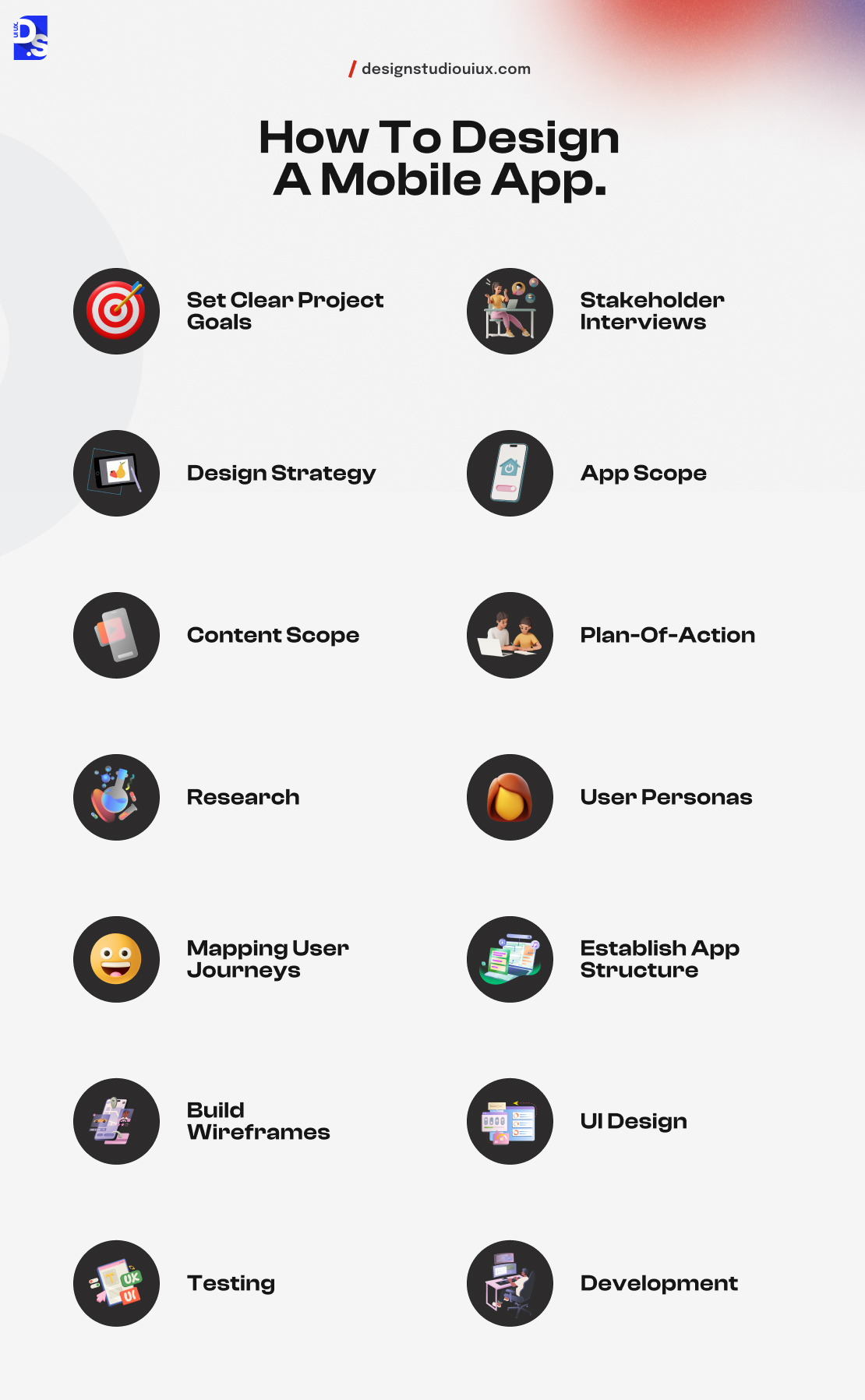
| Step | Name | Primary Output |
| 1 | Set Clear Project Goals | Defined objectives, success metrics, and design direction |
| 2 | Stakeholder Interviews | Shared design vision and documented constraints |
| 3 | Design Strategy | Agreed approach, audience targeting, and trend considerations |
| 4 | App Scope | Functional requirements, visual direction, interaction style |
| 5 | Content Scope | Content inventory with format, size, and format specs |
| 6 | Plan of Action | Timeline, team roles, KPIs, and communication process |
| 7 | Research | Competitor analysis, user interviews, surveys, focus groups |
| 8 | User Personas | Archetypical user profiles based on research findings |
| 9 | Map User Journeys | Touch-by-touch journey maps for each user persona |
| 10 | Establish App Structure | Interaction design + information architecture |
| 11 | Build Wireframes | Low-to-high fidelity blueprints of all screens |
| 12 | UI Design | Final visual design covering all screens and states |
| 13 | Testing | User and stakeholder testing on finalized designs |
| 14 | Development Handoff | Design assets, specs, and documentation delivered to dev team |
Set Clear Project Goals
Any app design process should begin with a list of goals. For example, the Duolingo app’s designers had clear goals – to make language learning more fun and accessible – long before they came up with designs for their product.
Similarly, your design project should begin with a thorough analysis of your app idea and a few, clear-cut goals:
- “Making banking fun through ux gamification and interactive design features”
- “Create an assignment tracking app with intuitive user flows that allow users to easily set alarms”
- “Create a crypto-based game with new revenue generation and subscription models.”
Clients and designers typically work together to set these early goals for the project.
Stakeholder Interviews
Once project goals are defined, it’s time to assess everything that is going on in the stakeholders’ minds regarding the project. What market problems and user needs do they really want to address? What technical or financial constraints worry them the most?
These types of honest interviews help build trust and establish a shared design vision.
Design Strategy
Next, designers clarify what their core design strategy will be based on project goals, target audience, client incentives, and competitive advantages. They also discuss which app layouts they want to pursue and which of the latest mobile app design trends they’d like to experiment with.
App Scope
With the strategy in place, designers define the functional and technical requirements of the design project. They clarify the app’s intended capabilities, basic appearance, and style of interactions on the app. For example, your app scope can be defined by:
- All the innovative design features – user authentication, real-time data synchronization, push notifications, etc., you want your app to have
- Your app’s visual design elements. Do you want it to be modern, minimalist, or avant-garde?
- The interaction styles (e.g., swipe gestures for page-to-page navigation) you’d like your app to have
All stakeholders, including the development team, should join the designers to complete this step.
Content Scope
Now, let us define all the different types of content – images, audio, or video – that the app is supposed to have. This definition should include details like the size of each media element (to ensure they load smoothly) or the pixel dimensions of the images that will be used.
Plan-of-Action
This is the final pre-planning step before research. In this final plan of action, the designers should outline:
- Project objectives (e.g., launch 10,000 digital banking accounts with the app by 2025)
- Team structure and roles
- Main design guidelines that will inform the project (e.g., brand identity, accessibility standards)
- Design KPIs (e.g., user satisfaction scores, task completion rates, and other metrics that the design team wants to meet)
- Details regarding how the client will communicate with the design team and provide feedback
- Timeline and milestones for the project
Research
Once your plan is set and objectives are clear, it’s time to dive into the research phase. This phase can take various forms and includes several key activities:
- Competitor Analysis: By looking at what competitors and their products are doing in the market – your team can identify industry standards and spot opportunities for your app. Understanding competitors helps you design a solution that stands out and meets user needs effectively.
- Interviews (User Research): Designers gather deep insights into user needs, pain points, and experiences by discussing very specific topics like their app usage habits or previous experiences with similar apps.
- Surveys: In addition to intimate interviews, designers also gather qualitative and quantitative data en-masse by hosting large, 100+ person surveys.
- Focus Groups: Ask small groups of 5-10 participants to discuss their thoughts and feelings about the app and the proposed design ideas.
Designers can also conduct other forms of research like field or diary studies if they want. All of this data is then thoroughly evaluated and all the findings are visualized. Now, designers can validate their hypotheses about how users might perceive their ideas and refine them accordingly.
User Personas
Putting yourself in your target user’s shoes is one of the core principles of mobile app design. That’s what user personas do. They are archetypical users whose characteristics represent your target user groups.
Creating them (based on your research findings) can help you design highly targeted user flows and personalized interfaces.
Mapping User Journeys
Designers will now describe all the touch points the target users (based on different personas) will encounter to start using the app. Here’s an example of a basic user journey map:
- User discovers the app through an ad, recommendation, or search
- User reads reviews, checks the app’s features, and compares it to alternatives
- The user downloads the app from the App Store or Google Play
- User completes the onboarding process and sets up their account
- User completes their first, second, and third…. Tasks
- The user continues to use the app regularly
Every little interaction users have in their journeys needs to be optimized to suit their preferences.
Establish App Structure
The application structure will define the app’s behavior during all user interactions and its content layout. This process can be divided into two stages:
- Interaction Design: Designers examine and define all the interactions between the user and the app. They ensure that all user actions are optimized for speed, smoothness, and usability.
- Information Architecture: Designers organize and structure all the content within the app. This structure is called the app’s ‘information architecture’ (IA). It should clearly define where the content should be placed to boost its discoverability.
Both the interactions and the IA should be flexible enough to be modified later down the line after user testing.
Build Wireframes
Wireframes are low-fidelity sketches that depict the app’s layout, IA, and user journeys in a very basic way. Designers create multiple wireframes for their apps. New details are added to them with every iteration. The final wireframe should be high-fidelity and it should clarify:
- The app’s visual hierarchy
- The app’s IA
- Placement of UI elements
- The app’s navigation system
- Explanations of how users will interact with different UI elements
- User flows from one screen to another
The early wireframes should be tested, refined, and approved by all stakeholders. The final one should be sent to the development team. Developers can start their work with wireframes.
UI Design
Once the wireframe is approved, UI designers take charge. They finalize the app’s visual elements by:
- Selecting a cohesive set of brand-friendly color schemes for the UI
- Choosing appropriate fonts, font sizes, and tone of voice.
- Creating or sourcing high-quality images, logos, icons, illustrations, and other visual assets
- Designing buttons, menus, sliders, switches, and other interactive components
- Defining the placement and sizing of content and UI elements within each screen)
- Adding subtle animations and smooth transitions between screens
UI designers will make sure that all of their visual style-related decisions align with the app’s overall brand identity and key accessibility guidelines (e.g., providing sufficient color contrast, clear labeling, etc.)
Testing
Now, the ‘almost final’ design is sent for user and stakeholder testing.
Development
Once the tests are successful, the designers will send all of their design work (covering all screens in their various states) to the development team.
What Are the Mobile App Design Guidelines for iOS, Android, PWA, and Cross Platform frameworks?
Mobile app design varies for different platforms. Apple’s iOS and Google’s Android each have their own design languages, navigation styles, and user expectations. Creating an app that overlooks these differences results in a product that feels out of place to users on both platforms.
The aim is to provide a consistent user experience across platforms, not to create the same interface.
iOS (Apple HIG)
Apple’s HIG helps apps look and feel like real iPhone apps.
Main Principles
| Rule | Meaning |
| Clarity | Make every screen easy to read. |
| Deference | Keep attention on the content. |
| Depth | Use layers and motion to show navigation. |
Design Tips
- Bottom tabs for main pages.
- Top navigation bar with titles.
- Left-edge swipe should go back.
- Use San Francisco font.
- Keep rounded corners and smooth effects.
Must-Have Features
- Support all screen sizes.
- Include Dark Mode.
- Show privacy information.
- Support accessibility tools.
Android (Material Design 3)
Material Design 3 helps Android apps work well on many devices.
Main Principles
| Rule | Meaning |
| Adaptive | Fit different screen sizes. |
| Dynamic Color | Match device theme colors. |
| Motion | Use natural animations. |
Design Tips
- Support gesture navigation.
- Handle Back action properly.
- Use Material buttons and cards.
- Use Roboto font.
Testing
- Design for 360dp screens.
- Test different Android versions.
- Check popular phone brands.
Cross-Platform Apps
React Native and Flutter save development time, but designs should still follow platform rules.
- Use platform navigation.
- Keep system fonts.
- Match platform components.
- Test on both Android and iPhone.
Progressive Web Apps- Native App vs PWA
Progressive Web Apps or PWAs are websites that you can save to your device and use just like a standard native app. They load quickly, work offline, and let businesses engage users seamlessly.
| Factor | Native App | Progressive Web App (PWA) |
| Hardware access | Full access to camera, GPS, biometrics, sensors | Limited hardware access (improving over time) |
| Performance | Best performance and smoothest animations | Near-native performance on modern devices |
| Offline capability | Full offline support possible | Offline support via service workers (partial) |
| Distribution | Via App Store or Google Play | Direct via URL, can be installed to home screen |
| Update process | User must update via app store | Updates happen automatically on next visit |
| Best for | Complex apps with hardware needs, games | Content apps, e-commerce, news, productivity tools |
What Are the Most Common Mobile App Design Mistakes to Avoid?
Apps do not fail because of poor engineering in the majority of cases. Mobile apps fail because of poor design and bad wireframes. There are common themes and issues with apps exhibiting high uninstallation rates, bad ratings, and poor retention.
It will save you a lot of time and money to recognize and consider these themes and issues prior to launching your app.
These are the common mobile app design mistakes you need to avoid –
1. Overloading the First Screen
- Keep the first screen simple with one clear action.
- Show the app’s value before asking users to sign in.
- Request permissions only when they are needed.
2. Ignoring Platform Rules
- Follow Android and iOS design patterns.
- Use familiar navigation and gestures.
- Avoid replacing native controls with custom ones.
3. Missing Empty and Error States
- Guide users when there is no data.
- Write simple error messages users can understand.
- Add retry options and show saved content when possible.
4. Designing Only for Fast Internet
- Show loading placeholders while content loads.
- Plan for slow, failed, and offline connections.
- Load important content first.
5. Inconsistent Text and Spacing
- Use a small set of text sizes.
- Keep spacing the same across screens.
- Check designs on a real phone before release.
6. Poor Search and Navigation
- Make navigation simple and easy to follow.
- Keep search easy to find.
- Avoid deep menu levels.
7. Skipping User Testing
- Test with real users before launch.
- Watch where users get confused.
- Use feedback and app data to improve the design.
What are the Key Mobile App Design Challenges?
The biggest challenges in mobile app design are the diversity of screen sizes and devices, designing for constant interruptions, keeping pace with yearly OS updates, balancing user acquisition with long-term retention, building privacy-first experiences under laws like GDPR and CCPA, and designing for users across a full range of physical and cognitive ability.
These aren’t mistakes a team can simply avoid. They’re ongoing realities every mobile design team has to work through, no matter the budget or experience level.
Research shows over 5 million apps are available today with users spending around 88% of their mobile time in a small handful of applications.
Some common challenges in mobile app design along with their solution are-
Many Devices (diversity in screen size): Design layouts that adjust to different screen sizes.
Interrupted Users: Save user progress and restore the last screen.
Platform Changes: Keep up with new Android and iOS updates.
User Retention: Don’t focus only on downloads. Make the app useful every day.
Privacy Rules: Explain why permissions are needed and avoid extra data collection.
Easy to Use: Write simple text and make buttons easy to tap.
What Does the Future of Mobile App Design Look Like?
The design of mobile applications in 2026 is different from what it was in 2020. The design choices that were considered to be innovative a few years ago are now the norm.
It is important to be aware of the direction in which the industry is headed, as those investing in mobile applications must make design choices today with an eye toward how their products will look in three to five years from now.
According to GSMA Intelligence, there will be more than 7.7 billion active mobile connections worldwide by 2028.
Now, go through these design concepts that you must follow to make sure mobile apps are useful/ competitive over the next few years.
1. AI Personalization Will Become Standard
- Apps will adjust based on how people use them.
- Navigation and content will change for each user.
- Smart suggestions and auto-filled details will save time.
- Users want helpful personalization, not tracking that feels intrusive.
2. AR Will Be Used for Everyday Tasks
- AR will become part of daily app use.
- Maps will show directions through the camera.
- Shopping apps will let users view products at home.
- Designers must make AR simple and easy to discover.
3. Foldable Devices Need Flexible Layouts
- Apps should work smoothly when screens fold or unfold.
- Layouts must fit both phone and tablet sizes.
- Split-screen support will become more important.
- New gestures will create new design options.
4. Voice Will Be Used More Often
- More users will complete tasks by speaking.
- Voice will help with shopping, messaging, and work.
- Conversations should feel clear and natural.
- Add voice only where it makes tasks easier.
5. Sustainable Design Will Matter
- Efficient apps use less battery and data.
- Compress images and reduce background activity.
- Avoid unnecessary videos and location tracking.
- Better efficiency also improves app performance.
6. Privacy Will Build User Trust
- Ask for only the permissions you need.
- Keep data handling clear and easy to understand.
- Process sensitive data on the device whenever possible.
- Privacy is becoming a reason users choose one app over another.
Conclusion
The designer’s work does not end until the product is successful! The developers might send the design work back for revisions. Or, the designers may have to update the app’s design post-launch, based on user feedback.
In many cases, designers themselves choose to refine their work based on the latest trends and practices. Either way, mobile app designis a continuous process of testing and refining. That’s why at ourmobile app design agency, all of our clients are long-term partners.
We refine their apps’ designs periodically to keep them at the top of the downloads charts! To learn more about Design Studio’s process – contact us now!