Not sure where to start? Most projects begin with a UX audit.
Talk to usMobile App UI/UX Design Services





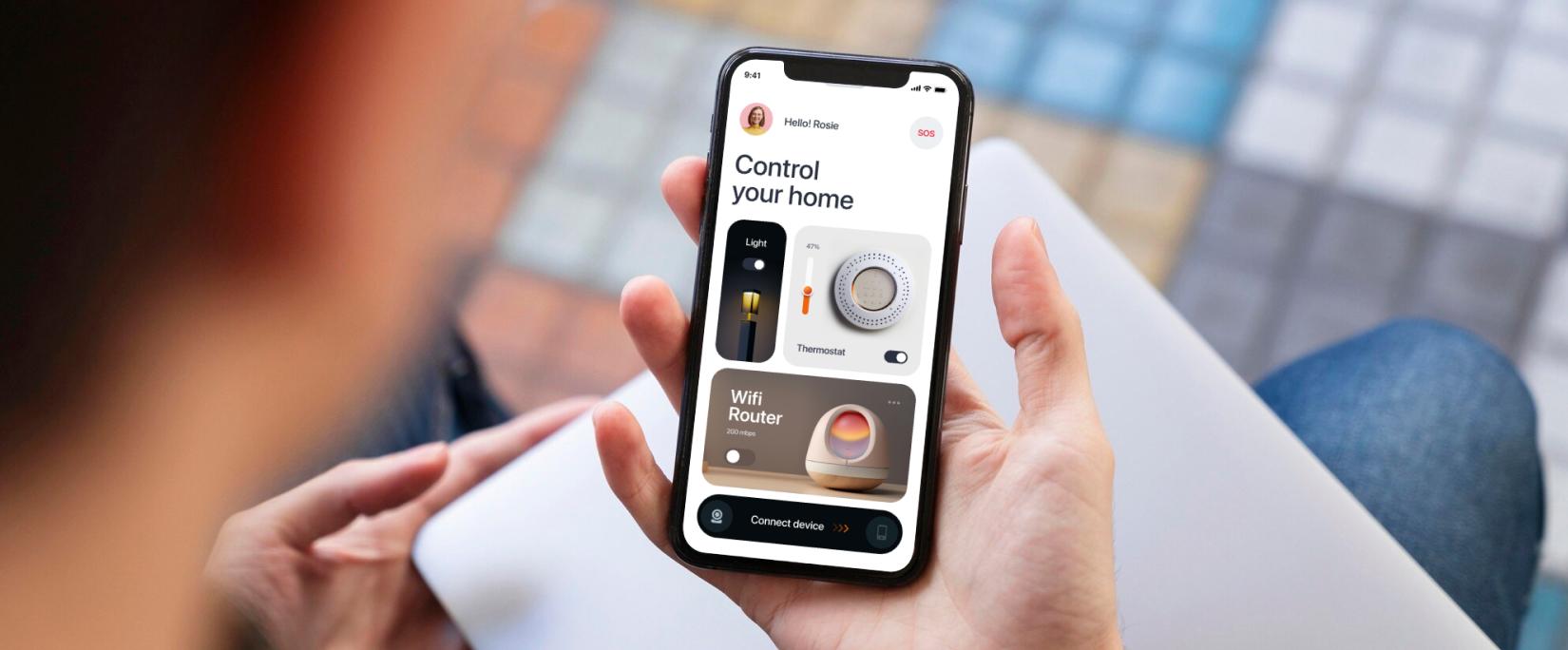
Mobile app UI UX design services cover the entire design lifecycle for both iOS and Android, starting from initial user research to final developer handoff. The process includes careful wireframing (with lofi/mid-fi/hi-fi wireframe designs), live prototyping, and proper visual design. The ultimate point is to build an intuitive mobile application that customers find helpful and use regularly.
What Our Mobile App UI UX Design Services Include
Our 10+ years of app design experience proves that easy navigation always beats complex visual design; and users always reward apps with clear and structured interface. If the interface is confusing, they will leave or delete the app within a week. We build interfaces to bring users back for their second, third, and fourth visits. Our aim is to help your app earn a place in the user’s daily routine.
Our mobile UI/UX design services begin with research rather than assumptions. We review how your target users actually behave, what apps they use daily, where they hesitate, what they abandon before we open Figma. Steps like wireframing, prototyping, and user testing are built directly into our standard process which turns a simple app concept into a highly functional business tool.
Every deliverable we hand off — annotated screens, component libraries, interaction specifications, and platform-specific documentation — is built so your development team can implement it accurately without needing to guess what was intended. The design process ends when your developers have everything they need to build exactly what was designed.
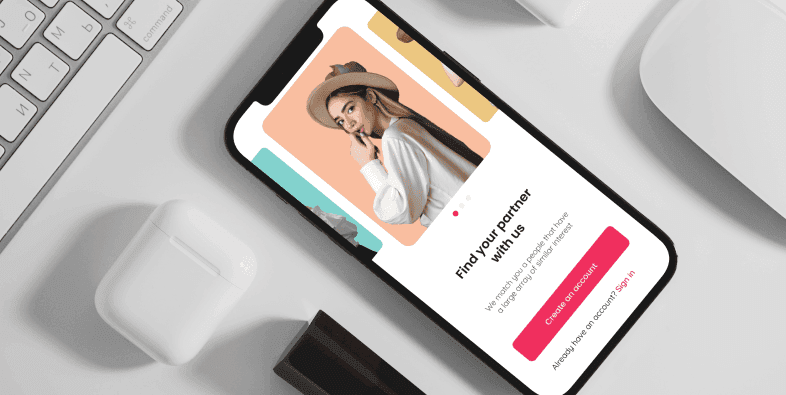
We design mobile interfaces where every screen earns its place. Colour choices, typography, spacing, and interaction patterns are all tied to your users’ existing habits — not picked from a template. Our UI UX design and development services begin with reviewing your competitors’ apps and noting what your target audience already uses daily. That research drives every visual decision from the first frame to the last.
Mobile App UI Design
Sleek, user-friendly interfaces that boost engagement.
We design mobile interfaces where every screen earns its place. Colour choices, typography, spacing, and interaction patterns are all tied to your users’ existing habits — not picked from a template. Our UI UX design and development services begin with reviewing your competitors’ apps and noting what your target audience already uses daily. That research drives every visual decision from the first frame to the last.
MVP app UX/UI
Fast, lean designs to validate your app idea quickly.
We design mobile interfaces where every screen earns its place. Colour choices, typography, spacing, and interaction patterns are all tied to your users’ existing habits — not picked from a template. Our UI UX design and development services begin with reviewing your competitors’ apps and noting what your target audience already uses daily. That research drives every visual decision from the first frame to the last.
App UX Audit
In-depth analysis to uncover usability gaps and fix them.
We design mobile interfaces where every screen earns its place. Colour choices, typography, spacing, and interaction patterns are all tied to your users’ existing habits — not picked from a template. Our UI UX design and development services begin with reviewing your competitors’ apps and noting what your target audience already uses daily. That research drives every visual decision from the first frame to the last.
App prototyping
Interactive prototypes to visualise and refine app flows.
We design mobile interfaces where every screen earns its place. Colour choices, typography, spacing, and interaction patterns are all tied to your users’ existing habits — not picked from a template. Our UI UX design and development services begin with reviewing your competitors’ apps and noting what your target audience already uses daily. That research drives every visual decision from the first frame to the last.
App Usability testing
Real-user testing to ensure smooth app experiences.
We design mobile interfaces where every screen earns its place. Colour choices, typography, spacing, and interaction patterns are all tied to your users’ existing habits — not picked from a template. Our UI UX design and development services begin with reviewing your competitors’ apps and noting what your target audience already uses daily. That research drives every visual decision from the first frame to the last.
UX Enterprise Mobility
Scalable, secure designs for enterprise-grade mobile apps.
We design mobile interfaces where every screen earns its place. Colour choices, typography, spacing, and interaction patterns are all tied to your users’ existing habits — not picked from a template. Our UI UX design and development services begin with reviewing your competitors’ apps and noting what your target audience already uses daily. That research drives every visual decision from the first frame to the last.
Diverse Mobile App Design Solutions for Every Need
Our team has worked across enough sectors to know that a fitness app and a fintech app share almost no design DNA — different user goals, different trust thresholds, different interaction patterns. We follow mobile app design best practices and stay current with the latest app design trends to ensure every project reflects both proven UX principles and current user expectations. Below is where we’ve done our most focused work, and what we’ve learned doing it.
01.E-commerce Mobile App
02.Social Networking App
03.Health and Fitness App
04.Food Delivery App
05.Finance Management App
06.Education & Learning App
07.Travel & Tourism App
08.Gaming App
09.Music Streaming App

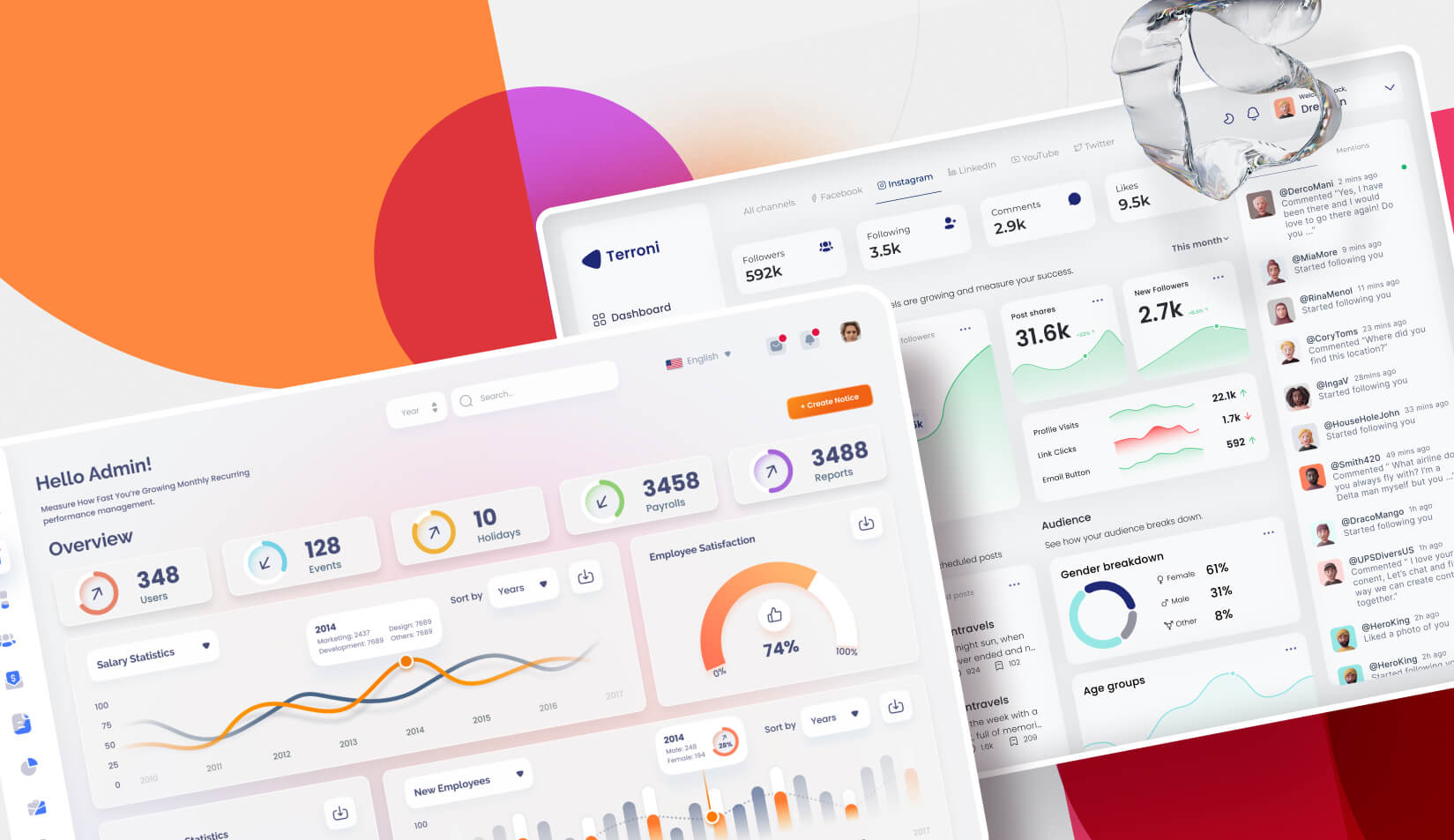
Featured Mobile App Designs



Our Mobile AppUI/UX Design Process
Good mobile design follows a specific order for a reason. Skipping steps doesn’t make a project faster — it creates problems that surface during development or after launch, where they cost significantly more to fix. For a comprehensive reference, read our mobile app design comprehensive guide which covers the full methodology in detail. Here’s how our process works in practice, and roughly how long each stage takes.
 UX Research
 Wireframing
 Finalizing the Visual Style
 Rapid, High-Fidelity Prototyping
 Usability Testing
 Finalizing the UI Design
Why Us for Mobile App Design Services?
We specialize in UI UX design and development services and provide user friendly design solutions. We follow data-driven UX research, UX design audits, and usability testing to establish a clear design roadmap and produce user friendly products.
At Design Studio UI/UX, we have launched over 50 successful iOS and Android apps since 2015. The designer you meet in the first call is the one who designs your app — we don’t hand work off to a subcontractor once the contract is signed. Our Clutch rating is 4.9 stars, across 60+ independently verified client reviews.
We keep project plans, timelines, and pricing clear from the beginning. If changes are needed, we discuss them in the first week. Our team helps you make practical product decisions, which is why many clients return.
We provide brand identity design services that align the visual identity of your brand with overall brand strategy. Whether you need a mobile or web solution, our web app design services provide intuitive user experiences tailored to your business needs. Also, for businesses based in the US, our dedicated New York UI UX design team delivers tailored solutions that align with your growth goals.
UI/UX DesignCase Studies


EroEV


Soul Food

QONA


WSC Spades


Tailgait

Snap-E Cabs

Jubal


Token

SmartMoving

Bookish

GramRaj

Vision Fund

Mudra Bank
 Figma
Figma Sketch
 Zeplin
 Photoshop
Mobile App UI Design Insights


Frequently Asked Questions
How much does mobile app UI UX design cost in 2026?

Designing a mobile app typically costs between $5,000 and $100,000+. Simple apps range from $5,000 to $15,000, while complex apps can exceed $50,000. Costs vary based on complexity, platform, and design features. Refer mobile app design cost blog for detailed explanation.
How long does mobile app design take?
A straightforward app with one user type and a defined set of core flows usually takes four to six weeks. A product with multiple user roles, custom interaction patterns, and a full usability testing cycle runs eight to fourteen weeks.
Do you design for both iOS and Android?
Yes. We follow Apple’s Human Interface Guidelines for iOS and Google’s Material Design 3 for Android. When you need both platforms, we build a shared design system with clearly documented platform variations — so your iOS and Android development teams work from the same Figma file without having to guess which component applies where.
What is the difference between UI and UX in mobile app design?
UI focuses on how the mobile application looks, while UX mainly structures how an app works. UI designs the visual looks with colours, typography, icons, etc. on each screen of the mobile application, whereas UX covers the whole user journey.
What tools do you use for mobile app design?
We work in Figma for design, prototyping, and component libraries. Maze handles remote usability testing. Zeplin covers developer handoff with specifications and asset export. FigJam is where early-stage flow mapping and workshop sessions happen. If your team uses Sketch or Adobe XD, we can adapt accordingly to maintain your existing file structures..


Ask our team, Feel free to text and get all the answers you need.
Got a Project in Mind?
Let's Talk!
 hello@designstudiouiux.com