13 Mobile App UI/UX Design Trends to Watch in 2026



Mobile app design in 2026 focuses on creating fast, calm, and contextual experiences. It blends simple, flat design layouts with immersive AR and voice and uses the latest AI tools to craft personalized, user-friendly product experience.
Research indicates global smartphone users are projected to reach over 7.3 billion by 2026.
Also, most of the world’s web traffic (63%) comes from mobile devices, with the average person spending nearly 5 hours a day on phones. And 92% of that time is spent inside apps.
Here are 13 trends you should consider and how to apply each to real products.
What are the top 13 Emerging Mobile App Design Trends for 2026
Top mobile app design trends for 2026 include AI chatbots, flat and minimalist design, neumorphism, glassmorphism, VUI, UGC, AR, biometric login, asymmetric layout, bottom navigation, AI personalization, and dark mode.
Integrating these trends and following the best mobile app design best practices creates engaging, intuitive apps that attract users and strengthen market competitiveness.
Also, take a look at this table and compare all mobile app UI/UX design trends of 2026 across their adoption level, benefit and other parameters.
| Trend | Adoption in 2026 | Complexity Level | UX Impact | Best Use Case Scenerios | Risk or Limitation |
| AI Chatbots | Very High | Medium to High | Quick help without leaving the app | E-commerce, fintech, healthcare apps | Can feel robotic without proper training data |
| Passwordless Login | High | Medium | Smooth and secure user entry experience | Banking, SaaS, social apps | Needs secure device or email verification feature for secure login |
| Flat Design | High | Low | Faster loading and better readability | Utility, productivity apps | Interface can look too plain without strong content hierarchy |
| Minimalism | High | Low | Less confusion and faster decision making for users | News, wellness, content apps | Sometimes designers can miss important actions to maintain minimalism |
| Neumorphism | Medium | Medium | Subtle interaction feedback for users | Finance, music, lifestyle apps | There may be accessibility issues with low contrast elements |
| Asymmetric Layouts | Medium | Medium | Keeps users engaged while browsing screens | Fashion, editorial apps | Can confuse users if overused |
| Voice UI | High | High | Improves accessibility and multitasking use | Navigation, healthcare apps | Accuracy depends on voice recognition quality |
| User Generated Content | High | Medium | Increases engagement and authenticity | Social, travel, marketplaces | Needs moderation and quality control |
| Bottom Navigation | Very High | Low | Easier navigation on small screens | All mobile apps | Limited space for many options |
| Augmented Reality | Medium | Very High | Improves users’ purchasing confidence | Retail, real estate apps | High development cost and device dependency |
| Dark Mode | Very High | Low to Medium | Better usability in night environments | All app categories | Need to consider careful colour contrast features |
| Glassmorphism | High | Medium | Gives premium feel to interface design due to extra depth in elements | Dashboards, fintech apps | Users can face performance issues on low-end devices |
| AI Personalisation | Very High | High | Improves user retention and engagement | E-commerce, SaaS, health apps | Needs quality data and privacy handling. |
1. AI Chatbots
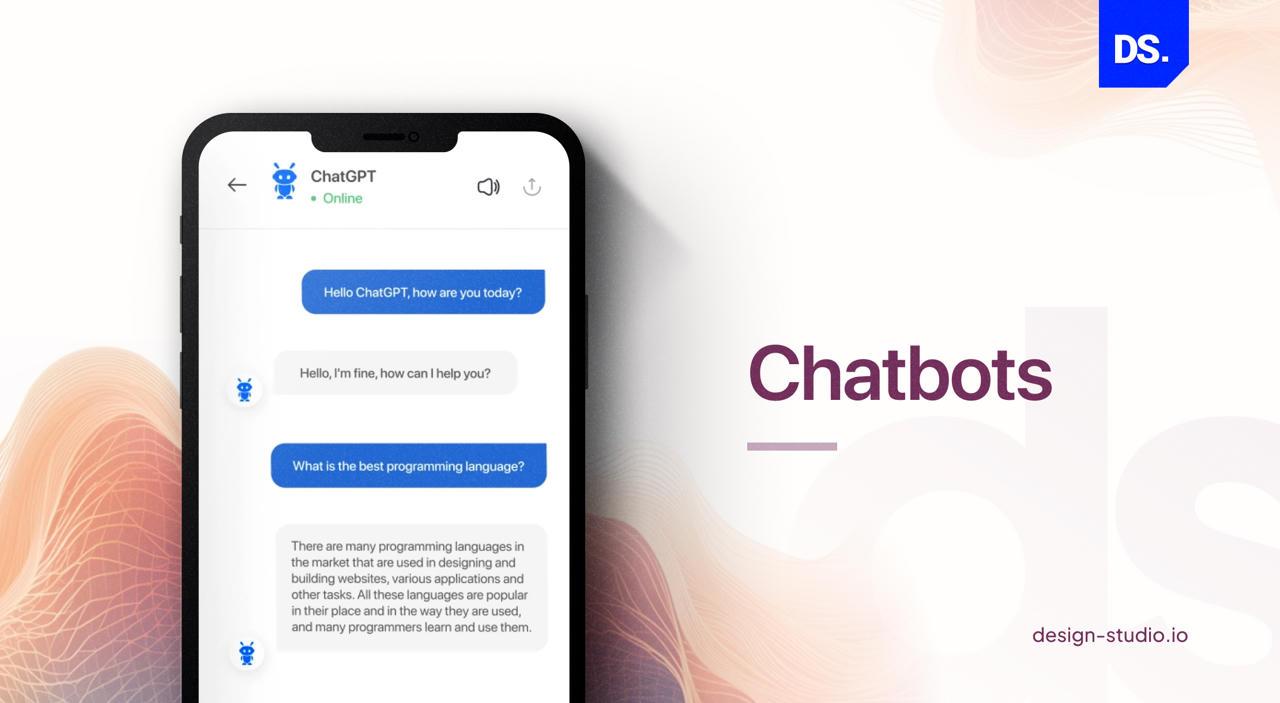
AI chatbots use backend processes like natural language processing and machine learning to understand and act on user needs.
They work in real time and deliver personalised results, this builds trust and improve customer engagement
Handling multiple conversations at the same time is no more dilemmatic. Chatbot helps save time and resources for other pivotal operations that require innovation.
In 2026, chatbots handle different services like customer support, onboarding, sales, in-app guidance, etc.
According to Tidio, more than 62 % users now prefer AI chatbots over waiting for a person to complete their simple tasks. This includes using AI solutions such as Meta AI or ChatGPT SDKs directly in the site interface.
Also, data indicates the global chatbot industry will be USD 41,244.2 million by 2033, with a CAGR of 19.6% from 2026 to 2033.
A few benefits of AI Chatbots in mobile app design are –
- Chatbots have improved how businesses personalize their services, and they provide faster and more responsive user experience.
- Chatbots manage different operations of the company related to customer support, sales, marketing and so on.
2. Passwordless Login
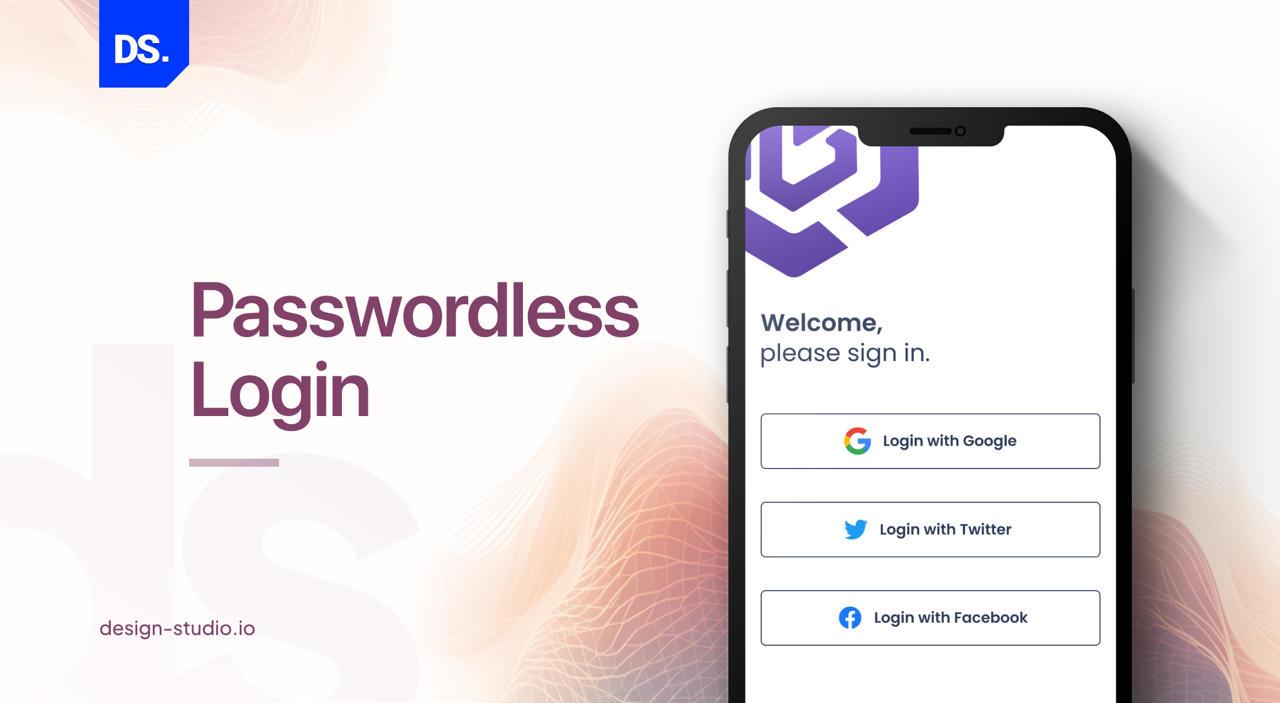
Passwordless login uses biometrics like Face ID/fingerprint or phone OTPs. It reduces cyber attacks and security risks caused by weak, stolen passwords.
According to a study, 81% of data breaches happen due to passwords and this can result in user drop off.
By 2026, passkeys are more likely to be implemented across digital products – supported by Apple, Google, and Microsoft.
Recent data from FIDO Alliance shows that more than 15 billion passkey-enabled accounts are already active on a global scale.
Also, research suggests if you remove password fields from the login page, it will lower sign up abandonment by 40%- 60%.
You can now offer your end-users an impactful, free-flowing and seamless user experience through passwordless login.
The data involved in passwordless logins are unique for every customer and are complicated enough to be replicated. This provides a convenient authentication system which will further improve in the coming years.
3. Flat Design
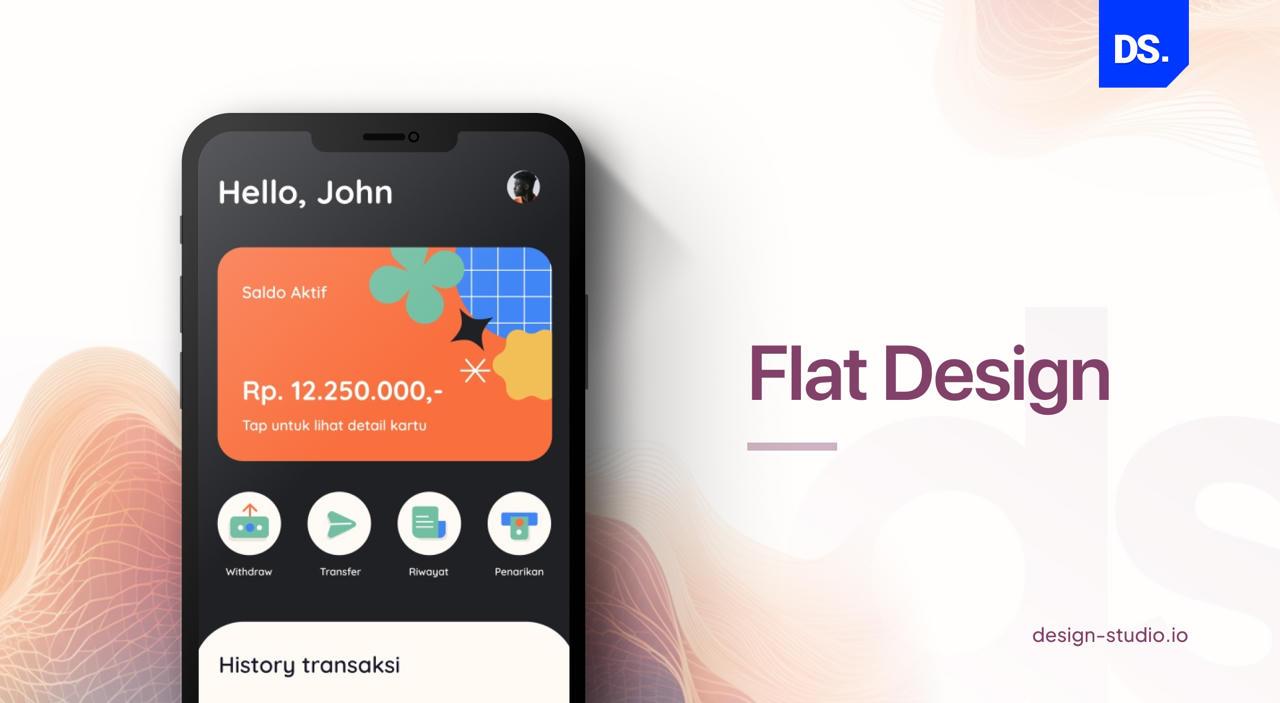
Flat design is devoid of any gradients, textures or shadows. It uses 2D elements such as vibrant colours, bold typography fonts and clean lines to create a dynamic interface.
A few benefits of the flat design are:
- It is the most efficient and fastest-loading style, perfect for low-bandwidth.
- Flat design reduces user cognitive load and is expected to be the default choice for 2026 app design.
- With the use of minimal textures and simple shapes, flat design ensures that responsive designs load smoothly and fast.
Flat design is particularly beneficial for mobile devices with low-speed internet. It empowers users with a streamlined and enhanced user experience that can easily run on various devices and platforms.
4. Minimalism
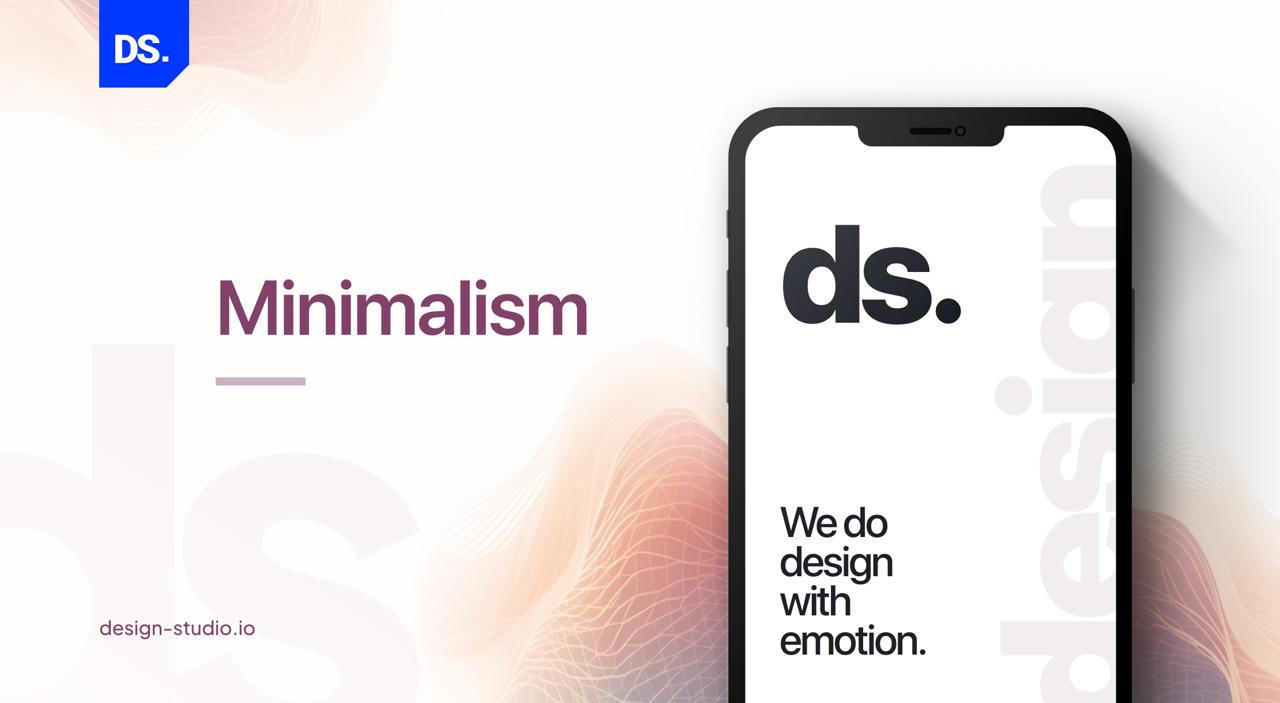
Minimalist designs use proper spacing, limited colour palettes, sparse iconography, and crisp typography, which reduces mental effort.
It manages clutter of the website and helps users focus on important elements.
Take a look at the considerations of the Minimalist Mobile App Design:
- The main challenge is picking the right elements to maintain both minimalism and functionality.
- Also, designers must use correct size, weight, and spacing to create a clear site hierarchy.
Apps such as Calm, Headspace and Notion show the usefulness of this design update.
With minimalism, designs can easily adapt to various resolutions and screen sizes. This makes the design perfect for responsive design.
This design aspect has been gaining traction over the years and is expected to be even more popular in 2026 as people are more attracted to simple designs. Like flat design, it emphasises on clarity, simplicity, and functionality.
Even though this approach has its perks, the lack of visual stimuli can be a challenging aspect as it sometimes becomes difficult to differentiate between various interface elements, providing a user experience that is less intuitive.
5. Neumorphism
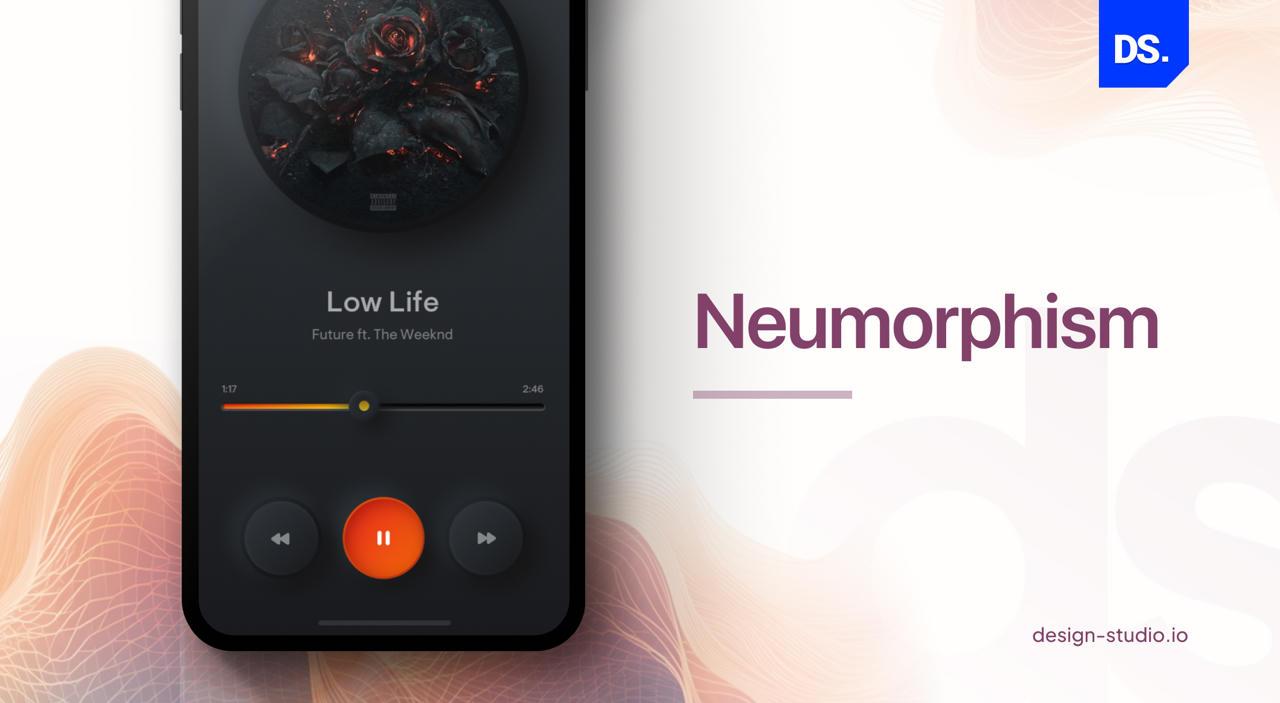
Neumorphism is the new-age UI design trend that creates a soft, 3D effect using dual-directional box shadows on a matching background. It is the new-age design trend that is an amalgamation of flat design and skeuomorphism.
It requires careful consideration of contrast, typography and colours and ensures the interface is accessible and readable.
For best results, designers can use this concept on interactive elements like buttons, sliders, and toggles.
Benefits of Neumorphism:
- It can be incorporated into various app design elements like icons and buttons. This allows designers to curate a cohesive and consistent user interface that is functional as well as visually appealing.
- It basically creates a distinct and modern aesthetic visual, attracting more customers towards the product.
6. Asymmetrical Elements
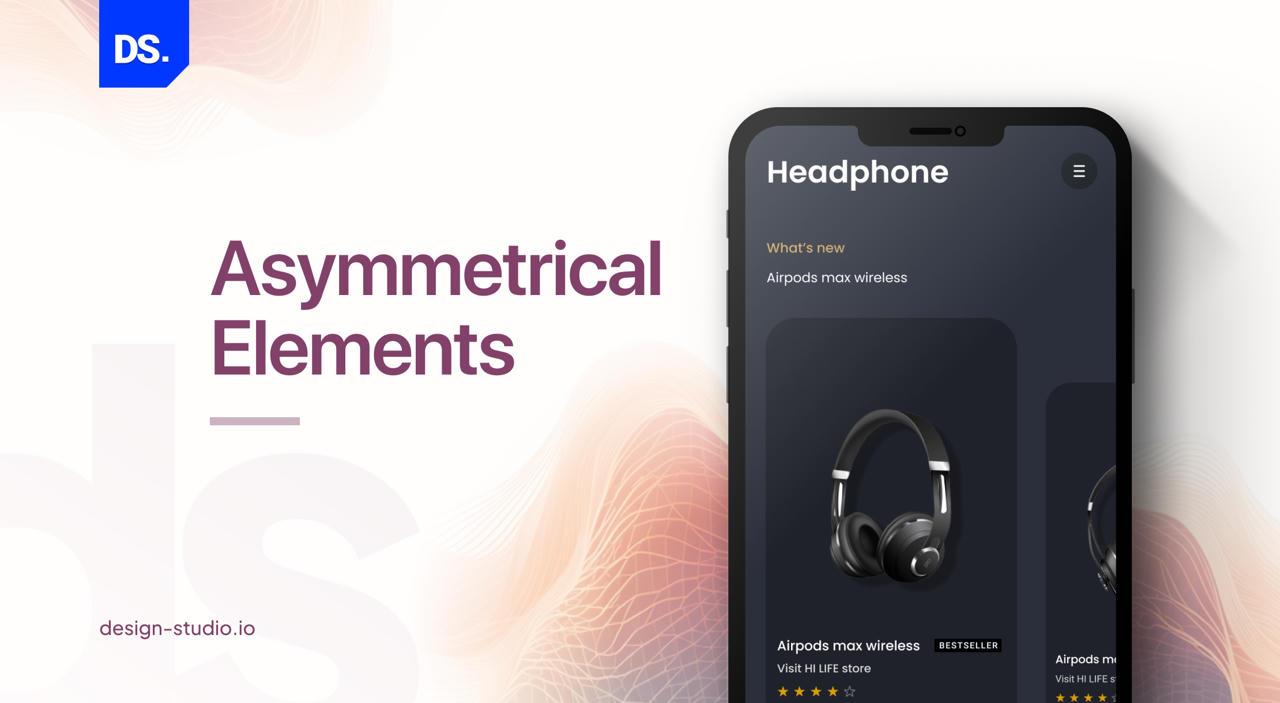
Asymmetry UI design uses uneven sizes, weights, bold colors, proper spacing, etc. to break grid uniformity.
It creates a sense of movement that keeps users interested and guides their actions.
Some important principles of Asymmetrical Design concept:
- Maintain balance through contrast ratios and consistent proportions between elements.
- Create white spaces to provide visual breathing room.
- Use movement as a design principle, i.e. design according to the visual perception tendencies of viewers.
- Also, designers must analyze asymmetrical design by checking line weight changes, irregular sizing, contrasting colours, and different shapes.
This is among the most popular mobile app UI trends, which involves visual elements intentionally arranged unevenly.
To properly achieve an asymmetrical design, one needs to apply certain principles. The principles include balancing the elements of the design and having good contrast between various elements.
7. Voice User Interfaces (VUIs)
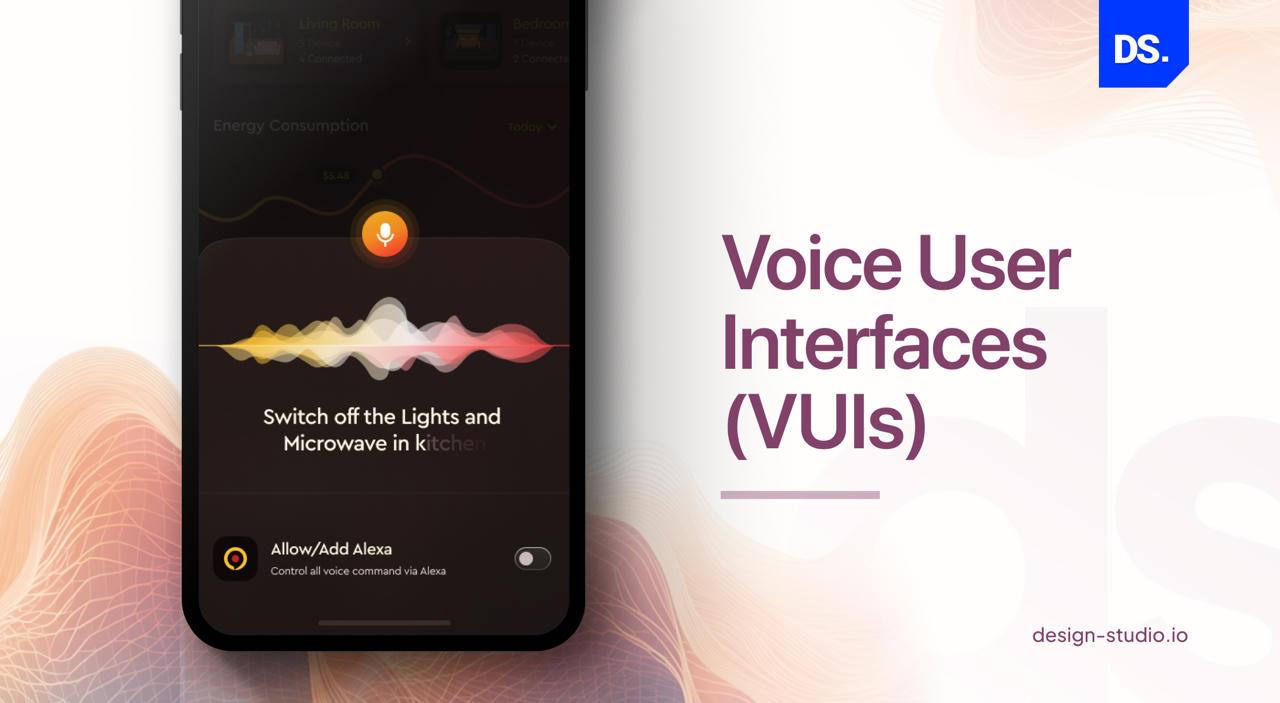
Voice User Interfaces helps users navigate applications and complete their tasks using voice interactions such as Google Assistant, Siri, and Alexa.
It does not need keyboard inputs to simplify the interaction process.
The concept is beneficial for people with disabilities, especially those with visual/motor impairments.
Unlike normal visual design, designers must create conversation flows, handle mistakes, and manage latency for better design outputs.
Research suggests more than 8.4 billion voice assistants will be active by 2026.
Also, around 27% of mobile searches now uses voice based interfaces, and this is popular across different device categories.
Some major advantages of Voice UI are:
- VUIs provide an intuitive and natural way for users to interact with different mobile applications without typing or browsing through buttons and menus.
- It is especially beneficial for people with visual impairments and motor disabilities. Also, busy professionals who are always on the go can use this concept to provide input in their devices.
- Furthermore, a voice-controlled personal assistant gives users a way more personalised experience, making the services highly convenient.
8. User-Generated Content (UGC)
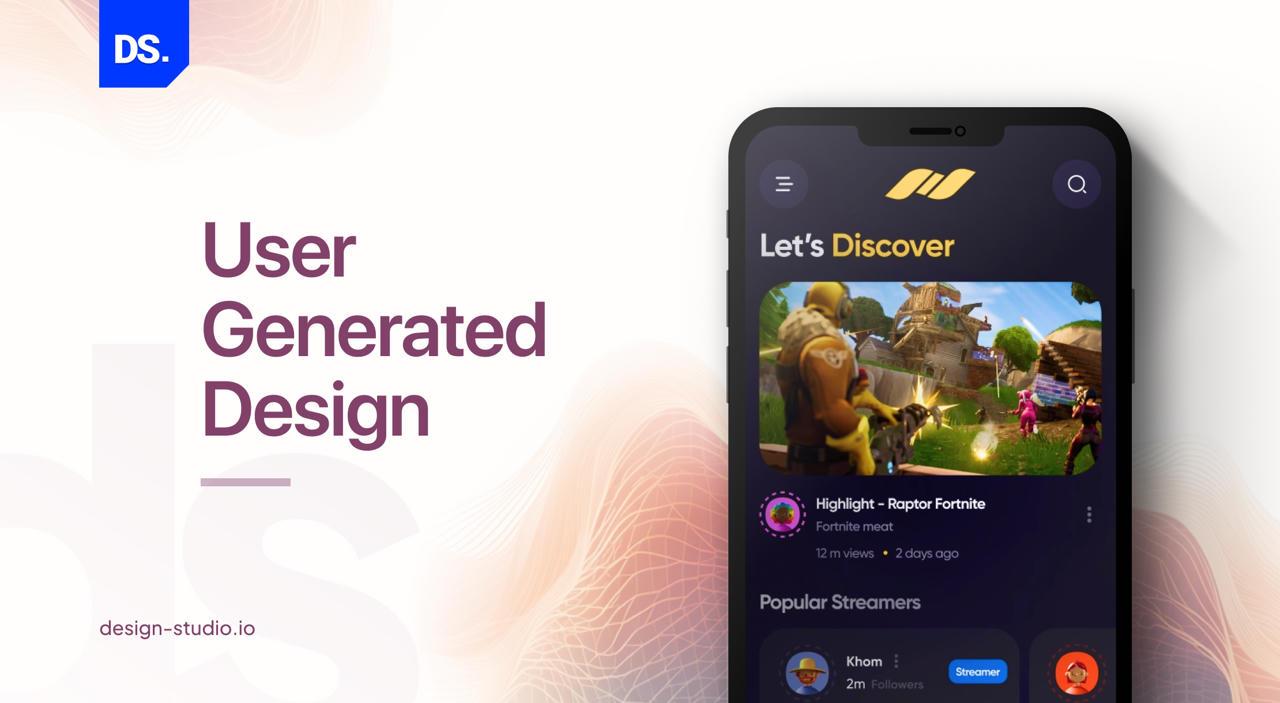
UGC refers to content created and shared by users within the platform. It includes reviews, photos, ratings and other social proofs that algorithms just can’t copy and provide a personalized user experience.
Nielsen report indicates around 92% users trust peer-generated content over brand-produced content.
So, designers must prioritize submission flows, moderation tools, and trust signals like verified badges.
Also, apps that show real customer photos, posts, and reviews see a 29% boost in sales compared to those that don’t.
With this feature, designers can understand their users better and gain insights into the content most popular among users.
They can use this information to enhance the features of apps and tailor a platform as per customer needs.
9. Bottom Navigation
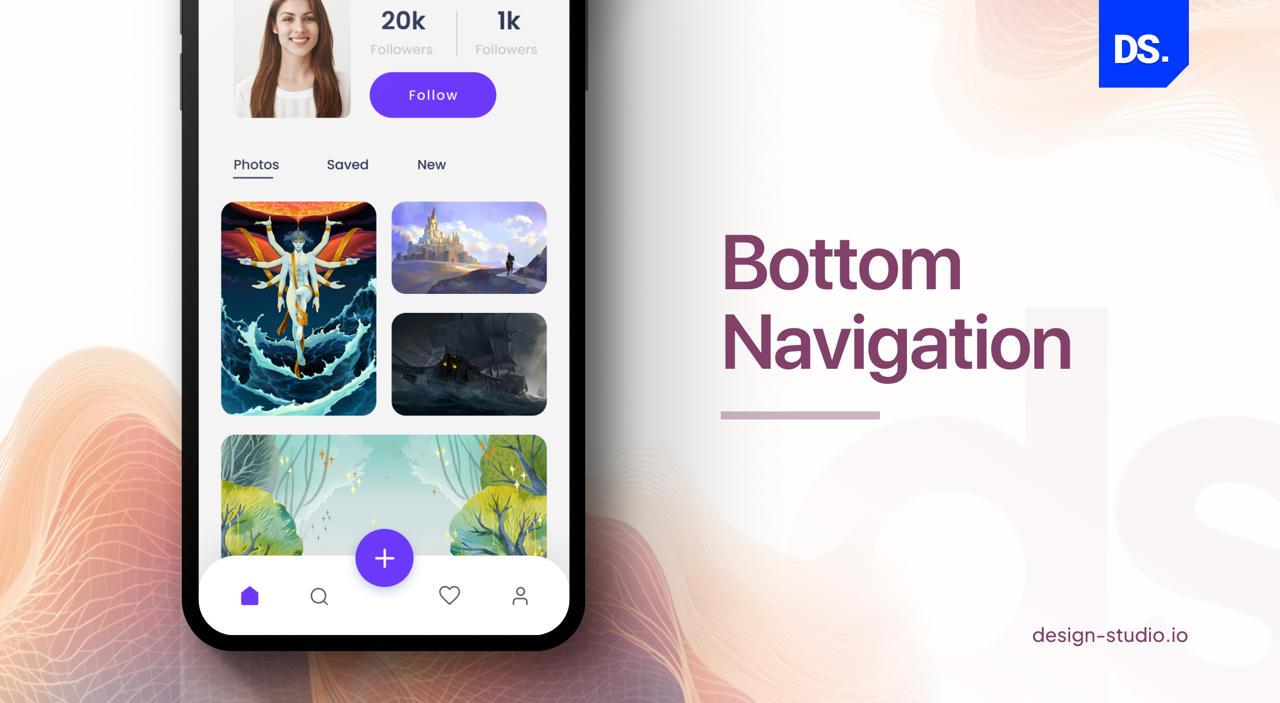
Bottom navigation is placed at the bottom of the screen where features or destinations are labelled using either text or icons. Since 72% of customers use phones with one thumb, putting 3 to 5 main links is recommended by both Apple and Google.
This attribute enables enhanced engagement by providing easy access to features that are usually used the most.
When features are present at the screen’s bottom, it becomes easier to access by thumb single-handedly.
10. Augmented Reality
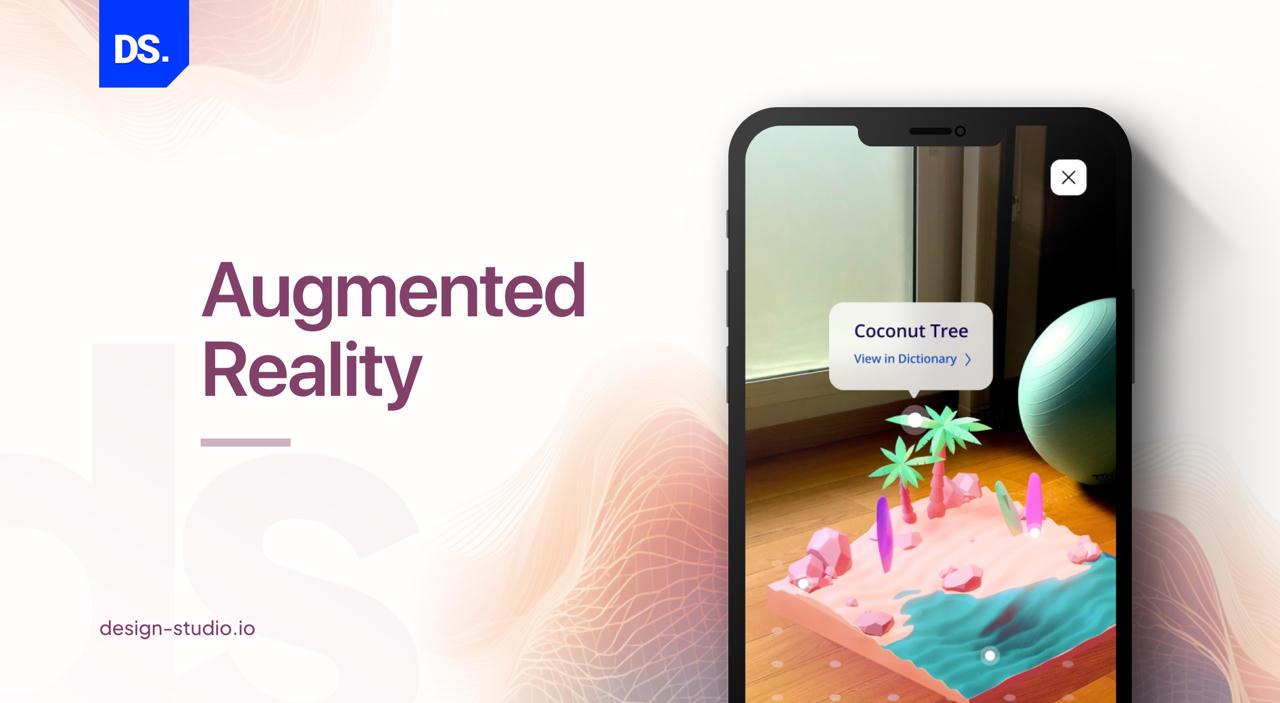
Augmented reality is the new-age tool that seamlessly bridges the gap between the physical and the digital world through the device camera.
The development frameworks include ARKit or ARCore and allows users to interact with virtual objects in real space.
Data suggests there are over 1 billion ARkit available in the global market.
In retail and e-commerce, brands use this tool to improve user interaction through AR try-on features like furniture placement, eyewear try-on, makeup simulation, etc.
According to a study, Shopify reported a 94% higher conversion rate for AR products compared to non-AR products.
It is an advantageous tool that takes user interaction to the next level. It helps users visualise how the products will fit before making the final decision. This reduces returns and exchanges and increases sales of the products.
According to research, AR lowers return rates by around 40% in fashion and furniture brands.
11. Dark Mode
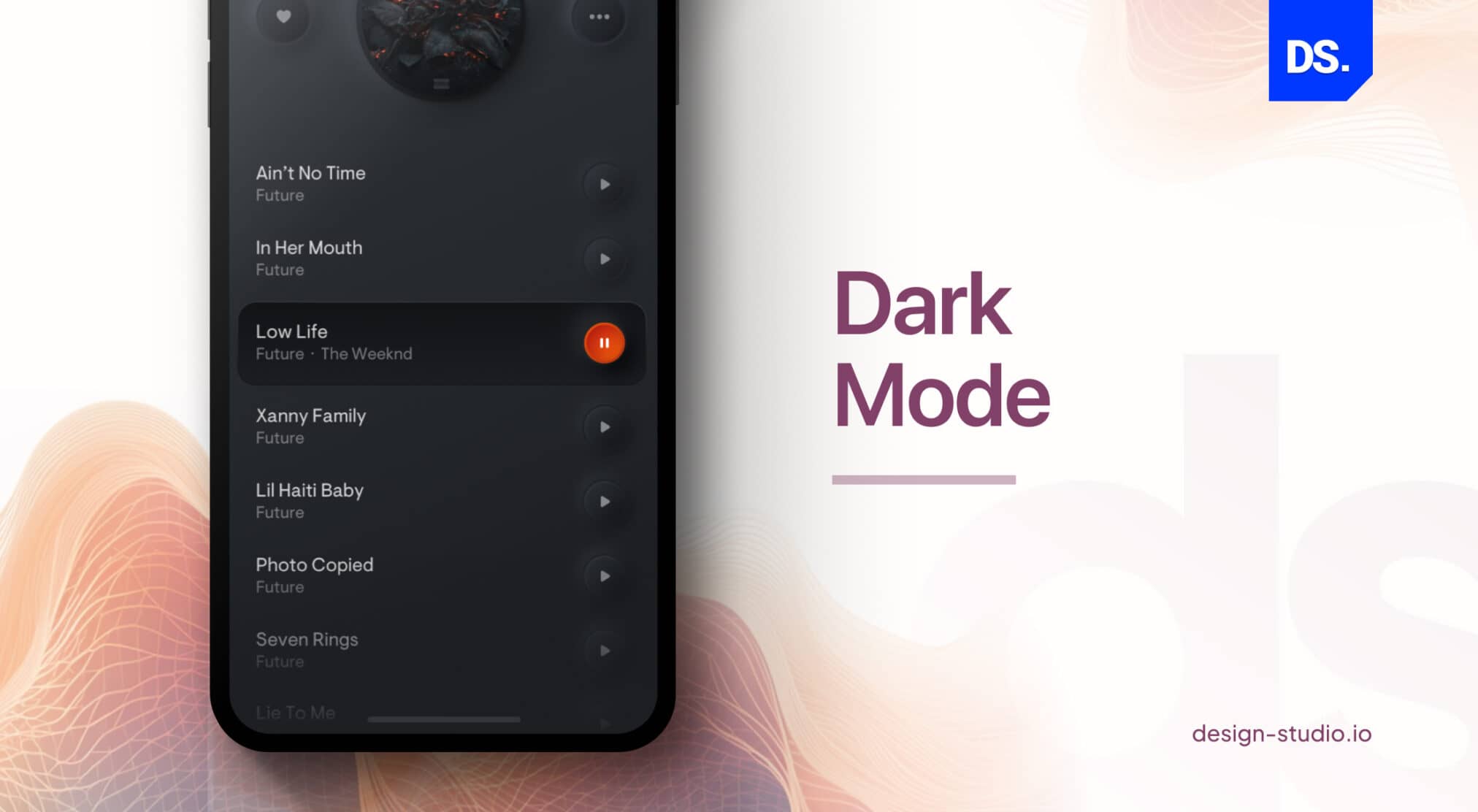
Dark mode is a massive battery saver that uses dark or near black backgrounds. It cuts power use by around 63% on OLED screens.
Study indicates more than 80% of users prefer dark modes when available and do not want to strain their vision.
However, designers must check whether text stays readable and hits that 4.5:1 contrast in both light and dark states.
Also, they should redefine contrast ratios independently from scratch to make sure it actually looks good and works for the user.
It is a user interface (UI) design where the screen has a dark or black background showcasing text in light colours.
The black mode is particularly useful for reducing strain on the eyes and for improving battery performance.
The dark mode requires limited energy to display pages, extending battery life on devices having AMOLED or OLED screens. You can remain focused while using the dark mode as it reduces distractions and improves concentration.
So reading and editing on mobile devices becomes less strenuous and more interesting. Also, Dark mode best practices are crucial for optimizing the user experience in low-light environments.
12. Glassmorphism
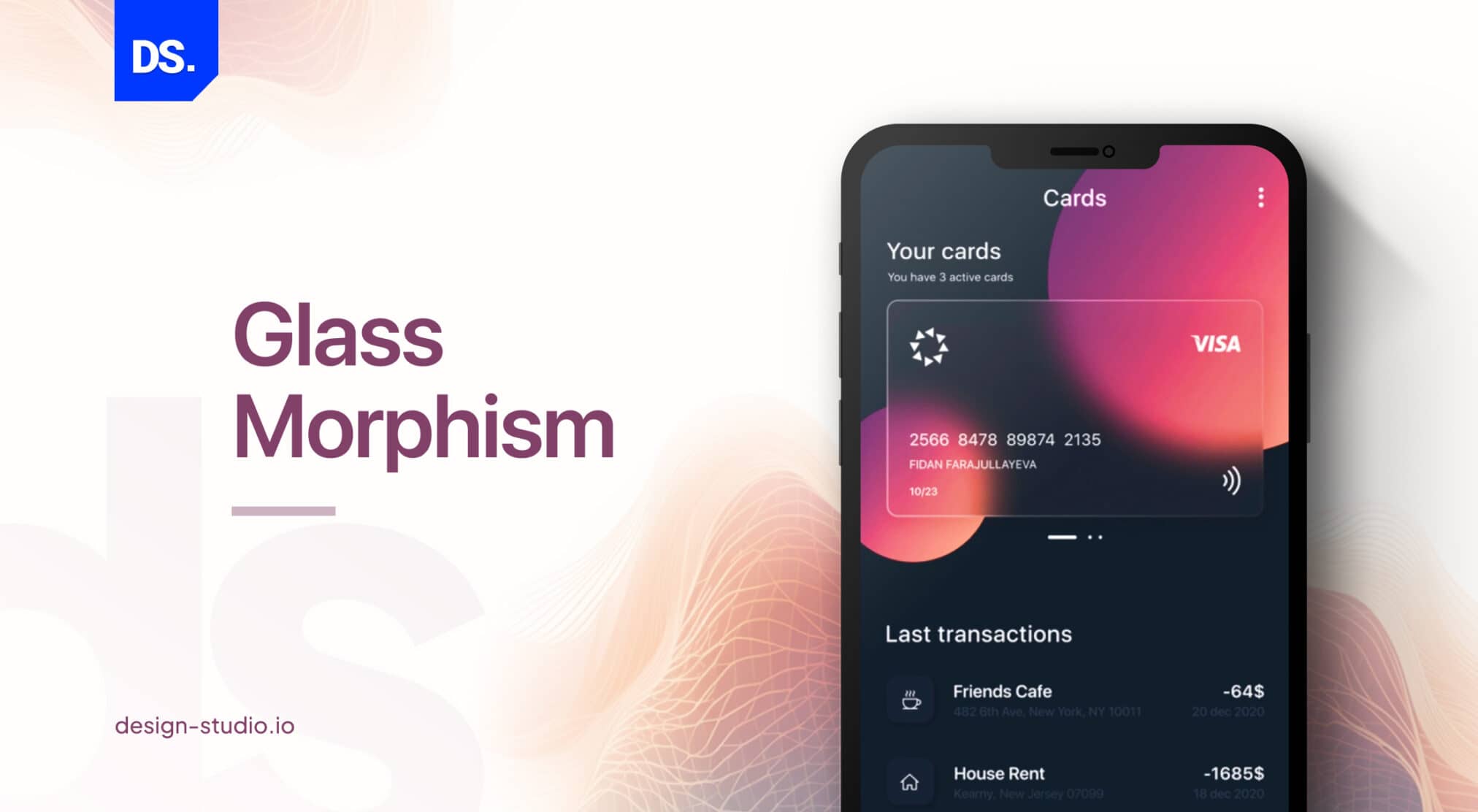
Glassmorphism is a design style that creates frosted glass effects with its semi-transparent, blurred or transparent backgrounds. It basically uses thin borders and soft shadows over bright colors to give your app a sense of depth in its interface.
It creates a three-dimensional effect and gives the screen a layered feel and look.
However, designers must ensure the content contains contrasting colours and visible over the blur background.
Also, they should make sure the site is not overcrowded with unnecessary elements and the blur effect does not impact overall performance.
According to a study done on glassmorphism, Liquid Glass style created from blurry, see-through panels works on approx. 97% of all web browsers.
Also, Apple, Microsoft and major fintech and dashboard apps made this concept familiar in the recent years to accentuate their visuals.
Glassmorphism is a highly flexible and diverse mode. It can be perfectly integrated into various contexts and applications.
Plus, combining this trend with others like flat design and minimalism creates a distinct, visually alluring design.
13. AI Personalization in Mobile Apps
Modern AI apps use machine learning to study user preferences and instantly adjust the app experience. They change the layout. navigation, buttons, visuals and content automatically based on user behaviour and context.
It basically monitors users’ scrolling patterns- how they move, and when they take action, then updates the experience accordingly.
Apps like Netflix, Spotify, Amazon, and TikTok have set this concept as the new standard in 2026.
Also, mid-sized apps now use tools such as Apple Core ML, Google ML Kit, AWS Personalize, and Braze to build similar use experiences.
In 2026, AI personalisation is not a premium feature. It is now expected across most mobile apps as it brings better engagement and retention.
Levels of AI Personalisation in Mobile Apps
However, personalisation works at different levels:
- Content personalisation : It shows relevant products, content, or features which users are most likely to engage with.
- UI personalisation : Reorders navigation based on user behaviour
- Timing personalisation: Sends notifications at the right moment when users are active on the app
- Copy personalisation: Adjusts messages and CTAs for each user based on their scrolling behaviour.
But from a design point of view, make sure the above AI features are consistent and easily manageable for users to take actions.
Also, privacy and compliance laws are critical, apps must follow GDPR, CCPA, and app store data policies.
So, implementing this approach works best when you:
- Start small with recommendations
- Expand to onboarding
- Then move to full adaptive UI
Also, make sure to test each step to avoid costly reworks and risks.
According to research, AI personalisation results are strong. It increases engagement by about 40% and conversions by up to 15%.
Data shows Netflix saves around $1 billion every year in customer retention and Amazon earns 35% revenue from personalized product recommendations.
How to Prioritize These Mobile App Design Trends
You can choose trends based on what helps your users most, what is easy to build, and what you can actually measure.
Find out implementation cost, project timeline and then start with easy steps like passwordless login, bottom navigation, dark mode, etc.
Execute complex trends such as AR and VUI later as they require careful test run.
Last, but not least, always validate results with real user data and make sure the entire process is worth the effort.
For best outcomes, conduct tests with 5 people and implement changes if necessary.
Here’s a detailed process how you can do the same:
- Start small, where impact feels immediate.
Think of passwordless logins or bottom navigation bars. Both are simple to implement yet instantly make your app feel smoother and easier to use. These are quick wins that improve usability without needing a redesign. - Test with people, not assumptions.
Before rolling out any big change, sit down with a few real users, five is usually enough. Watch them try tasks, see where they pause or smile. Those small reactions tell you more than any analytics chart ever will. - Let your data whisper, not shout.
Check how people actually use your new features. Track small moments, how many complete a login, how fast they navigate, where they hesitate. These micro-metrics quietly reveal what’s working and what needs another round of design thinking. - Balance emotion and performance.
Beautiful motion effects can bring a design to life, but if your app feels sluggish or drains battery, beauty loses its meaning. Test your animations in real-world scenarios and trim what slows the experience down.
At the end of the day, trends are just signals. They show you where design is heading, not what you must do.
Focus on what helps your users get things done with less effort and more joy. The rest will naturally fall into place.
You can also take help of the mobile app design examples and apply them as per client’s requirements.
Key Takeaways of Mobile App Design Trends
Mobile app design never stands still. In 2026, it’s all about smarter, faster, more user-centric experiences.
Here are 13 mobile app design trends shaping apps in 2026:
- Chatbots: real-time, personalized conversations
- Passwordless logins: biometrics & phone-based security
- Flat design & minimalism: clarity, speed, content-first
- Neumorphism & glassmorphism: modern depth & style
- Asymmetry: dynamic layouts that grab attention
- Voice UIs: intuitive, hands-free navigation
- User-generated content: community-driven engagement
- Bottom navigation: thumb-friendly access
- Augmented reality: immersive digital-physical experiences
- Dark mode: less strain, longer battery, sleek look
Conclusion
Mobile app trends in 2026 are more focused on making user experience better. The trends are intuitive, aesthetically attractive, and highly engaging.
With the dominance of voice user interfaces and chatbots, with the use of flat design, minimalism and other design types, the process of designing a mobile app is expected to see a magnificent change that will create better navigation facilities and attractive modes.
Plus, the dominance of user-generated content and bottom navigation, and emerging trends like neumorphism and glassmorphism, will add new dimensions to the design of mobile apps.
While there’s a core cost to design a mobile app, often aligned with broader UX design price ranges in the industry.
Additional expenses arise when implementing advanced features and modern design enhancements.
Striking the right balance between your design budget and these investments is crucial to delivering a high-quality, engaging app without exceeding your financial limits.
By merging these trends with fundamental mobile app design principles, it’s possible to craft a highly engaging and fully optimized mobile app user experience that delights users and ensures high satisfaction levels.
These advancements are designed to enhance navigation and create a more immersive user experience.
To keep your app competitive and user-centric, consider collaborating with a professional mobile app design company.
Their expertise can ensure your app not only looks exceptional but also provides a seamless user experience, helping it stand out in a crowded market.
To accelerate your business’s mobile UX, we at Design Studio UI/UX, an innovative UI/UX design agency offer exceptional UI/UX design and consulting services, designed to incorporate unique designs and seamlessly amalgamate them with existing much-liked design trends.
So, feel free to collaborate with our UI/UX designers to see your venture reach sky scraping heights in no time.
FAQ’s
What are the latest mobile app design trends?

Top UI/UX trends in mobile apps by 2026 will be bare-bones interface, personalization made by artificial intelligence, micro-interactiveness, dark mode, navigation via gestures, and accessible design.
How do I know if my mobile app design is outdated?
Your mobile app design can be considered out-of-date in case it is not responsive, the layouts are chaotic, it does not consider existing UX patterns, or does not support dark mode and accessibility options.
Why is dark mode still popular?
The Dark mode endures its popularity because of the lesser eye strain level, improved battery performance when using OLED displays, and the stylish modern appearance, which increases content on low-light background.
What are the top mobile app design trends in 2026?
Top mobile app design trends for 2026 include AI chatbots, personalization features, passwordless login, flat design, and minimalism. They include voice UI, AR, dark mode, glassmorphism, and asymmetric layout.
What is AI-driven personalisation in mobile app design?
AI personalisation features uses machine learning to adjust content and layout of the app, and actions for each user. It monitors user behaviour and updates the experience automatically. Apps like Netflix and Amazon use this concept for personalized user experience.
Why is dark mode important in mobile app design?
Dark mode helps users get a comfortable view of the app screens at night and improves battery life up to 63% at full brightness. Research suggests that over 80% users prefer dark mode screens when available. Also, apps that do not use dark mode may lose users or get negative feedback due to poor viewing comfort.
What is the difference between neumorphism and glassmorphism?
Neumorphism creates soft depth using light and shadow on flat surfaces. Glassmorphism uses blur and transparency over colourful backgrounds. Both should be used carefully, mostly for small UI to improve visual of the app layout.
How does augmented reality improve mobile app UX?
AR improves mobile app UX by helping users see digital objects in real environments. It allows them to try products like furniture or glasses before buying, which improves their purchasing confidence. Research shows apps that use AR see better conversion rate and fewer product returns.
What is Voice UI design and when should you use it?
Voice UI design helps users navigate applications using spoken commands. It is perfect for hands free use such as driving or cooking. Voice UI basically uses SiriKit, Google Actions, or Alexa Skills to function and focuses on conversational mapping and error recovery.
What is bottom navigation in mobile app design?
Bottom navigation is a menu placed at the bottom of mobile screens, shown in 3–5 primary app destinations. It helps users move quickly across the app using one hand. The concept improves usability and reduces the number of steps needed to navigate.