


Does UX Affect SEO? Real Examples & 2026 Best Practices



UX design and SEO are inextricably linked in 2026. Google flat-out says they track how users actually experience your site to rank it. So, no matter how many ‘SEO schemes’ you pull, if your site’s UX is not top-notch, it simply won’t rank. Plus, when users stick around longer and do not bounce (due to good UX), search engines take notice and automatically bump your rankings.
Google and its pals like Bing are obsessed with serving sites users love to use. Their motto is simple: build for humans, and algorithms follow. So, UX design and SEO are not just connected, they are practically the same field in 2026.
User Experience (UX) design is the science of creating products that solve real problems while being intuitive and enjoyable. It focuses on giving digital products six key qualities:
- Usefulness (solving genuine needs)
- Usability (ease of navigation),
- Desirability (emotional appeal)
- Accessibility (inclusivity for all abilities)
- Supportability (help resources)
- Credibility (trust-building)
In short, UX design is about crafting journeys that keep users engaged.
Search Engine Optimization (SEO) is the practice of aligning a website with search engine requirements to improve visibility. It has three key pillars: technical SEO (site infrastructure), on-page SEO (content optimization), and off-page SEO (backlinks and authority). Modern SEO demands harmony between these elements and user satisfaction.
Google’s algorithms now prioritize sites that users love, making user experience and SEO inseparable partners.
But the importance of UX in SEO was not always this great.
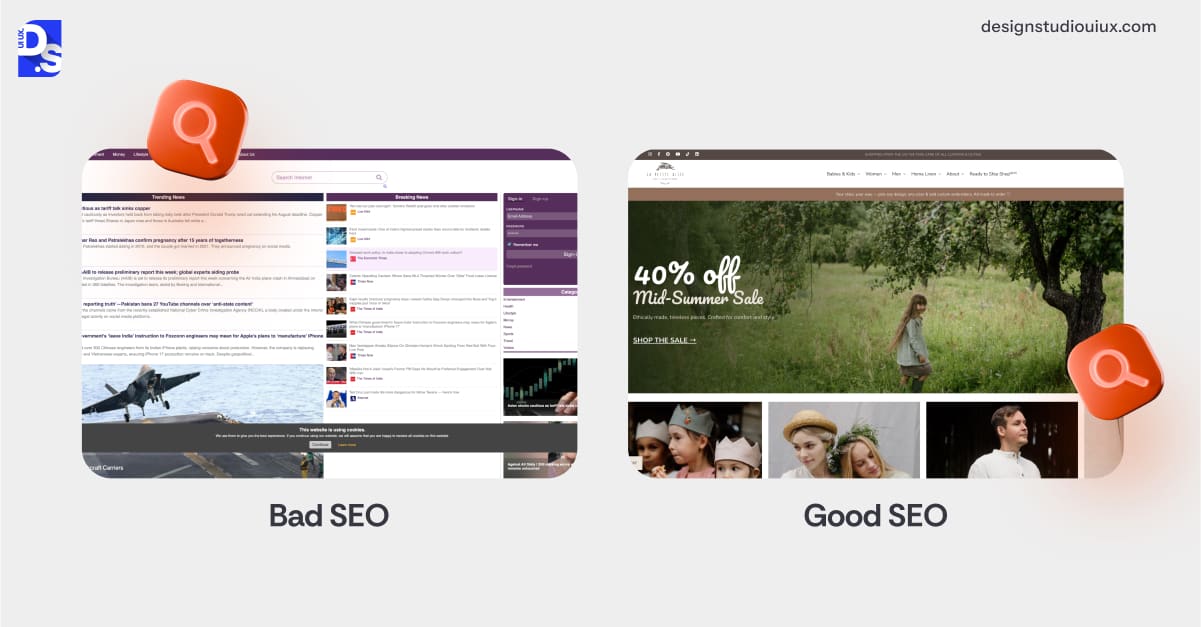
Once upon a time, in the early 2000s, SEO was the Wild West of keyword stuffing and backlink farming. Sites that incoherently packed their pages with keywords and links were rewarded by the search engines.
Search engine algorithms were not advanced enough to gauge how users actually felt about the sites before they were ranked. So, UX was solely the site designers’ concern, not the SEO crew’s.
Google’s 2011 Panda update changed everything by penalizing sites with low-quality content. The Penguin in 2012 update doubled down, crushing sites with spammy links. The real game-changer hit in 2015 with “Mobilegeddon.” Now, mobile usability is one of the main ranking factors on Google. Then, in 2018, the Speed Update tied page load times to mobile rankings.
Fast forward to 2020 – Google drops Core Web Vitals, making a site’s loading speed, interactivity, and visual stability key ranking factors. That same year, Google mandated mobile first indexing for all sites.
Since then, its search algorithms have crawled every site’s mobile version first. This made mobile-first design a non-negotiable requirement for any site that wants to rank.
That means if you want to rank high on Google, you’ll have to abide by mobile UX best practices. In 2021, the Page Experience Update cemented great UX design (on both mobile and desktop) as a must-have for sites that want to rank high.
In 2026, the importance of UX in SEO is greater than ever because Google’s AI interprets user frustration as a failure to deliver value. Ignore UX, and algorithms will treat your site like spam.
Why does UX effect SEO so much? It’s simple. Google’s work is serving killer results. If users hate your site, they’ll ditch Google too. That’s why UX has been baked into Google SEO’s DNA over time.
What is UX Design?
UX design is the craft of making users happy by building stuff that is easy, accessible, and fun to use. It is about digging into what users want, how they act, and what trips them up, then designing solutions that hit the mark.
The process?
It kicks off with research; interviews, surveys, watching users in action, to get the lay of the land. That feeds into user personas and journey maps, sketching out who’s using your product and how. Next, ideation – brainstorming and wireframing rough layouts.
Those turn into prototypes, tested with real people. Feedback loops refine it until it’s gold, balancing user needs with business goals. The process as a whole thrives on iteration.
For example, a poorly performing checkout page might undergo five redesigns based on user feedback. Every button placement, color choice, and error message is deliberate.
UX is not a one-time fix; it is a cycle of testing, learning, and refining to keep users engaged and search engines impressed. Here’s the breakdown of UX design’s six key elements:
- Usefulness: Does it solve a problem?
- Desirability: Does it have sleek aesthetics and brand swagger that make users want to engage?
- Usability: Can users figure out its functions and navigation fast and in a friction-free way?
- Accessibility: Are all users invited? Even those who need screen readers, keyboard controls, or special color contrasts to use digital products?
- Supportability: Does it offer smart error messages and fixes that keep users rolling whenever they feel stuck?
- Credibility: Does it offer secure systems that users feel safe about their data and engagement?
Beyond these basics, UX design also leans on psychology: how people think, decide, and stick around. Reducing cognitive load in UX is a big deal. It also deals with designing the latest tech features, like voice interfaces or AR, in ways that users can easily adapt and enjoy.
How UX Affects SEO: The Core Connection
UX design and SEO are joined at the hip. Both chase the same prize: happy users. As we have explained, Google’s algorithms do not just chase keywords anymore; they track how users feel about your site. When it is a joy to use, people linger, explore, and click more. These signals make Google boost your rank.
Slow sites have high bounce rates and tell Google’s algos that your content is not worth the wait. Poor mobile design triggers more ranking drops, as Google indexes mobile versions first. Confusing navigation leads to shallow sessions, signaling irrelevance.
Technical UX elements like clean code and fast servers help search bots crawl efficiently. Readable content with proper headings boosts keyword relevance. Micro-interactions matter as well: a smooth filtering system on an eCommerce site can reduce exits and boost dwell time.
Even metadata plays both sides: killer title tags and meta descriptions hook users and clarify content for engines. Clean URLs? Easy to share, easy to index.
Every UX improvement sends positive signals to algorithms, creating a feedback loop of better rankings and happier users.
Key UX Elements That Influence Search Rankings
UX design today is a nuanced, technical dialogue between human behavior and search algorithms. Here are key UX elements that shape this dialogue, impact how users engage with a site, and influence how search engines evaluate its value.
Page Load Speed
Slow-loading pages frustrate users and trigger higher bounce rates, signaling poor quality to search engines.
Google’s Core Web Vitals explicitly measure loading performance (LCP), making speed optimization non-negotiable. Sites under 2 seconds retain users, while delays beyond 3 seconds risk rankings. Tools like lazy loading and image compression bridge the gap between speed and functionality.
Mobile Responsiveness
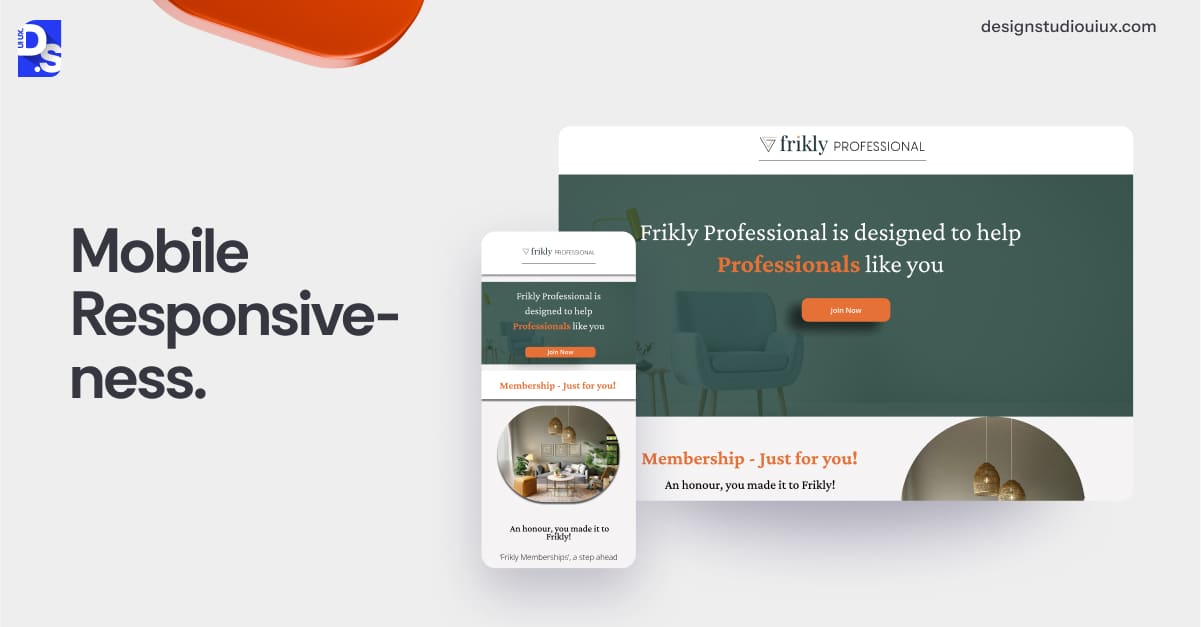
With mobile-first indexing, Google evaluates your site’s mobile version first. Non-responsive designs create pinch-and-zoom nightmares and can alienate up to 60% of a site’s user base.
Fluid grids and touch-friendly buttons ensure seamless mobile experiences, while technical errors like unplayable content or viewport issues trigger ranking penalties.
Intuitive Navigation
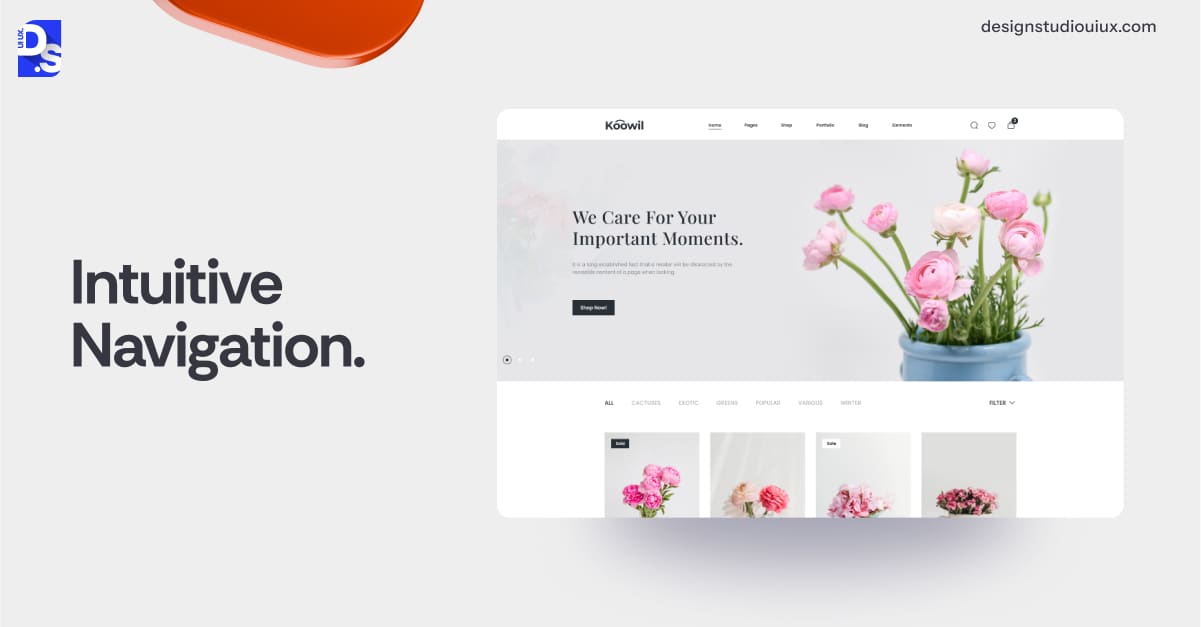
Confusing menus force users to abandon ship. Clear hierarchies, breadcrumbs, and sticky headers guide visitors deeper into your site, reducing bounce rates and signaling relevance.
Search engines also rely on navigation to map content relationships.
Poor structure leads to orphaned pages and indexing gaps. That’s why improving site navigation is one of the most important SEO UX best practices. Clear navigation structures are also part of modern web design practices because they help users and search engines understand content relationships faster
Readable Content

Dense text walls overwhelm readers.
Scannable content with subheadings, bullet points, and ample whitespace keeps users engaged. Google’s Natural Language Processing rewards readability, associating clean formatting with topical authority. Poor contrast or tiny fonts harm accessibility and dwell time.
Strategic CTAs
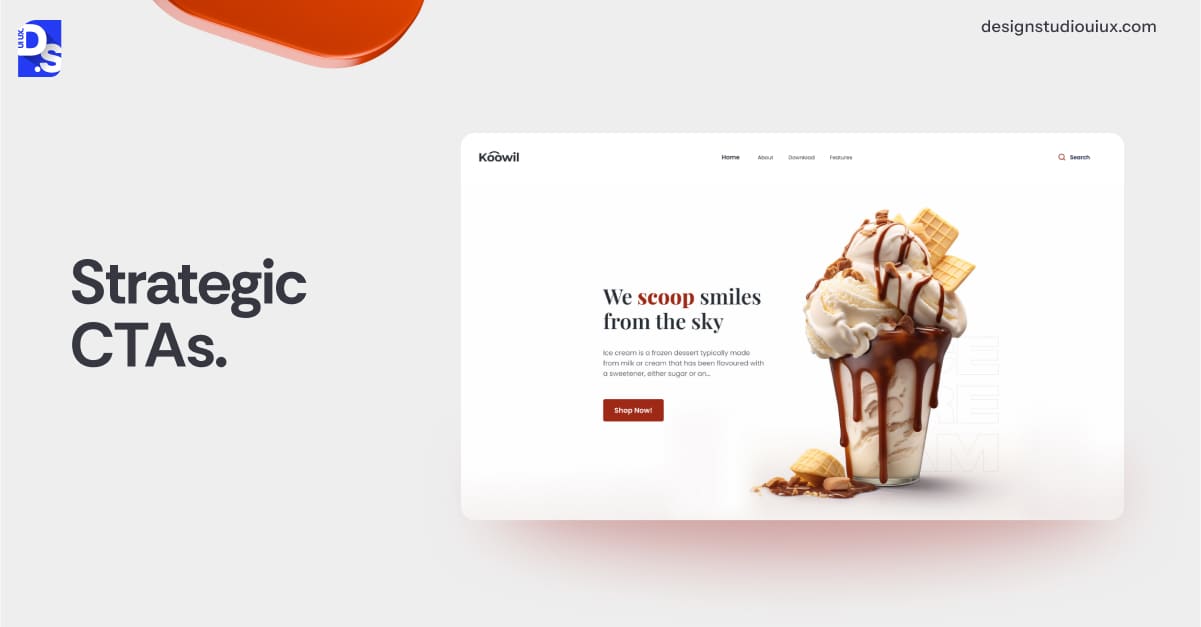
Weak calls-to-action waste traffic. Contextual CTAs (“Shop Now,” “Learn More”) and internal links distribute authority while guiding users toward conversion.
Generic anchor text like “Click Here” misses opportunities to reinforce keyword relevance. That’s why using strategic CTAs is an essential aspect of landing page optimization. Effective CTAs not only guide users toward action but also enhance landing page optimization by naturally incorporating relevant keywords that align with user intent.
Visual Hierarchy
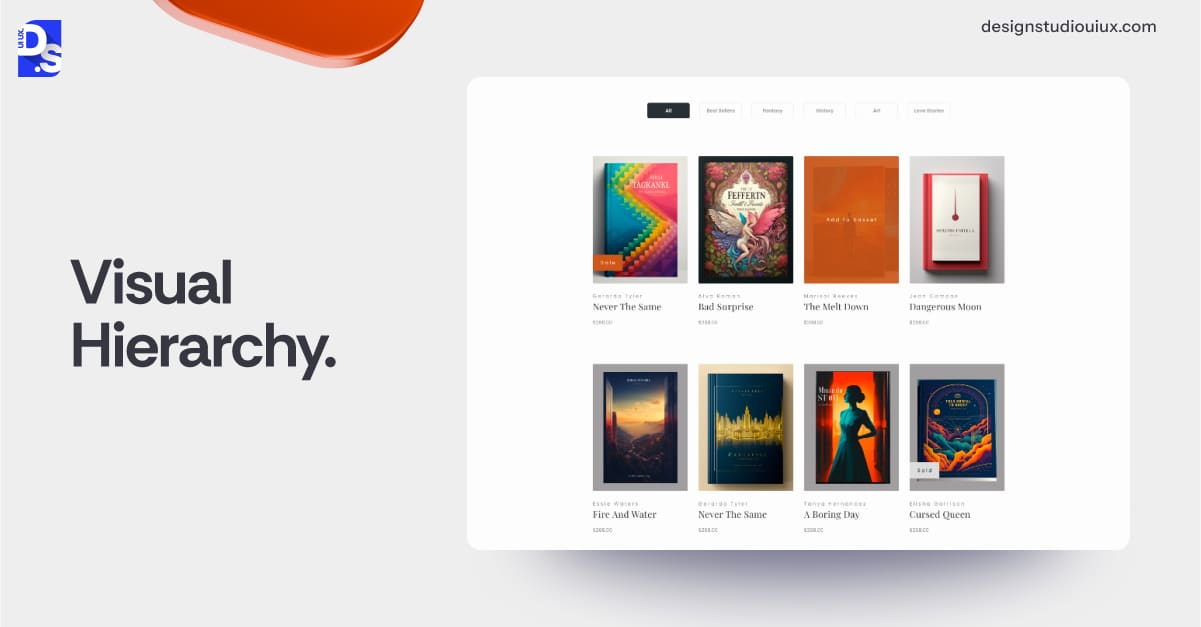
Prioritize key content with sizing, spacing, and color. A cluttered layout confuses users and dilutes keyword focus. Proper heading tags (H1-H6) help search engines parse content structure, while visual chaos increases pogo-sticking between results.
Accessibility Compliance
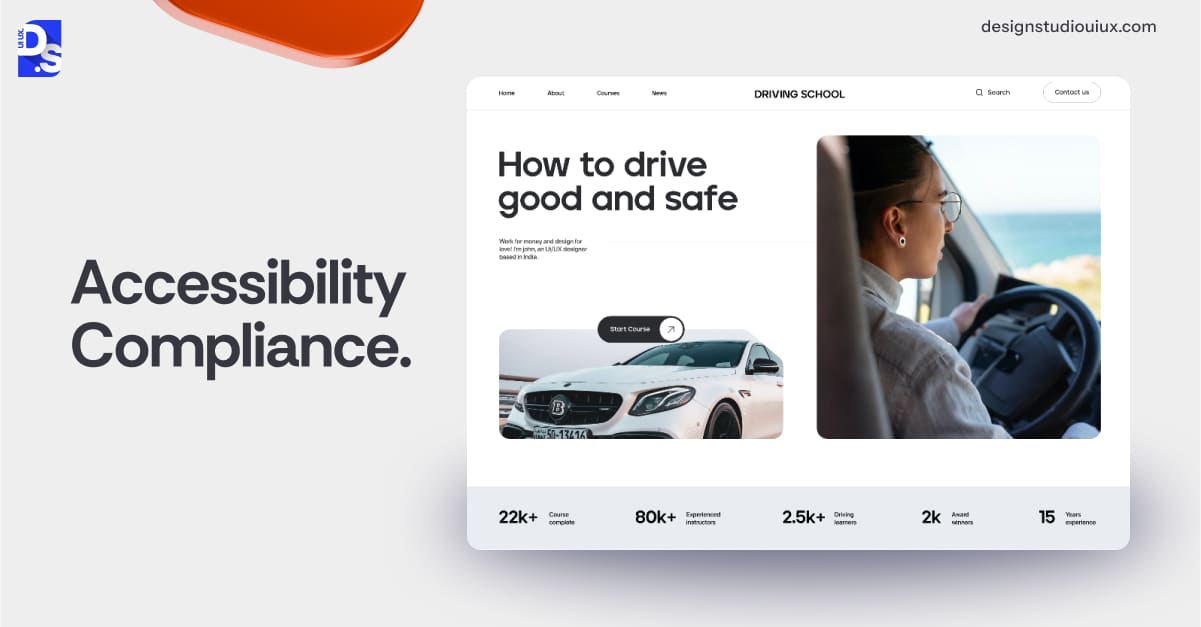
Alt text for images aids screen readers and improves image SEO. Ignoring ADA standards excludes many users and misses semantic markup opportunities.
Accessible sites usually see lower bounce rates across diverse demographics.
Error Handling
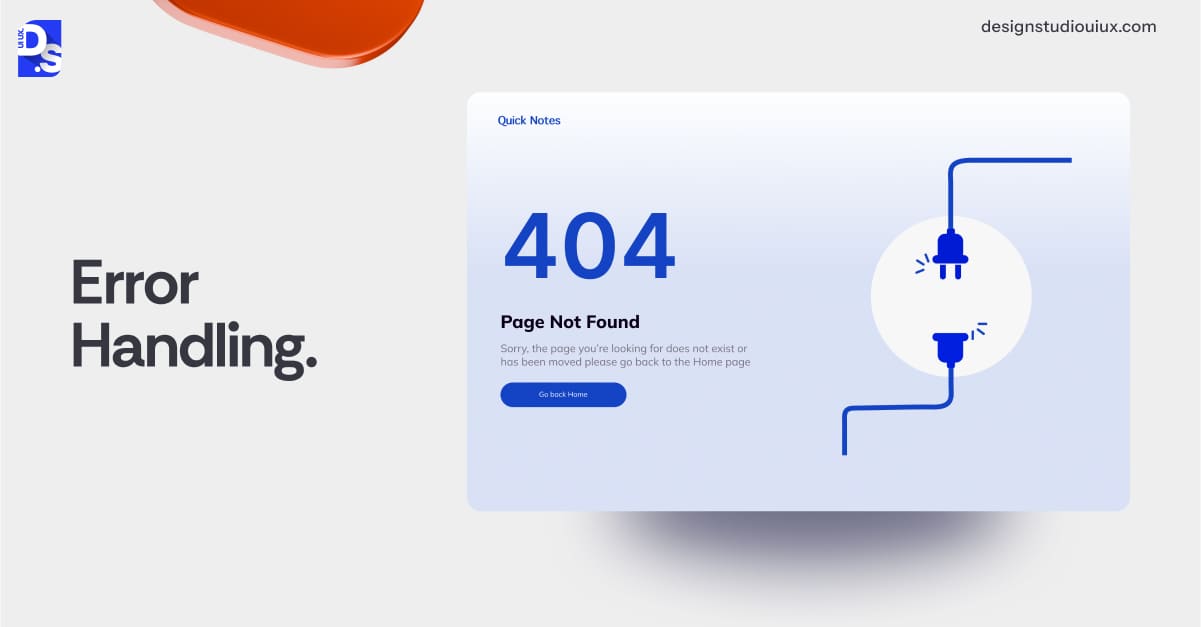
Broken links waste crawl budget and frustrate users.
Custom 404 pages with redirects retain visitors and preserve link equity. Google penalizes sites with excessive 404 errors, associating them with poor maintenance.
Consistent Branding
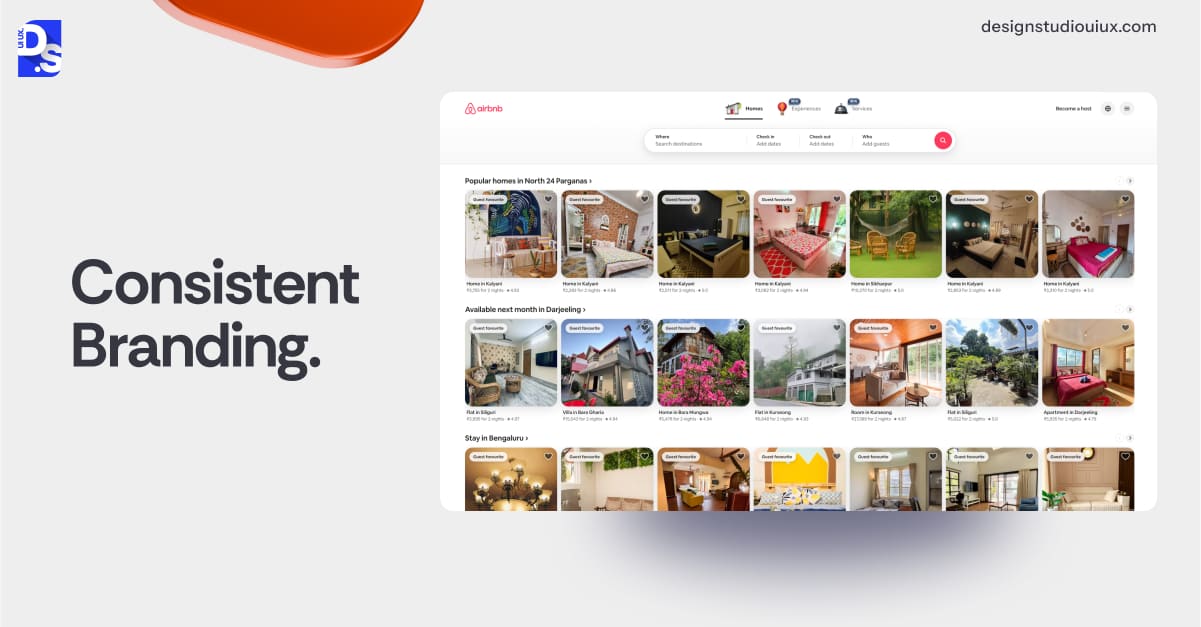
Mismatched fonts or erratic color schemes erode trust. Consistent design patterns improve user recall and encourage social shares, a subtle but powerful off-page SEO booster.
Secure Connections

HTTPS is mandatory. Mixed content warnings scare users and trigger Google security alerts. Unsecured sites lose rankings and credibility.
Interactive Elements
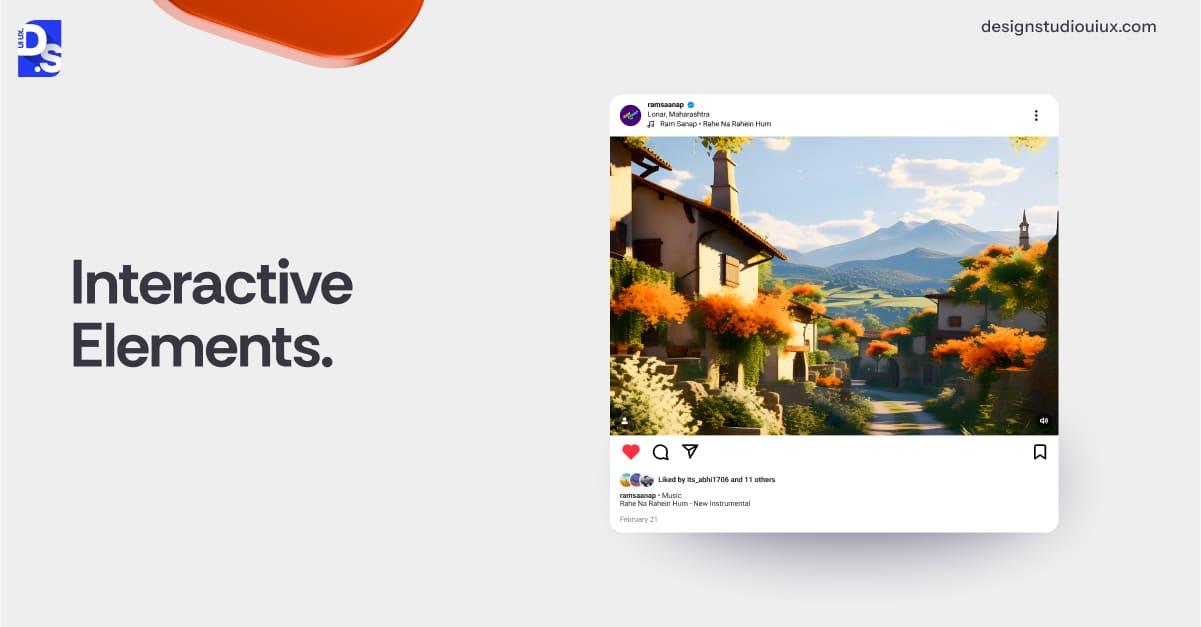
Laggy forms or unresponsive buttons increase frustration. Smooth interactions (such as instant search filters) boost time-on-page, signaling quality.
Google’s Interaction to Next Paint (INP) metric measures responsiveness.
On-Site Search
A functional search bar reduces bounce rates by helping users find content quickly. A well-coded search also aids crawlability, helping engines index every corner of your site.
Analyzing search queries also helps uncover content gaps, and this analysis can inform your keyword strategies.
Real-World Examples: Good vs Bad UX in SEO
Countless stories show how strategic upgrades turned digital headaches into measurable wins. Let us explore some standout examples.
Good UX in SEO
Halmari Tea
Halmari Tea, a premium Assam tea brand with over a century of heritage, faced a digital dilemma: its outdated website was pushing customers away.
High-res visuals of Assam’s tea estates and interactive product displays turned browsing into an experience. SEO-wise, keyword-rich headings and interlinked blog content lifted rankings. Results? Sales soared, bounce rates dropped, and ranking top on Google for the 5 main keywords in their niche became the norm for Halmari.
Design Studio UI/UX
Enter Design Studio’s website redesign services. They were tasked with modernizing the brand’s online presence while preserving their legacy charm. The team first tackled a sluggish 8-second load time, slashing it to >2 seconds with optimized images and caching. Navigation went from chaotic to intuitive, with a sticky menu and predictive search. Mobile users got a responsive, thumb-friendly layout.
Etsy
Similarly, in 2019, Etsy zeroed in on mobile UX, a critical move for their craft-loving audience. They trimmed load times and simplified checkout, cutting steps and friction. The payoff was immediate: bounce rates fell, mobile conversions rose, and organic traffic jumped massively in less than six months.
Mayo Clinic
Mayo Clinic restructured its medical content with bullet points and clear subheadings, aligning with user search intent. Session durations jumped, and the site now dominates rankings for complex health queries.
On the contrary, when UX goes wrong, rankings take a hit.
Bad UX in SEO
Overstock
For example, in 2017, Overstock.com leaned hard into email capture pop-ups, blanketing screens, and alienating mobile users. Google’s intrusive interstitial penalty struck, slashing the site’s organic visibility for high-value terms. Bounce rates surged, and recovery took months after dialing back the overlays.
Today, this site serves as a stark reminder: user annoyance is a fast track to SEO punishment.
Newsweek
Newsweek’s 2018 redesign drowned users in auto-playing video ads and interstitials, ballooning load times. Post-Page Experience Update, organic traffic cratered as cleaner competitors stole the spotlight. Prioritizing revenue over usability cost them dearly.
MyFitnessPal
In 2020, MyFitnessPal rolled out a redesign that hid key features and muddled navigation. Users revolted, app ratings tanked, and organic traffic for fitness keywords dropped. Session times fell, and it took a year to claw back after fixes. A lesson in clarity: confuse your users, and you lose their trust and your rankings.
Common UX Mistakes That Harm SEO
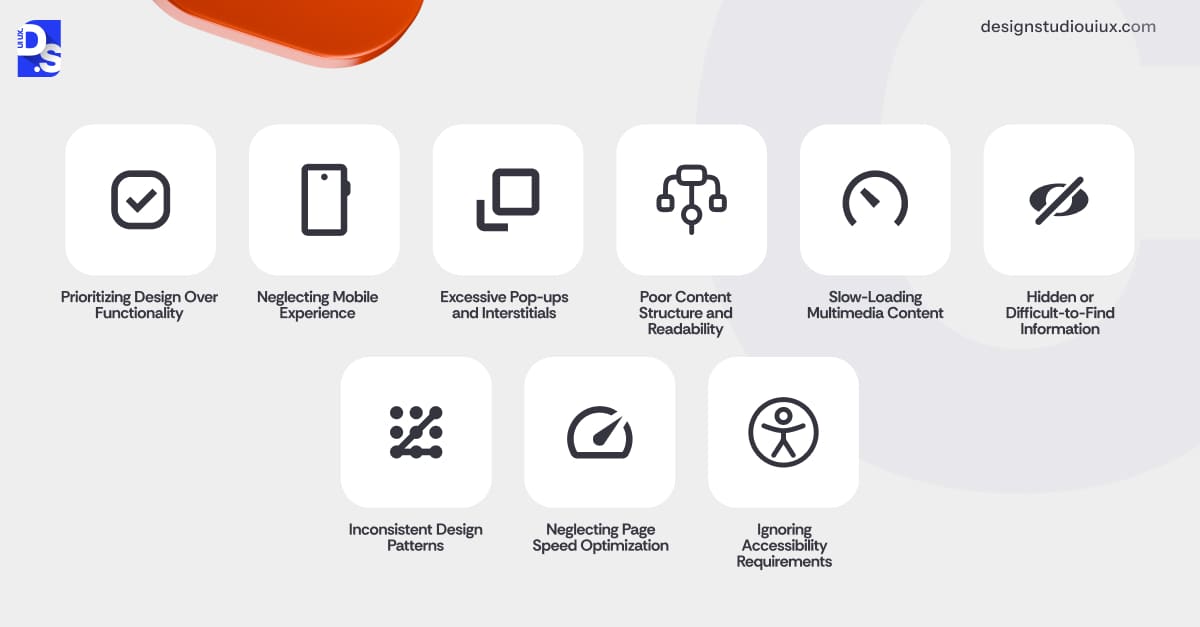
To avoid ending up with sites that falter with ranking, avoiding these UX pitfalls is critical.
Prioritizing Design Over Functionality
Flashy visuals might dazzle, but if they slow down or confuse users, they are a liability. A site that is all style and no substance frustrates visitors.
High bounce rates and low engagement tell search engines your page is not delivering. Function-first design keeps users happy and rankings steady.
Neglecting Mobile Experience
A desktop-only site ignores the mobile majority, leaving users pinching and zooming, or just leaving. Google’s mobile-first indexing makes this a deal-breaker.
A clunky mobile navigation UX tanks visibility as search engines prioritize what users actually see.
Excessive Pop-ups and Interstitials
Pop-ups that hijack screens, especially on mobile, drive users to hit “back” in seconds. Google penalizes intrusive overlays, dropping your rank for key terms.
Overeager lead capture efforts can cost you way more than the gains.
Poor Content Structure and Readability
Walls of text overwhelm users, making info hard to find or process quickly.
Search engines struggle to parse unstructured content, and users bounce fast. Clear formatting boosts dwell time and relevance signals.
Slow-Loading Multimedia Content
Unoptimized images or videos drag load times, testing user patience to the limit. Core Web Vitals punish sluggish sites, lowering rankings. Speed up multimedia or watch your traffic and conversions fade away.
Hidden or Difficult-to-Find Information
Burying essentials like pricing or contacts forces users to dig or depart. Quick exits signal poor user satisfaction, denting your rank.
Make key info obvious, and you’ll keep visitors and search engines onside.
Inconsistent Design Patterns
A site where menus or buttons shift unpredictably feels like a maze. Confusion spikes exit rates, weakening engagement metrics Google tracks.
Consistency breeds familiarity, supporting both users and rankings.
Neglecting Page Speed Optimization
Ignoring basic speed tweaks, like caching or compression, lets load times creep up. Slow sites lose mobile users and fail Page Experience benchmarks, dragging rankings down.
Ignoring Accessibility Requirements
Skipping alt text or color contrast excludes users with disabilities and valuable context. Search engines miss cues, and you shrink your audience. Accessible design lifts inclusivity and rankings in one smart move.
SEO + UX Best Practices for 2026 and Beyond
In addition to avoiding these mistakes, follow these best practices:
Crush Assumptions with Behavioral Analytics
Stop guessing what users want. watch them.
The best UX tools for optimization like Hotjar and Crazy Egg expose where users rage-click, face dead clicks, ignore CTAs, or bail on forms.
By aligning these insights with your SEO keyword gaps, you can eliminate friction points that sabotage engagement. For example, shortening forms where 80% abandon ship directly reduces bounce rates and signals quality to search engines.
Fuse SEO Audits into UX Sprints Like A Pro
Weave SEO into your UX design plans, every time you refine your product’s design. Conduct heading checks, image compression, and the systemic elimination of JavaScript-dependent elements (that cripple crawlability) from your sites’ code – during each design sprint.
Use tools like SEMrush or DesignRush during prototyping to ensure that your meta tags and content structure are SEO-ready before launch.
Correlate GA4 Engagement with Core Web Vitals
Cross-reference Google Analytics 4 engagement metrics (time-on-page, scroll depth) with Search Console’s Core Web Vitals. This fusion of UX behavior and technical SEO will help you identify where slow loads or layout shifts torpedo otherwise valuable content.
Deploy AI-Driven Predictive Search
AI search bar tools like Algolia use natural language processing (NLP) to anticipate queries, surface products/articles mid-typing, and adapt results based on user history.
For eCommerce sites, tools like this can slash search-to-purchase steps, boost conversions, and increase “long-click” dwell time – three direct SEO ranking signals.
Master Semantic HTML for Dual Wins
Using tags like <header> and <aside> on your site isn’t just for accessibility nerds, it’s also the best way to clarify content relationships in your website for search engine crawlers. Pair them with ARIA labels and see crawl efficiency jump.
Push PWAs to Crush Core Web Vitals
Creating Progressive Web Apps can be your secret weapon in your battle against poor SEO rankings. They are fast-loading, offline-capable, and crawlable for search engines. Transform your site into a PWA, cache smart, render light, and watch your vitals dominate.
Optimize Information Architecture for Voice Search
1 in 5 people use voice search regularly.
To make your site appeal to this demographic, structure your content with natural-language Q&A schema and long-tail phrases (“best organic Assam tea brands”).
Design content for “Hey, how do I…?” queries with tools like Answer-The-Public as your assistant. Sentence-style keywords and schema snag featured snippets while users chill.
Drop Dynamic Content Bombs with AI
Machine learning tools like Rendertron can create and display custom pages on the fly to your visitors. Use them to make your site appealing to different user bases.
Social visitor? Hit them with testimonials. Mobile searcher? Streamline the layout. Crawlers still see the goods, and users feel VIP. It’s personalization that does not ghost SEO.
Fuse User Experience + SEO Teams’ Workflows
Break silos with shared KPIs: let your SEO team provide keyword maps for UX content hierarchy; let your UX team share heatmaps to guide internal linking. Routinely perform joint A/B tests to measure how design changes impact rankings.
Both SEO and user experience design tips keep evolving with new industry guidelines and advancements. Always stay up-to-date on those topics and adjust your strategies accordingly.
Conclusion
Google’s algorithm is now a mind reader. It knows when users sigh at slow loads, rage-quit confusing menus, or fist-pump over seamless PWAs.
Your rankings? Just a mirror reflecting their joy (or disgust).
2026 is not about choosing between UX design and SEO, it is about fusing them into a revenue-driving hydra. Fix Core Web Vitals. Obsess over mobile. Code for crawlers and humans.
Ready to dominate? Get SEO-focused website design & development services that treat Google like the needy, algorithm-obsessed referee it is. Out-design. Out-rank. Out-last.
If you need a head start in this arena, contact Design Studio UI UX for a free quote.
FAQs on User Experience x SEO
Is UX a direct Google ranking factor?

Officially? No. But Core Web Vitals (loading, interactivity, stability) are, and they are UX metrics in disguise. Nail those, and Google’s page experience algos will give your site a ranking boost.
Can you rank with poor UX?
Maybe for a day or two. But it is like building a mansion on quicksand. Backlinks might float you until users’ bail, conversions tank, and Google buries you.
SEO content vs. UX: Who wins?
Tricky question. Killer content buried under crap navigation dies. Beautiful sites with no keywords backfire. Marry the two or fail.



