


12 Best AI Tools for UX Designers That Work in 2026



AI tools that simplify work of a UX designer are mainly categorized into – research synthesis (ChatGPT, Dovetail), wireframing (Relume, Uizard, Google Stitch), UI design (Figma AI, UXPin Forge), usability testing (Maze, Attention Insight), and handoff documentation (Zeroheight, Supernova). These tools save time on repetitive tasks and can be used to write/rephrase interview findings, generate layout variations, and run quick tests before development. However, the concept does not replace design judgment and people use the tools for mostly the mechanical work.
There are over 200 AI tools claiming to change how UX design works. Most are noise. A handful are genuinely worth using. This post covers what actually holds up when you’re on a real client project with a deadline, not just experimenting with a demo.
We run a UX design agency. The tools listed below are the ones we’ve put into actual project workflows for SaaS products, healthcare platforms, and B2B web builds, and the ones that delivered measurable time savings without creating new problems. Where something disappointed us in practice, we’ve said so.
This post is organized by workflow phase, not by hype score. Start with the phase most relevant to where you are right now.
For a broader view of how AI fits into the full design process, our ultimate guide to AI in web design covers the strategic layer and the importance of the tools.
How UX Designers are using AI in their Workflow?
The latest industry data shows that 75% of AI use in UX is for text tasks such as writing docs and summarizing notes, not for complicated visual work. They sometimes use AI tools for brainstorming design ideas but do not produce navigation structure or complete user workflow.
If you use AI to fast-track messy research synthesis, you can miss out on the reliability of the product needed to map out functional user navigation.
A 2026 survey of 1,478 designers by the State of Prototyping report found that the most-used design tool after Figma is now an AI product. 50.8% of designers said they use AI tools every week, while 37.7% reported using zero AI tools at all. The profession is splitting into two groups: those getting faster with AI assistance and those who haven’t started yet.
Phase 1- Examples of AI tools for UX research and synthesis
The real value of AI lies in cutting down the time spent on research work. It help organize raw user feedback, write documentation, and tag user patterns by hand.
ChatGPT
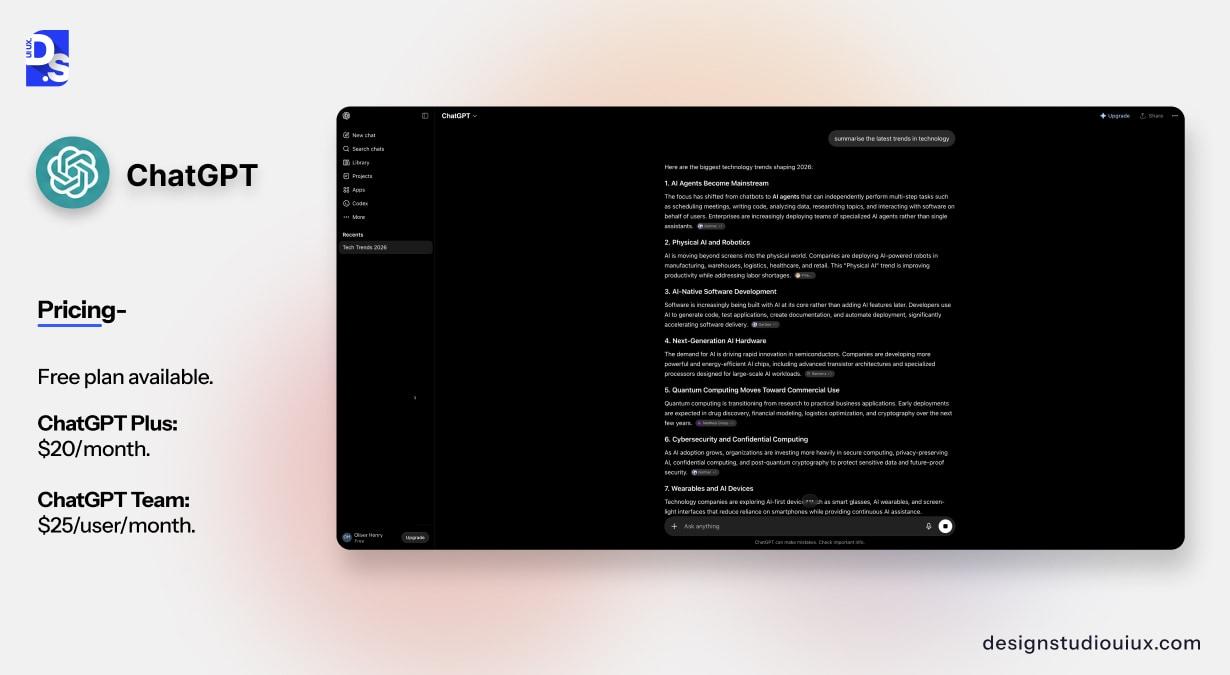
For example, designers often use ChatGPT to extract the top three user complaints from a batch of interview notes. It handles the heavy research synthesis work so the team can get straight to the actual design strategy.
It’s also useful for generating first-draft interview scripts, writing screener questions, and turning a list of findings into a structured presentation deck outline. For a guide on how to work this into a broader research process, see our guide on types of UX research methods and how to use AI in UX design.
Pricing: Free plan available. ChatGPT Plus: $20/month. ChatGPT Team: $25/user/month.
What it doesn’t do well: Anything requiring visual output or design judgment. Don’t ask it to wireframe. Also, be careful with direct quotes from user research. It sometimes synthesizes in ways that subtly shift the meaning of what a user said.
Dovetail
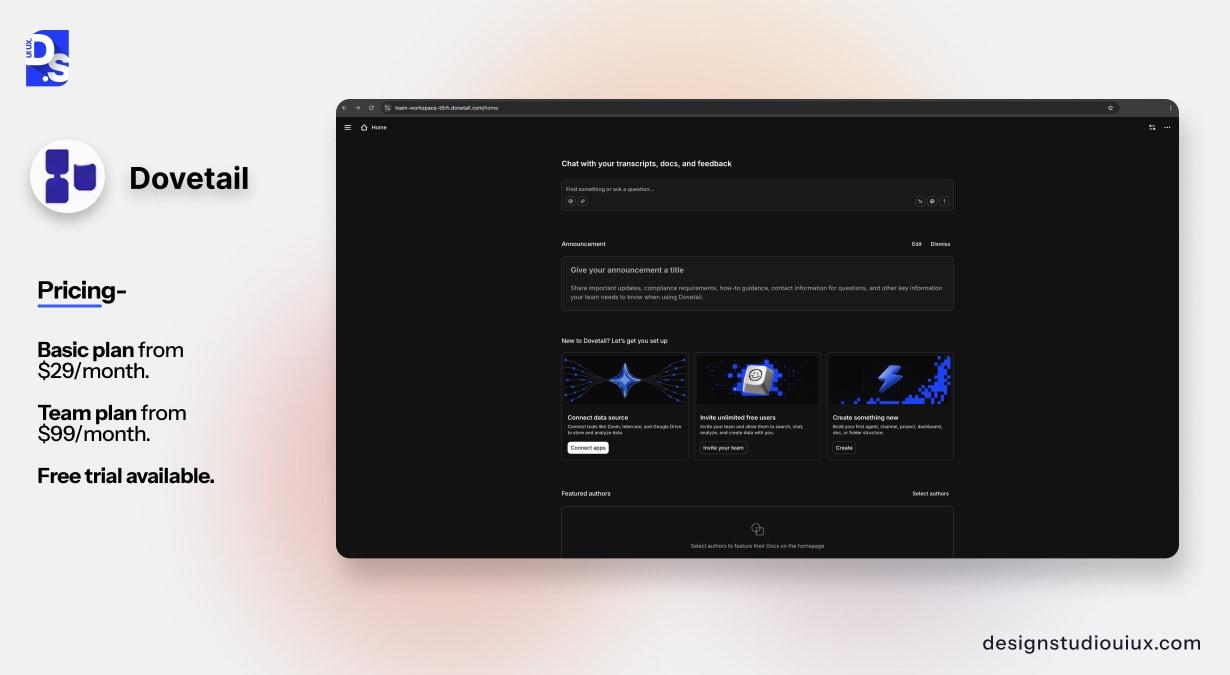
Dovetail is built specifically for qualitative research. You can upload session recordings, transcripts, and survey responses. The AI tags themes, identifies patterns, and generates summaries across multiple sources.
While testing a healthcare CRM last year, our team analysed and reviewed 14 hours of user sessions. We use the tool and reduce analysis time of initial design work by around 60% and spotted confusing data entry steps as the app’s main pain point.
Pricing: Basic plan from $29/month. Team plan from $99/month. Free trial available.
What it doesn’t do well: The AI summaries are a starting point, not a final analysis. They miss nuance, particularly around emotional tone and the context behind what a user said. Always read the actual transcripts before presenting findings.
Hotjar AI
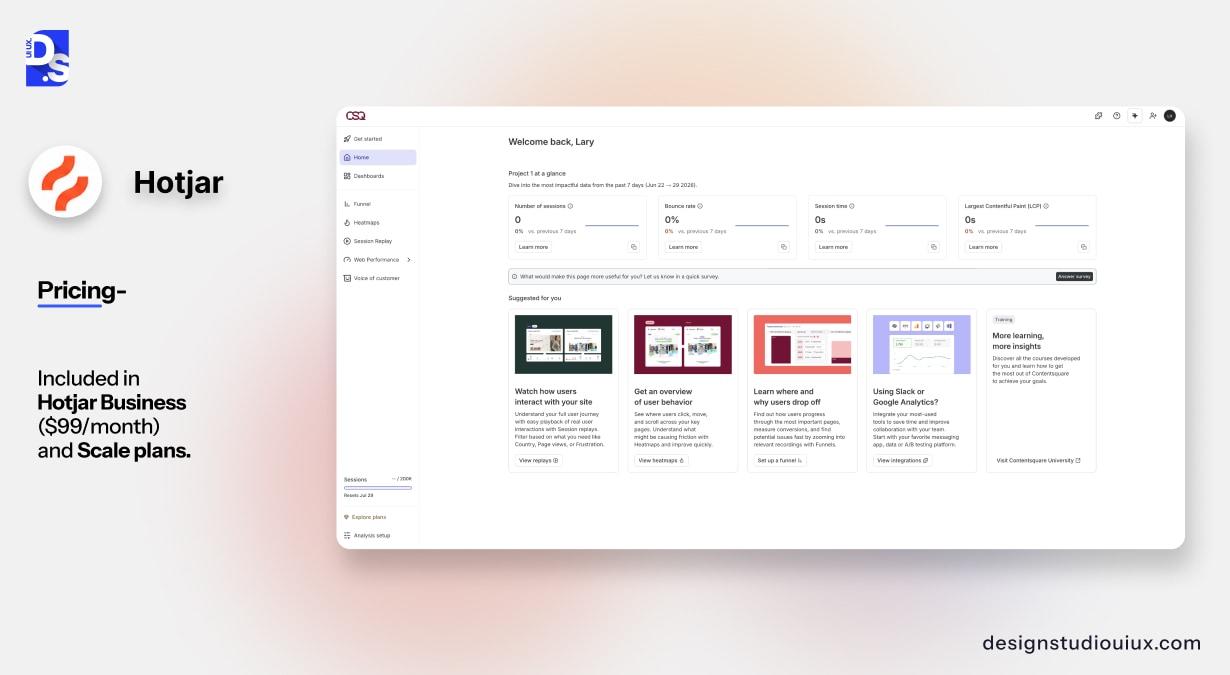
Hotjar’s AI feature reads session recordings and heatmaps and writes plain-English summaries of what it finds. For example: ‘Users are repeatedly clicking the export button but the file download is not triggering. 12 sessions in the last 7 days show this pattern.’
The tool scans user recordings to learn about behavior and save around two to three hours every week. It mainly finds information about major friction points which can later guide team to focus its manual reviews on the most critical sessions.
Pricing: Included in Hotjar Business ($99/month) and Scale plans.
Phase 2- AI tools for information architecture and wireframing
Most AI hype is fake because the software is only good for starting a project. It is not completely reliable as AI tools cannot figure out the best structure to make a product easy to use.
The right way to use AI is to generate 3 to 4 rough layouts in 20 minutes to beat the blank page, and then manually evaluate which one works best.
Relume
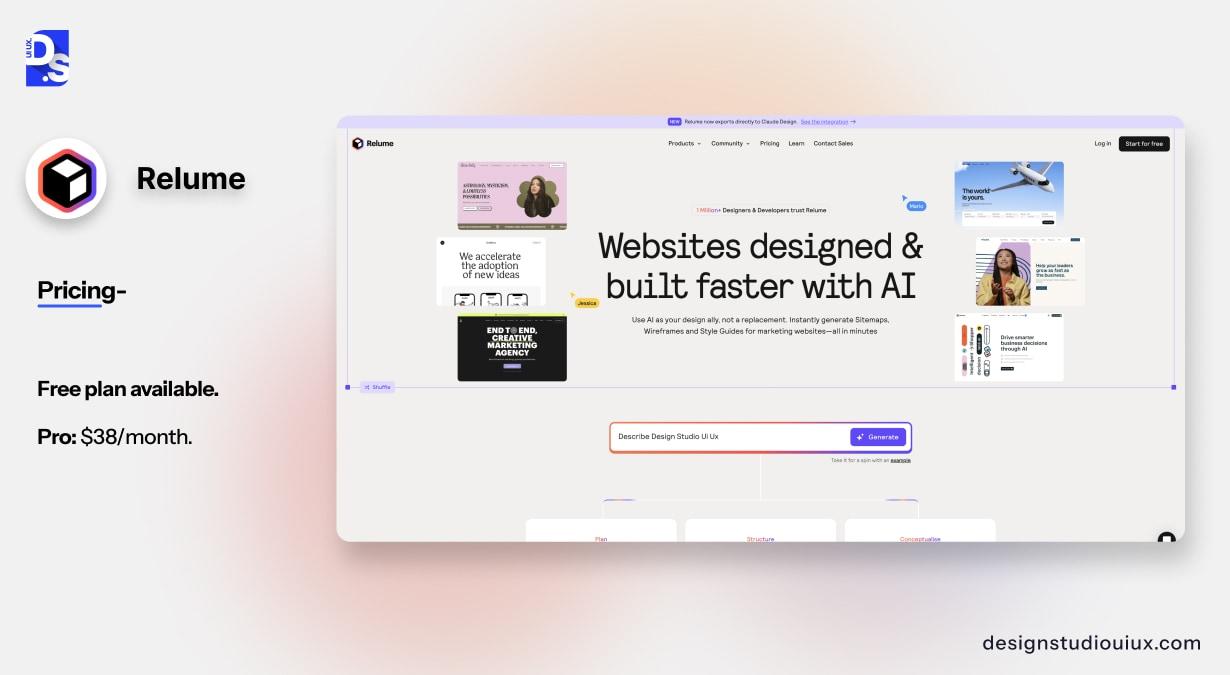
Relume generates functional sitemaps and wireframe structures of the digital product directly inside Figma from a basic text description. It maps out page hierarchies and rough content blocks instantly. This way the tool eliminates the blank-canvas phase and speed up early layout setup.
On projects where we need to quickly map out a large information architecture before a client workshop, it cuts the prep time roughly in half. We then revise heavily based on what we know about the actual users.
Pricing: Free plan available. Pro: $38/month.
What it doesn’t do well: Default structures tend to look like every other SaaS product. If you need something genuinely novel, Relume gets you to a starting point but it won’t get you to a differentiated navigation model.
Uizard
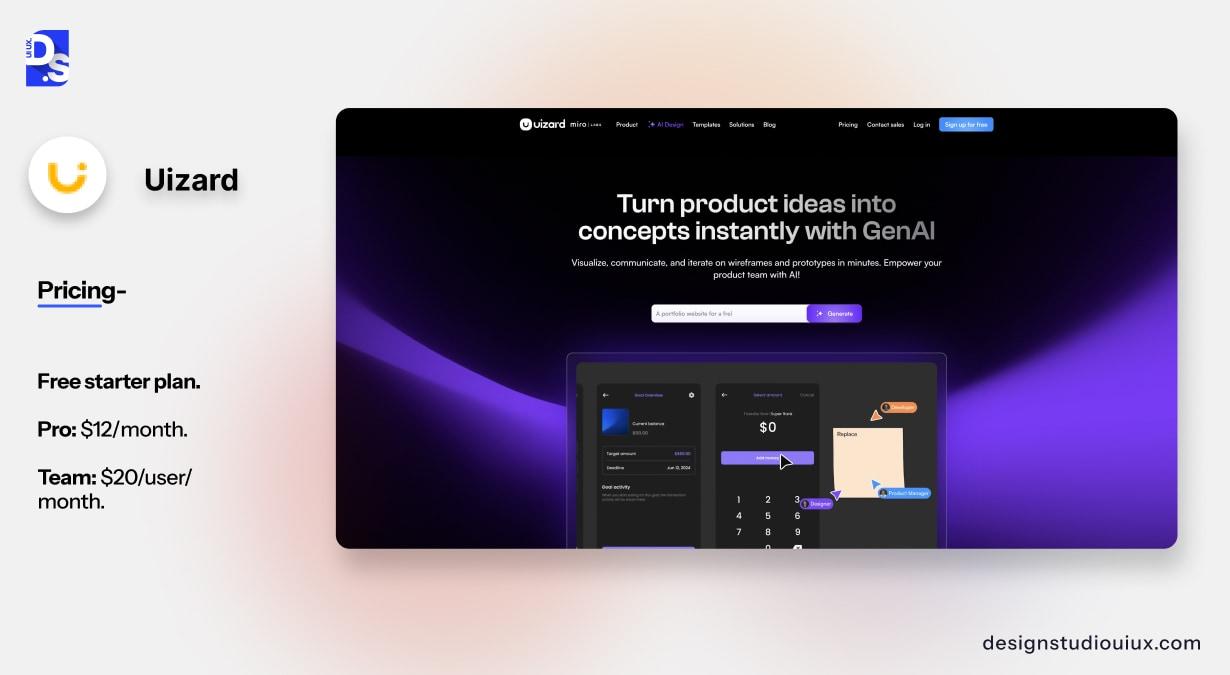
Uizard converts text prompts, sketches, or screenshots into clickable prototypes. You can either describe a screen and it generates a layout, or you hand-draw a rough sketch, photograph it, and upload it.
While the output isn’t production-ready, it provides just enough interactive fidelity to test core navigation choices and secure fast stakeholder sign-off under tight deadlines.
Pricing: Free starter plan. Pro: $12/month. Team: $20/user/month.
Google Stitch
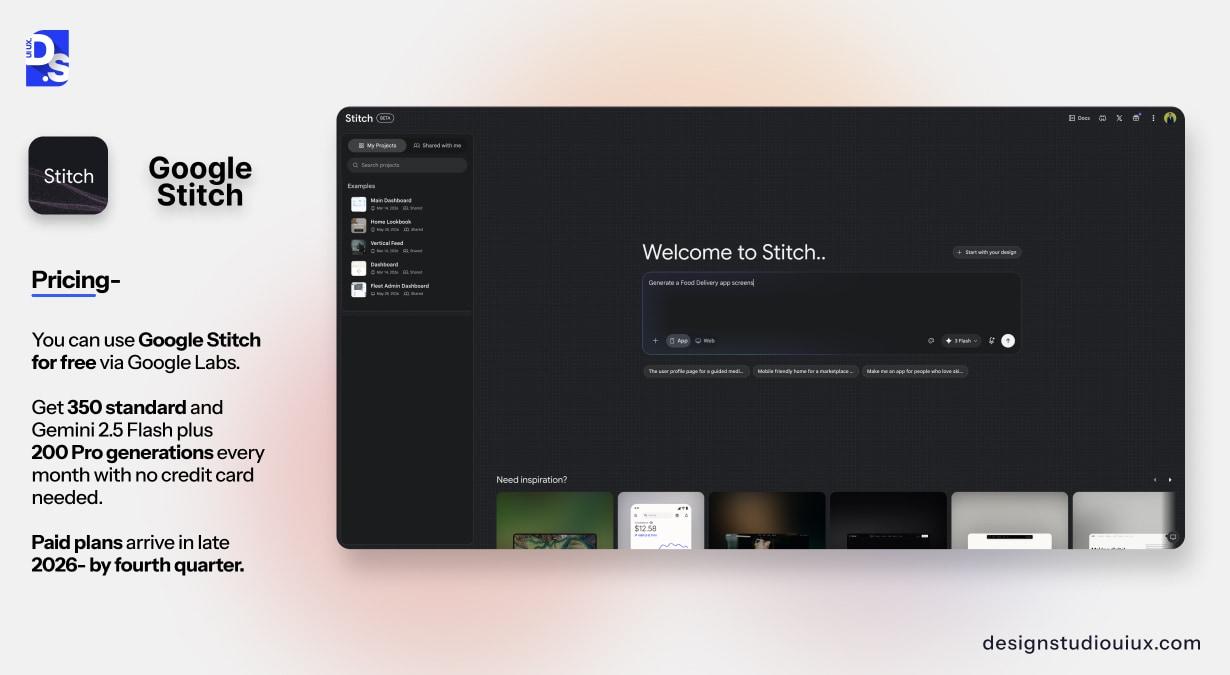
Google Stitch (formerly Galileo AI) generates UI layouts from simple text or voice prompts. The latest 2.0 update allows you to map out up to five connected screens simultaneously on an infinite canvas and voice input.
The best way to use the tool is to test early wireframe layouts. You can prompt it to make a few options, pick the best layout, and send it to Figma. It takes a 5-screen onboarding flow from a half day of sketching to 30 minutes of work.
It’s particularly fast at generating form layouts, dashboard structures, and multi-step onboarding flows.
Pricing: You can use Google Stitch for free via Google Labs. Get 350 standard and Gemini 2.5 Flash plus 200 Pro generations every month with no credit card needed. Paid plans arrive in late 2026- by fourth quarter.
Geographic availability: Regional restrictions currently block access in Spain, the UAE, and Eastern Europe.
What it doesn’t do well: Defaults strongly to Material Design 3 aesthetics. Products needing a distinct visual language require significant rework after generation. As a Labs experiment, long-term access and feature availability are not guaranteed.
Phase 3- AI tools for visual UI design
This is where AI tools are most polarizing. The concern that AI replaces designers is loudest here. In our experience, that concern is premature for anything above surface-level design work.
Figma AI
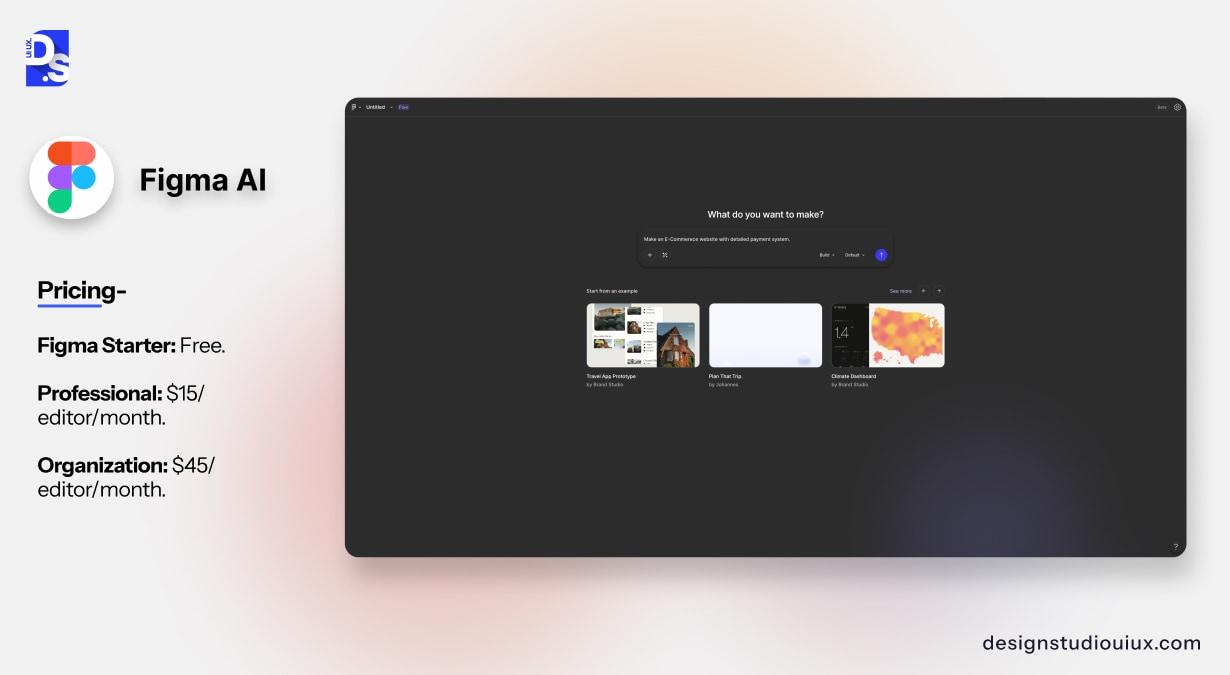
Figma’s built-in tools now handle everything from asset searching to automated screen creation. In daily work, the contextual copy generator is the most practical tool that gives you instant, realistic form text.
On the other hand, while Figma Make quickly drafts full layout concepts, the results are rarely production-ready. You will still need to do significant cleanup before sharing these screens with stakeholders.
Pricing: Figma Starter: Free. Professional: $15/editor/month. Organization: $45/editor/month.
UXPin Forge
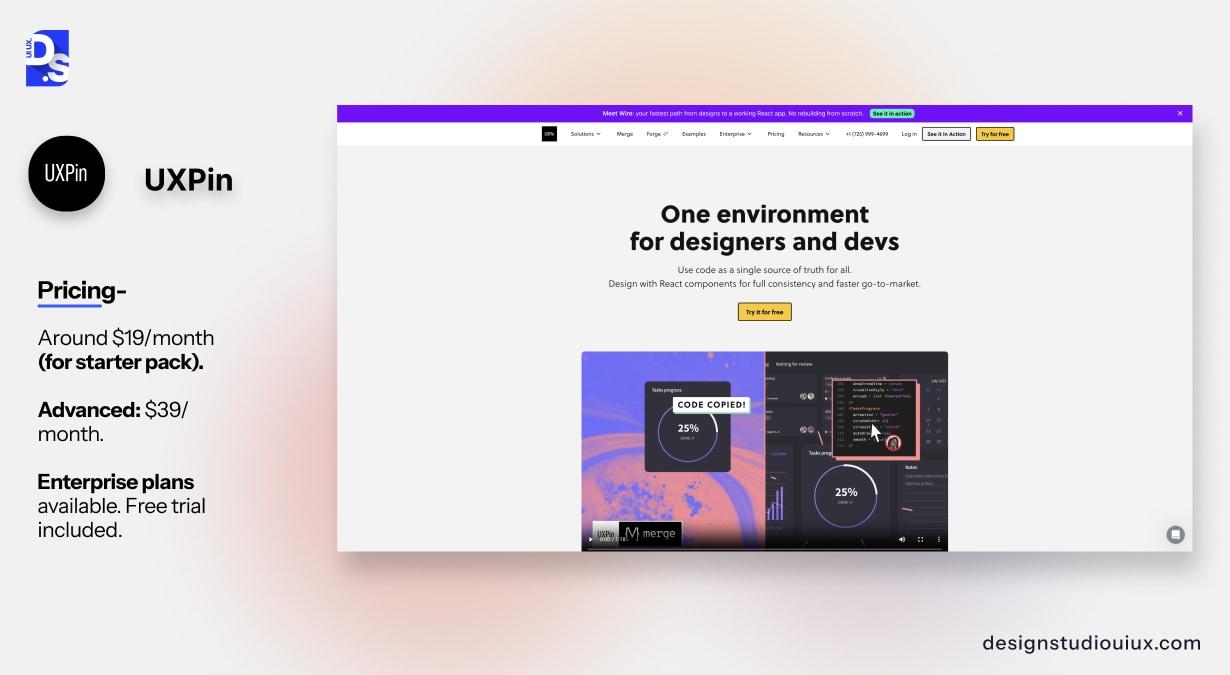
UXPin Forge generates UI layouts using your actual React component library rather than generic design patterns. That distinction matters in practice. When an AI tool generates from generic templates, the output needs hours of rework to align with your existing design system, brand, and engineering requirements. When it is generated from your real components, the output is often usable within the same session.
Teams using Forge with Merge report up to 8.6x faster design-to-prototype cycles when AI handles the initial layout structure and a designer refines from there. For client projects where we’re working within an established design system, Forge cuts the time between brief and reviewable prototype significantly.
Our guide explains how to use generative AI in UX workflows. It can help the team decide when to use the existing UI components and when you need to create from scratch.
Pricing: around $19/month (for starter pack). Advanced: $39/month. Enterprise plans available. Free trial included.
What it doesn’t do well: The component-library approach means it’s only as good as your design system. If your Figma file is disorganised, tokens are inconsistent, or components aren’t properly named, Forge produces inconsistent output. Getting the most from this tool requires a solid design system foundation first.
Phase 4- AI tools for usability testing
Testing is where AI has made the most concrete impact on our workflow. Specifically, it speeds up analysis, not the testing itself. You still need real users completing real tasks.
Maze
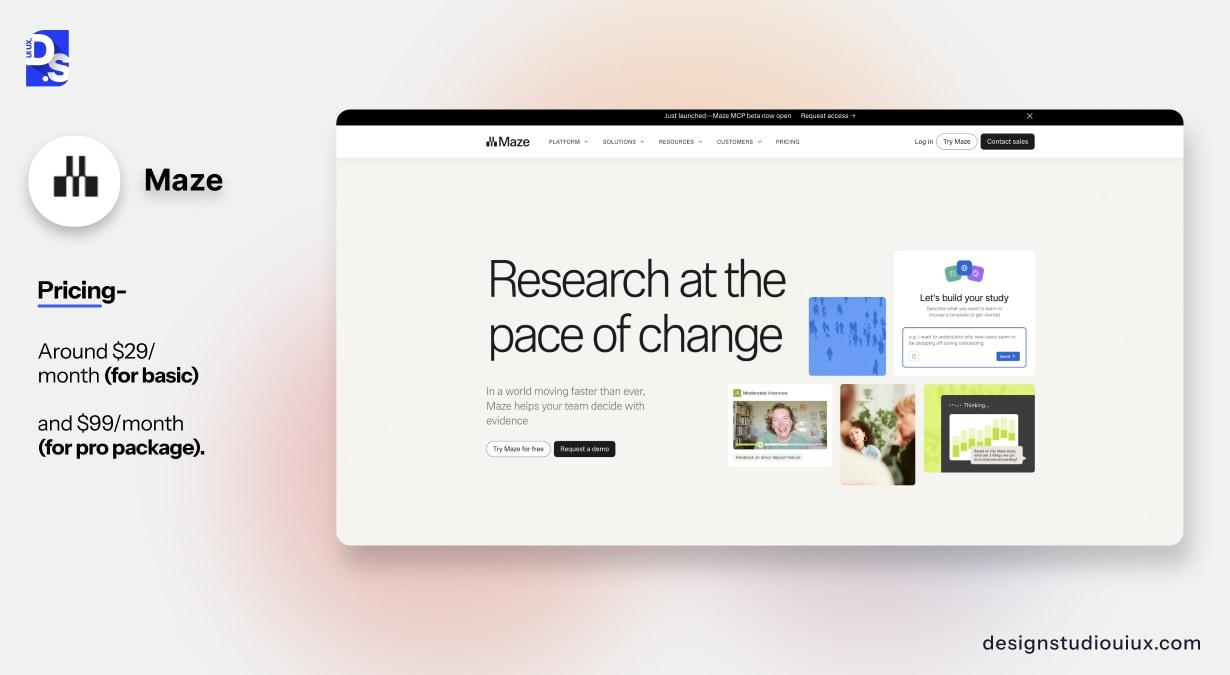
With Maze, you can simply connect a Figma prototype and let participants run through tasks on their own time. The platform automatically flags user hesitation, friction points, and completion rates, then groups the findings for you. This cuts our post-test analysis timeline from four hours down to less than one. Because the software handles the initial data grouping, we skip the tedious cleanup phase entirely and focus our expertise on explaining the “why.”
Maze also integrates directly with Figma, so the prototype connection is direct. For a comparison of testing approaches and when each applies, see our guide on usability testing methods.
Pricing: Free plan (limited tests). Pro: $99/month. Organization plans available.
Attention Insight
Attention Insight uses AI to predict where users will look on a screen before any real user sees it. You upload a design and it generates a predicted attention heatmap based on trained models from eye-tracking studies.
It’s a useful tool for pre-validation stage. It ensures your key buttons and hero sections are actually drawing the eye and follows the right visual hierarchy. The concept doesn’t replace live usability testing but it can spot issues in the site layout before you spend time on prototyping process.
Pricing: around $29/month (for basic) and $99/month (for pro package).
For a deeper look at the evaluation process behind these tests, see our guide on heuristic evaluation in UX design and the broader best UX audit tools comparison.
Phase 5- AI tools for design handoff and documentation
Handoff documentation is a slow, unglamorous part of UX work. It takes real effort to properly explain designs and layouts so developers can code without constant interruptions.
Zeroheight
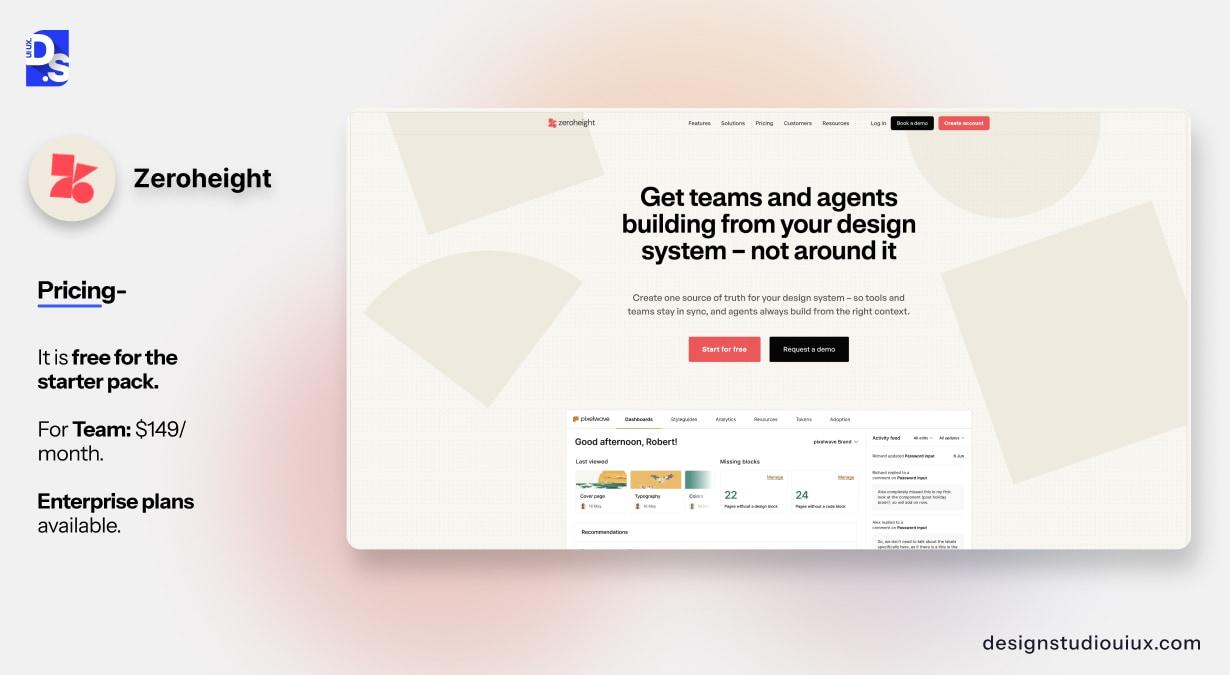
Zeroheight is a design system documentation tool with AI features for generating component descriptions, writing usage guidelines, and flagging incomplete documentation. It connects to Figma and automatically pulls in component data.
For large-scale SaaS products, this workflow cuts documentation time by about 40%. The AI copy still requires some editing but you can use it for initial work and save a lot of your time.
Pricing: It is free for the starter pack. For Team: $149/month. Enterprise plans available.
Supernova
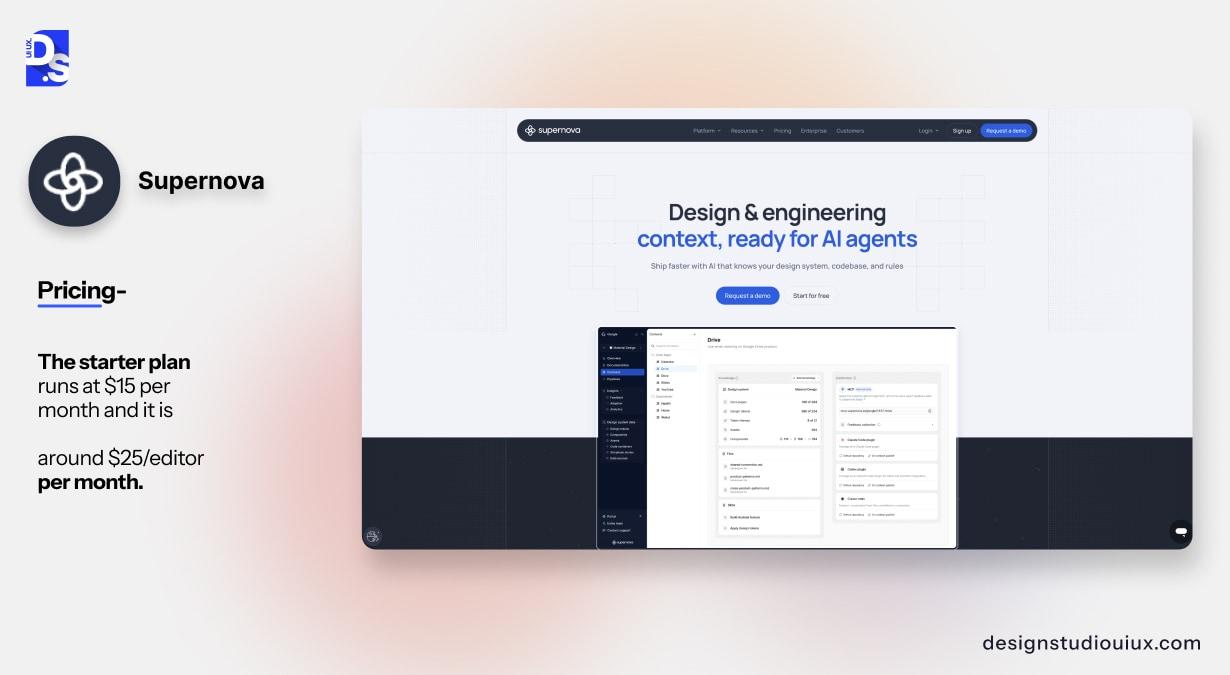
Supernova takes a Figma design system and converts it to working code tokens and component documentation. The AI feature handles token naming, generates code-ready values, and writes initial developer notes.
By closing this technical gap, the tool completely removes the need for constant design-to-dev handoff sessions. It is highly recommended for keeping your live production environment perfectly synced with your design files.
Pricing: The starter plan runs at $15 per month and it is around $25/editor per month.
Quick pricing reference for all tools mentioned
| Tool | Phase | Starting price | Free plan | Best for |
| ChatGPT | Research | Free / $20/mo | Yes, free tier available | Synthesis, copy, brief writing |
| Dovetail | Research | $29/month | Trial only | Qualitative analysis, tagging |
| Hotjar AI | Research | $99/month (Business) | Limited free plan | Session recording summaries |
| Relume | Wireframing | Free / $38/mo | Yes, free tier | Sitemaps, initial structures |
| Uizard | Wireframing | Free / $12/mo | Yes, free tier | Rapid prototyping from prompts |
| Google Stitch | Wireframing | Free (Labs, Q4 2026 paid) | Yes, 350+200 gen/mo free | Multi-screen layout exploration |
| Figma AI | UI Design | $15/editor/mo | Free starter plan | Copy gen, Figma Make screens |
| UXPin Forge | UI Design | $19/month | Trial available | AI from your component library |
| Maze | Testing | $99/month | Free plan, limited tests | Unmoderated testing, AI analysis |
| Attention Insight | Testing | $29/month | Trial available | Predictive attention heatmaps |
| Zeroheight | Handoff | Free / $149/mo | Yes, starter plan | Design system documentation |
| Supernova | Handoff | $15/month | No | Design-to-code token handoff |
What doesn’t actually hold up in practice
Every article on AI tools tells you what works. Here’s what we’ve found disappointing in real project conditions.
Prompt-to-full-product tools for complex SaaS
AI product generators look good superficially but often fail on complex workflows and data structures. For example- you might see critical states missing (empty states, error states, loading) and navigation that does not account for real user roles.
You can use them for stakeholder presentations, but not recommended for direct development.
AI tools for accessibility checks
Many reports suggest that automation tools catch around 30% of WCAG issues which are basically related to the accessibility standards. You can trust these tools to get quick layout inspiration, but human oversight is non-negotiable if you want functional, compliant design ideas.
Color contrast checks and missing alt text get caught reliably. Cognitive load, confusing navigation, poor focus management, and keyboard traps generally do not.
Run automated checks, but also do manual testing and testing with assistive technology. The automated pass is not an accessibility pass.
AI for user interview moderation
AI systems can now interview users without any human moderator. Although the output answers look very structured or sound robotic, the chats can sometimes miss the follow-up questions that provide the most valuable details. A human researcher will always ask more about surprising answers, whereas the AI just blindly follows its list.
Use AI for analysis after interviews. Not instead of a human conducting them.
How should your team decide which tools to use?
The most practical framework is to start with your biggest time sink, not the most hyped tool.
If research synthesis is taking your team two days per project, start with ChatGPT and Dovetail. If you’re losing time to wireframe iteration and stakeholder review cycles, try Relume and Uizard. If handoff is creating constant back-and-forth with developers, look at Zeroheight.
A few things worth checking before committing to any paid tool:
- Does it integrate with Figma? If your team’s master files are in Figma, a tool that requires you to export, reformat, and re-import adds more time than it saves.
- Who owns the data? For healthcare and financial products, check carefully whether uploaded designs or user data are used for training or stored beyond your session.
- Does it have an honest free trial? Most of these tools have a free tier or a proper trial. Test it on a real task from your workflow, not the curated demo. If it doesn’t hold up on real work, it won’t hold up at 11pm before a client presentation.
For SaaS-specific UX considerations, our SaaS UX design guide covers the workflow decisions that AI tools sit within.
What does the wider adoption data actually say?
It’s easy to assume every design team is running fully AI-integrated workflows right now. The data suggests otherwise.
According to a UX tool survey, more than 70% UX experts prefer ChatGPT for their design work among other tools 76%, followed by Figma AI. Survey results also highlight that 71% of experts see AI and machine learning as the biggest upcoming trend in UX design.
Despite the hype, regular AI adoption is low- it is just 20% for individual contributors and 29% for leaders, even though most see it as a top trend. The gap exists because teams lack clear integration guidance.
So, you don’t need to adopt 12 tools at once. You can just pick one phase, test one tool on a real project, measure whether it actually saves time. Then add the next one.
FAQs
What are the best AI tools for UX designers?

You can use ChatGPT for research related tasks, Uizard for creating layout drafts, Figma AI for production, Maze for usability testing, and Zeroheight for handoff documentation. Introduce all these tools into the design process pipeline one step at a time to keep your team’s transition smooth and measurable.
Can AI tools replace UX designers?
Not for work that requires real user understanding. AI tools speed up specific tasks: writing documentation, generating layout variations, synthesizing research notes. They cannot conduct meaningful user interviews, make informed decisions about what a confused user actually needs, or diagnose whether a product’s core information architecture is right. Those decisions require a trained designer with context.
Which AI tool is more effective for UX design research work?
ChatGPT for synthesis and writing tasks, Dovetail for tagging and analysis across multiple qualitative sources, Hotjar AI for session recording summaries. Maze for running and analyzing unmoderated usability tests with AI-generated summaries of where users struggled.
Is Figma AI actually useful?
The most consistently useful feature in practical workflows is AI copy generation: writing placeholder text, error messages, and button labels that match the product context. Figma Make, which generates full screen layouts from prompts, is useful for early-stage exploration but typically needs significant rework before client delivery.
What AI tools do UX agencies use?
At Design Studio UI UX, we use ChatGPT for research synthesis and writing, Dovetail for qualitative analysis on larger research projects, Relume for sitemap exploration, Maze for usability testing, and Zeroheight for design system documentation. The combination varies by project type. SaaS products use more wireframing tools. Audit-first projects use more research analysis tools.
How much does it cost to use AI tools in UX workflow?
AI tools for a standard UX workflow can cost somewhere between $150 to $250 per month for a small team which uses tools like ChatGPT Plus, Relume, and Maze. The UX workflow includes tasks related to research, wireframing, and testing. Most tools have free plans that cover basic usage. If you’re just starting out, the free tiers of ChatGPT, Relume, Uizard, and Google Stitch get you a working AI-assisted workflow for zero cost during the current Labs period.
Can you use AI design tools for complicated enterprise and healthcare platforms?
You can use AI to speed up data analysis and documentation tasks, but human intervention is recommended for designing detailed layouts. AI generators often struggle with the multi-role access, deep navigation, and safety regulations that complex products require.
What is the difference between using AI tools as a freelancer versus at an agency?
Freelancers speed up early research and layout concepts using AI tools which really saves hours of their hard work. On the other hand, design agencies try to get maximum benefit across all phases, using it heavily during the final handoff phase to scale documentation.



