


UI/UX Design with Generative AI: Tools & Examples (2026)



Generative tools did not end or replace UX design jobs, rather they widened the gap between great designers and average ones.
If your team is still treating AI as an experiment, you are already behind. On the other hand, teams using UI/UX design with generative AI tools are shipping products much faster.
Here, the reason is simple- AI removes the slow, monotonous work and gives designers more time for the modern product related decisions. According to a study, this improves productivity up to around 66%.
So, let’s explain
What is Generative AI in UI/UX design?
Generative AI in UI/UX design is the use of AI models to manage repetitive design tasks. It helps designers automatically create layouts, wireframes, content, and user flows from prompts or references. It basically speeds up the ideation process and overall workflow of the website or application, although it still requires human judgment for quality.
This guide explores important AI tools that are worth knowing in 2026 and how they will fit into each phase of UI design. It can assist teams figure out whether generative AI belongs in their design process and if so, where.
Also, at Design Studio UI/UX, we are actually getting results with AI in fintech, SaaS, and B2B projects and here, we are sharing how it works.
How Generative AI is Remaking the UI/UX Design Work?
The way web designers work changed over time. Earlier, creating a first design was tedious and meant a week of back-and-forth. Designers used to build each screen manually from different design softwares. Today, they are employing different generative AI tools to describe what they want and create smart intuitive layouts.
According to a McKinsey report, AI can improve efficiency by up to 40% in some workflows. This concept is not just about speeding up the work, but it shows how you can completely reinvent things from start to finish.
Three major changes generative AI UX design brings to the designing process are:
- The first major change is speed
Designers can now move from idea to first draft in minutes instead of hours and quickly test their ideas early.
- The second change is volume.
Your team can explore different design directions at the same time and find the right step. Instead of reviewing one or two layouts, you can compare ten options side by side and make better smarter design decisions.
- The third change is access.
Non-designers like product managers and founders can add prompts and create basic UI drafts or wireframes. Those rough drafts go into design reviews and save time and resources at the start of any project.
Note– Senior designers must review every AI output based on brand alignment, WCAG accessibility, and UX quality before finalizing the design process.
Now, this leads to another important question.
Where does generative AI fit in UX design?
Let’s walk through its role at every stage.
Phases of Generative AI UX Workflow
The phases included in the generative AI UX design process are-
UX Research
Good design starts with understanding user behaviour. Designers use ux research to learn about user pain points and ensure the UI/UX design process solves the actual problem. By validating ideas early on, they align teams on the design workflow and make informed decisions.
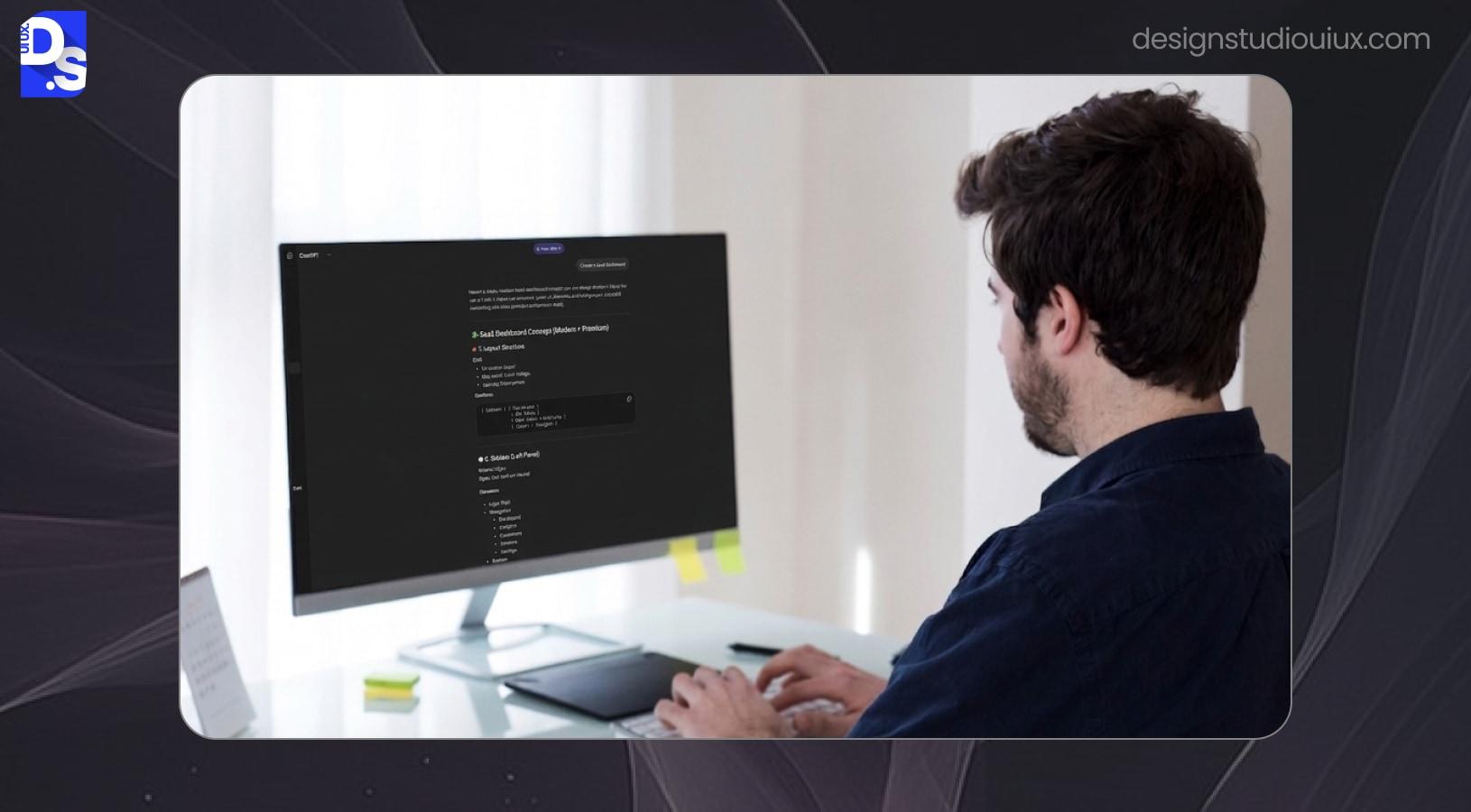
There are different AI tools that can simplify the user research work.
For example,
- ChatGPT and Claude can take a set of rough interview notes and pull out themes in minutes.
- Notion AI can organise large research data sets into structured information.
- Maze AI helps analyse usability testing results faster.
So, what is the Role of AI? It generates first draft user personas from simple inputs and identifies patterns across survey data quickly.
However, designers still control research direction to make UX decisions. They decide which questions matter and whether insights are valid or not.
Information Architecture and User Flows
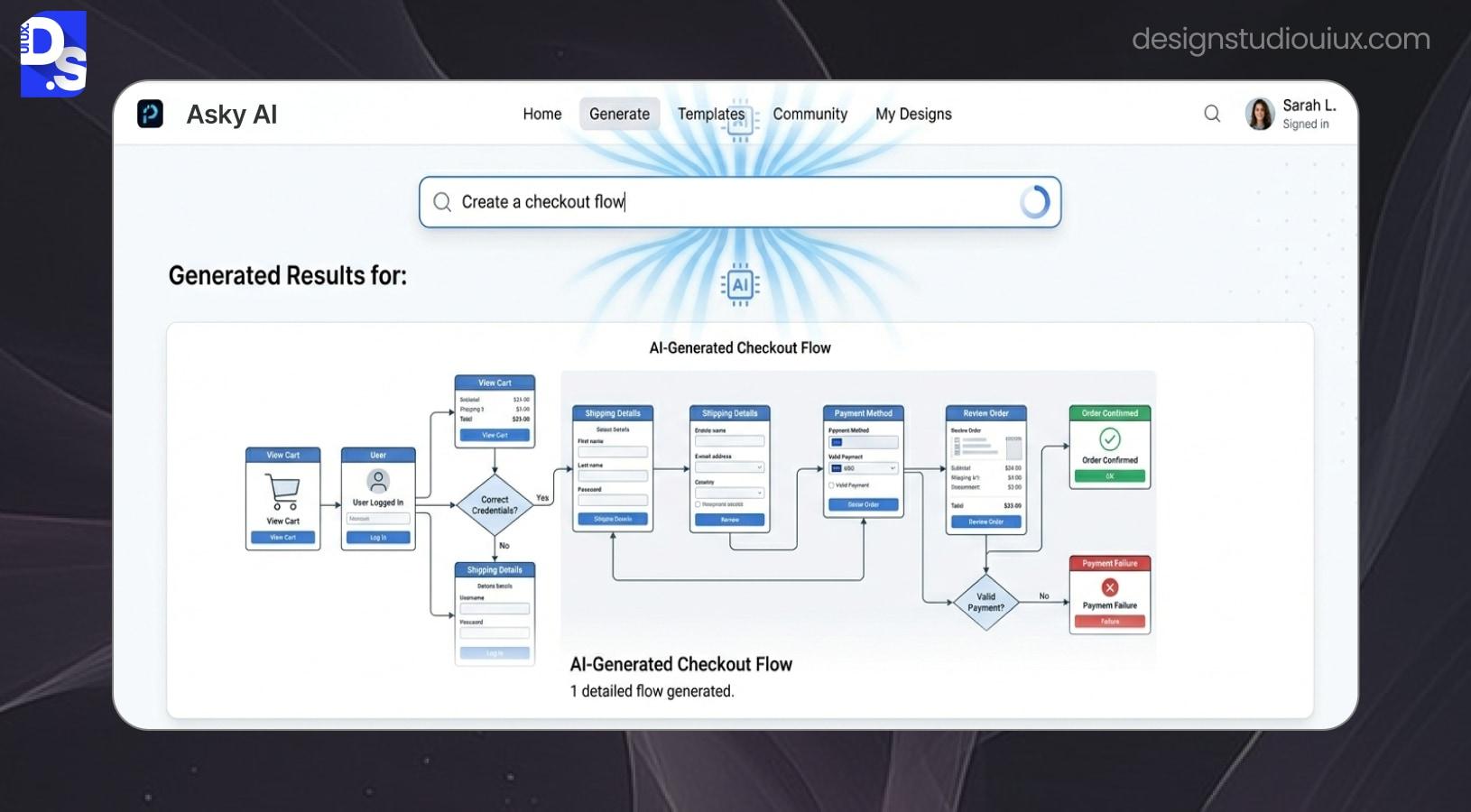
This phase defines how site visitors move through the product. Basically information Architecture (IA) organizes and labels content to create a logical blueprint for a digital product. On the other hand, user flows are built on this structure to optimize the overall digital interaction with the user.
Tools such as UX Pilot and Whimsical AI generate site maps and flow diagrams from prompts. These tools can suggest multiple navigation structures- specially in early project stages when options are still open.
This concept helps teams visualise product structure early and make necessary changes.
However, designers validate these flows carefully as AI tools do not apply human emotion. They had to make sure the site structure matches real user behaviour and avoids confusion.
Wireframing
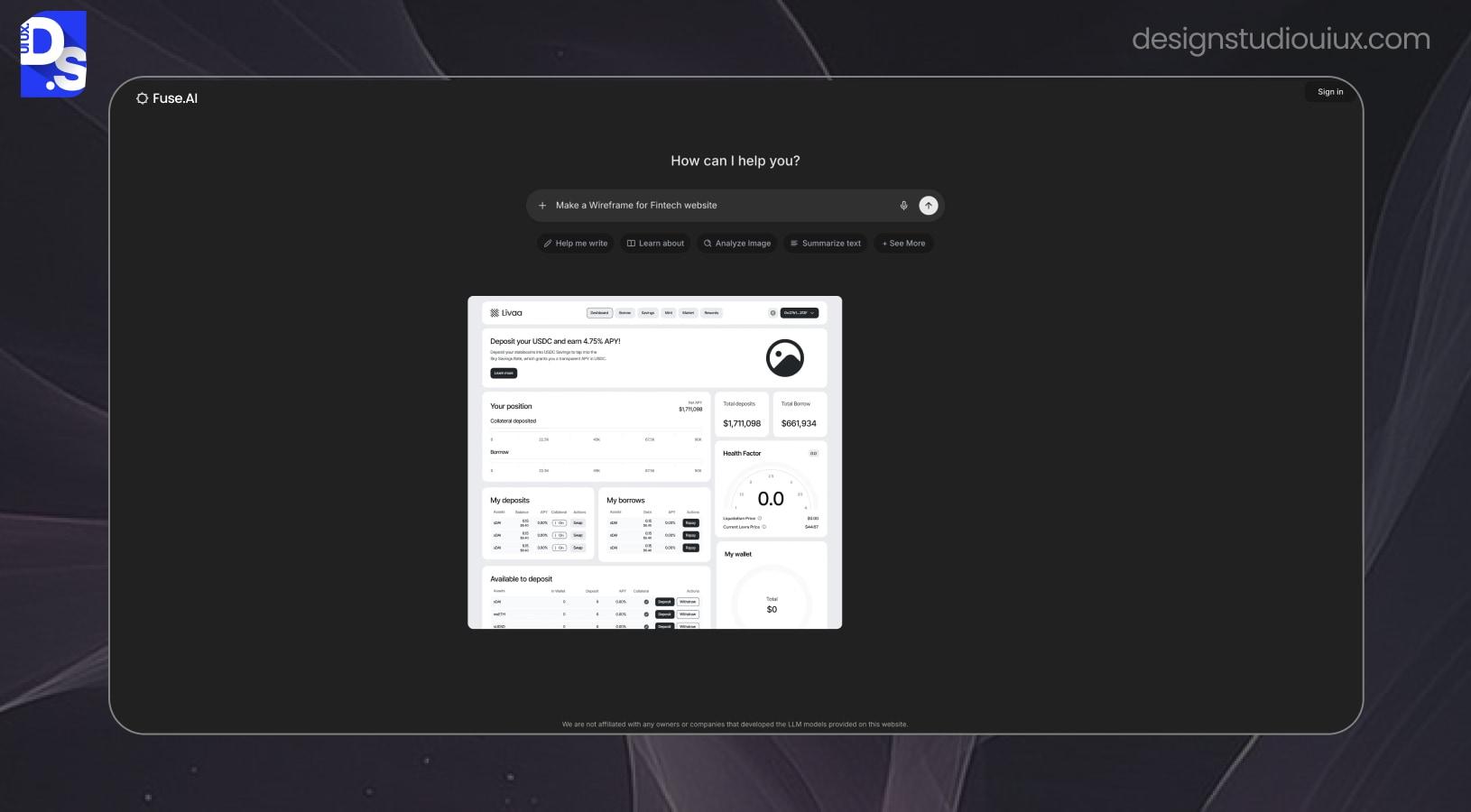
Wireframing converts ideas into low-detail layouts or site blueprints. It helps teams plan the basic website layout, IA, and user workflow.
Often web designers use different generative AI tools and create low fidelity design layouts, sitemaps, and user flows.
Let’s take a few examples of generative wireframe tools-
- Uizard converts rough sketches/text descriptions into wireframe screens in minutes.
- UX Pilot can build wireframes with proper usability suggestions.
These AI tools can build basic site layouts, but still, designers must confirm layout hierarchy and content placement based on real user journey.
Visual UI Design
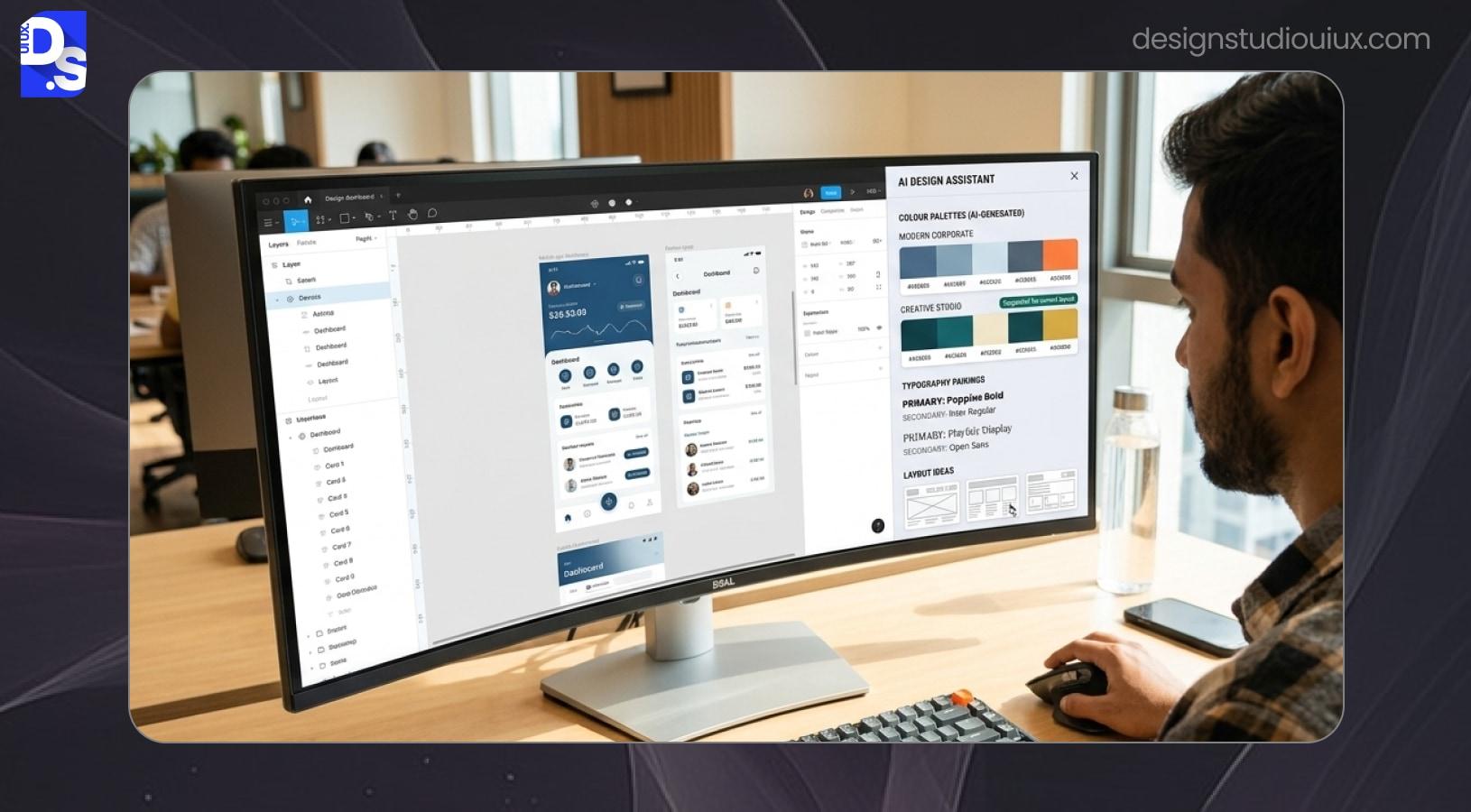
This is the phase where generative AI has made the most visible progress. The visible UI design focuses on the look-and-feel of the B2B platforms, using color, typography, and interactive components
Let’s talk about a few generative tools-
- Figma Make can create hifi screens from prompts that work with your existing design system.
- Google Stitch, which was completely rebuilt in March 2026. now handles an entire project from concept to clickable prototype on an infinite canvas.
- Midjourney helps explore visual styles and mood boards before screen design begins.
So, what is the role of AI in this phase?
Tools build, test, and fill site interfaces with realistic content. If you want to understand how AI tools influence website visuals beyond interfaces alone, our guide to AI Web Design explains how teams use AI across complete web projects.
Also, designers need to maintain brand consistency and site accessibility before finalizing the product features. They must check colour contrast, spacing, and typography of the web content carefully to make the product practical for everyone.
Prototyping and Developer Handoff
Prototyping is building an interactive, clickable model of an app to test UX concepts before final product delivery. It is used mainly to detect issues and collect feedback.
On the other hand, developer handoff is passing those final designs and instructions to the programmers so they can turn them into a real product. This phase connects design with development.
What Role does AI play in this phase? Generative tools can easily convert rough ideas, text, sketches, etc. into functional, interactive and code-ready site interfaces.This reduces the gap between what a designer expects and what a developer builds.
For example, tools like v0 by Vercel can create front-end code and Framer AI can build responsive web pages in a few minutes.
But, you should review code quality and handle edge cases manually to develop the overall product.
Top Generative AI Tools for UI/UX designers in 2026
Here are the best AI tools every UI/UX designers need in 2026 along with their features –
| Tools | Purpose | Key feature | Figma export? |
| Figma Make | Generates editable layouts inside existing Figma files. | Design system-based generation | Native |
| Google Stitch | Turns text prompts, images, or rough ideas into high-fidelity UI screens | Generates up to 5 connected screens from a single prompt | Yes |
| UX Pilot | Builts wireframes and UX flows from project briefs and research data. | Usability analysis built in and Bidirectional Figma integration | Yes |
| Uizard | Turns paper sketches and text prompts into digital wireframes and prototypes. | Sketch scan, multi-screen generation | Limited |
| v0 by Vercel | Generates React code from design and text prompts. | Production-ready React components. AI self-debugs and iterates | Code export |
| Framer AI | Build and deploys responsive site UIs. | Built-in CMS, animations, SEO, and one-click publishing | Via plugin |
For most teams, a combination works better than a single tool.
You can choose Figma Make for visual design.
If you are a beginner in AI UI design, use UX Pilot. It is one of the best AI wireframing tools which you can pick for creating user design workflows.
Choose Google Stitch if you want help for early concept work and creating rapid drafts
You can go with Framer AI if you direct transition from design to live deployment and v0 for developer handoff.
For the best B2B workflow, pick tools based on your design workflow, team size and whether you need high-fidelity design or faster coding speed. First test the free tool version if it is available and then use it on your real design project.
What AI Can’t Do in UX Design?
There are different limitations of generative AI in UX design.
Most importantly, Generative AI cannot replace empathy in UI/UX design.
It mainly processes patterns based on existing data and does not understand human emotions. Real user research, usability observations and deep interviews still require a human touch to work.
Also, AI produces generic outputs without clear direction. If you want unique UI results in SaaS designs, you have to enter strong prompts, otherwise designs may look similar to common templates.
Accessibility is another limitation seen in AI tools. Designs built using generative tools often fail WCAG colour contrast standards. They may also ignore proper spacing, touch targets and easy keyword navigation.
Hence, it is advised designers must review the designs carefully to meet accessibility guidelines.
AI cannot make design decisions when there exists a complex business situation. It cannot balance complicated stakeholder expectations or translate unclear goals into design strategies. This is what experienced designers are paid for.
Another limitation of generative AI tools in UI design is user validation. Generative tools can not replace real user testing and AI cannot understand the problems users face when interacting with a product.
In short, designers can take help of the generative tools for creating layouts but they need to review every screen for uniqueness, fairness and ethical standards.
It is advised to balance human strategy and UX decisions with AI speed and technology to get meaningful design results.
How Design Studio UI/UX Uses Generative AI for UX Design for Client Projects?
At Design Studio UI/UX, generative AI is part of our workflow for SaaS, B2B, and app design services. It reduces time and cost of the design process.
We use AI during research to summarise interviews and create early persona drafts. This can help teams move faster without losing key insights.
Next, user validation can be another limitation of generative AI tools in UI design. Clients can see real options at the first review meeting and provide relevant feedback.
At the visual design phase, Figma Make creates the very first version of a screen. This is done based on the client’s design system.
However, we do not rely only on AI tools. Our team manually handles UX strategy, accessibility audits, usability testing, etc.
Our goal is to craft user-first UX designs that both meet client goals and redefine industry standards. We use AI wisely to save time, making human judgment the final call in every step.
Conclusion
Generative AI is a real tool but it cannot take the place of experienced UI/UX designers. It brings a genuine shift in how design work gets done.
AI mainly handles the repetitive tasks that used to take all day and it creates many design directions in a few minutes.
But, the real challenge is knowing which tool to pick, where to apply them, and how to maintain UX quality throughout. This takes true skills and years of industry knowledge.
If your product team wants to build AI powered UX designs, our Design Studio UI/UX agency is here to assist.
Also, you can explore our UX Research services to see how we approach the discovery phase.
FAQs
Will generative AI replace UX designers?

Generative AI cannot take the place of UX designers, but it can change their UX strategies. It helps designers automate their daily design tasks, and create prototypes and design variations. Basically, learning AI tools make the team more efficient and help them achieve their design targets easily.
What is the best generative AI tool for UI design in 2026?
Choosing the best AI tool for UI design depends on the workflow and your design requirement. If you need high fidelity visual UI, go for Figma Make. Pick Google Stitch for creating rapid drafts. For wireframing and UX flows, UX Pilot can be a good option. Also, you can select Framer AI for direct transition from design to live deployment and v0 for developer handoff tasks.
How does generative AI speed up the UX design process?
Generative AI reduces manual effort and speeds up the entire design process. It checks site accessibility and handles the tedious user analysis work so you can prototype faster. This also frees designers to spend more time on strategy, and product improvement.
Can generative AI design accessible interfaces?
Generative AI can design site interfaces but you cannot rely too much on AI tools. Tools often build designs that do not meet WCAG 2.1 accessibility standards. They may ignore colour contrast, text sizing, proper spacing, touch targets and easy keyword navigation. Hence, designers must review every screen carefully to meet accessibility guidelines.
How do I use generative AI in Figma for UX design?
You can use Figma to create the very first version of a screen from text prompts, with your existing design system integrated. Also, use plugins like UX Pilot, Magician, and Relume to refine, restructure, and brand the output.
Is generative AI in UI/UX design suitable for enterprise products?
Yes, Generative AI can speed up the early phases of enterprise UX projects particularly with designing basic layouts and user flows. However, designers need to check for accessibility, security, and multi-user workflows before it goes into the product.



