


7 Critical Website Redesign Checklist for B2B & SaaS


A B2B or SaaS firm’s website is its hardest-working sales engine. A generic, poorly planned redesign can throw a spanner in this engine. Generic redesign playbooks often overlook the delicate, multi-stakeholder funnels and ultra-fragile trial setups in these sites. If you don’t follow a specialized website redesign checklist for B2B & SaaS – your site could be in BIG trouble.
It can lose its hard-earned SEO traffic that feeds your pipeline. The redesign can break the carefully optimized trial and demo flows that convert your best prospects. And, it can disrupt the MQL generation systems your sales team depends on.
Part of learning the importance of website redesign is learning that different websites have to take different redesign paths. To choose the right strategy, you must understand the b2b vs b2c website design and how buyer intent shapes structure, messaging, and conversion flows.
B2B sites must serve complex buyer journeys with multiple stakeholders. SaaS platforms need seamless connections between the marketing sites and the products themselves.
Want a successful redesign that enhances, not kills, all the mission-critical website elements that drive your revenue? Knowing when to redesign your website is the first step. The second is using the right playbook that suits your business model and your existing website’s structure.
This website redesign checklist for B2B & SaaS websites is for you. It’ll help you preserve your site’s rankings and boost every existing metric your site currently has. And, it’ll help you get the ‘right’ kind of targeted, professional website redesign services.
TLDR – Website Redesign Checklist
1. Define goals→ Align the redesign with lead generation and SaaS growth goals.
2. Audit existing site→ Identify the site’s high-traffic pages, SEO value, funnel drop-offs, and technical gaps.
3. Map buyer journeys and sitemap→ Build navigation and content flows for all target stakeholders.
4. Protect SEO assets→ Create a 301 redirect plan, preserve metadata, structured data, and high-value blog content.
5. Redesign conversion pages→ Optimize pricing, trial signup, demo booking, and feature pages with SaaS-focused UX design.
6. Update design system→ Ensure responsive, accessible, and brand-consistent components across templates.
7. Integrate tracking-tools→ Verify CRM, marketing automation, and analytics (GA4, GTM, server-side events).
8. Pre-launch QA→ Test CTAs, forms, funnels, speed, mobile responsiveness, and integrations before going live.
9. Launch with monitoring→ Check redirects, submit sitemap, verify indexing, and monitor early traffic/conversions.
10. Optimize post-launch→ Track SEO rankings, trial/demo conversions, and run A/B tests on pricing and CTAs.
Website Redesign Checklist for B2B & SaaS
Define Business Goals, Redesign KPIs
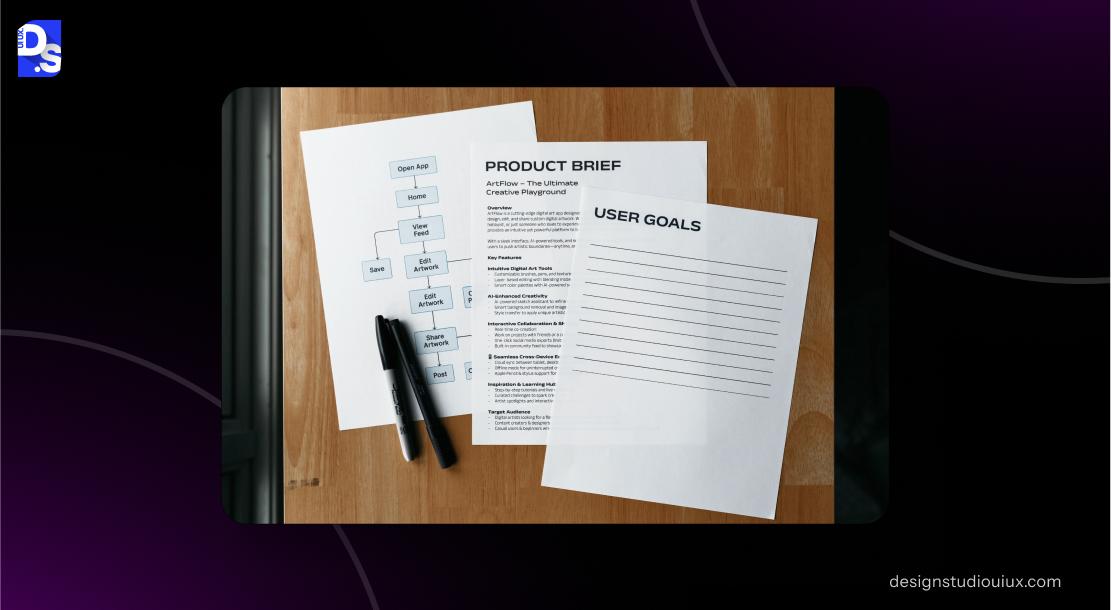
This first step connects your redesign directly to revenue. It prevents aimless aesthetic changes. Instead, it focuses every decision on moving specific business metrics forward.
Start with the ‘why.’ Why are you redesigning your website? For B2B and SaaS, the answer to the ‘why?’ is always growth. So, define what that growth looks like with numbers.
Does it mean more qualified demos for your B2B site? A higher free-to-paid conversion rate for your SaaS site?
Map your audience, too. And your stakeholders. Ask – who’s the final shot-caller of this project? The CFO pinching pennies? Or, the CTO sweating integrations? Document all of it. Scope the timeline of the redesign. And, the time you expect for the results to kick in.
Clear goals and expectations settle arguments. A solid website redesign project plan turns these goals and expectations into a structure that can be executed by the team.
They guide your team and also help you determine whether the cost to redesign a website is worth the returns you’re expecting.
Here’s the checklist for this step:
✅ Define lead-gen goals (MQLs, SQLs, pipeline).
✅ Identify SaaS growth KPIs (trial signups, demo bookings, trial → paid conversion).
✅ Document target audiences and buying committee roles.
✅ Create project scope, timeline, and stakeholders.
Audit Current Website Performance
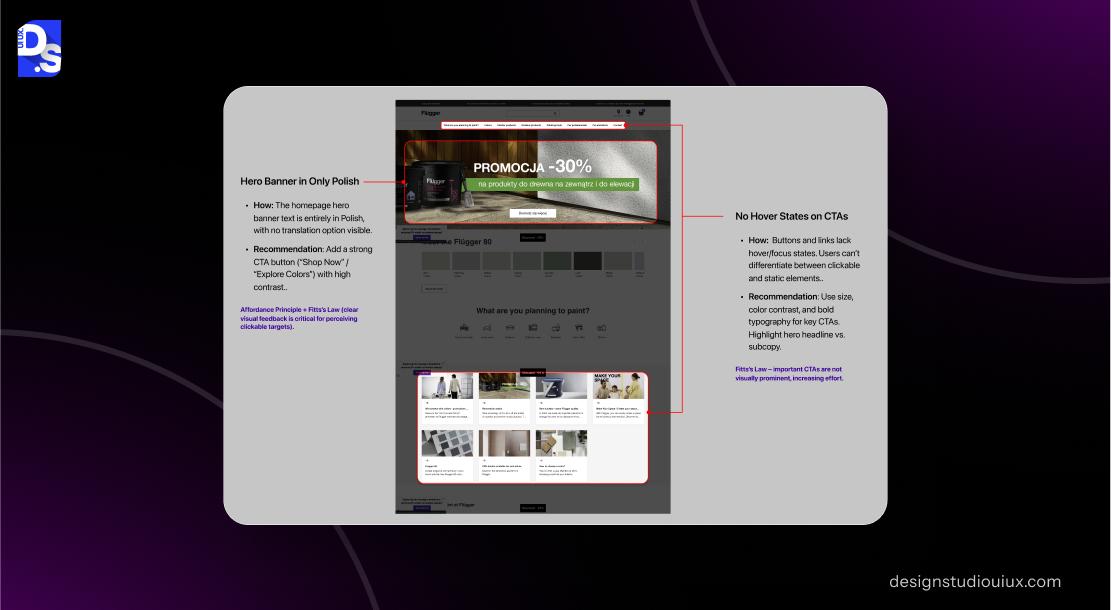
What to keep? What to fix urgently? What to eliminate? A pre-redesign site audit answers these vital questions. It prevents you from accidentally throwing away high-performing assets. Or, from ignoring the most critical flaws in your site and its funnels.
Your current site holds all the clues on what the redesign should prioritize.
Which blog post drives the most leads?
Where do people drop off in the trial sign-up?
Save the top-performing webpages pulling 80% of organic juice. Prioritize eliminating all the funnel points that cause the most drop-offs on demo forms.
You need professional ux audit tools to provide the data to make those decisions. This pre-redesign audit gives you just that. Bring in professional UX audit services if internal reviews miss the mark.
The auditors give an unbiased, expert view of the site’s current performance levels across all aspects.
✅ SEO audit: export top traffic-driving pages, backlinks, and ranking keywords.
✅ Content audit: check case studies, whitepapers, and blog conversions.
✅ Funnel audit: track drop-offs in demo/trial flow.
✅ Technical audit: page speed, Core Web Vitals, integrations.
✅ CRO audit: review CTAs, pricing page, and sign-up flow heatmaps.
Map Buyer Journey and Update Information Architecture
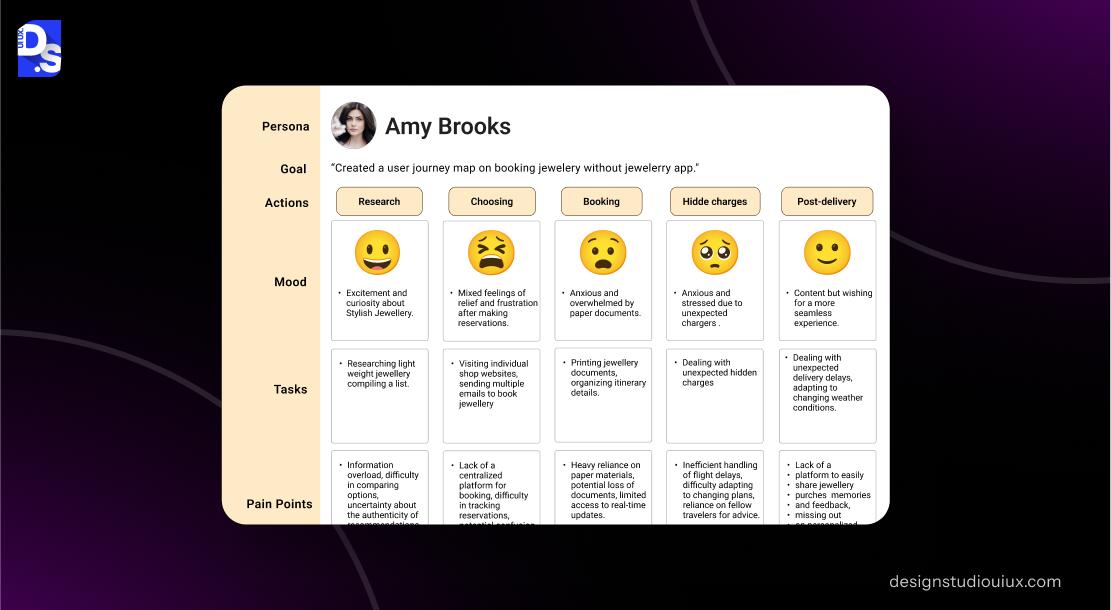
B2B and SaaS purchases are often group decisions. The redesigned site must serve all. This step will ensure the redesign considers everyone’s needs.
A CEO navigates your site differently from an IT exec or a procurement intern. Your redesigned site’s navigation and information architecture must serve them all.
Build customized user paths for every potential stakeholder who’ll browse the site. Paths to exploring the product’s technical specs. Paths to pricing. Paths to security documentation.
Invest in UX research services to understand which paths your different target users will take. To understand what interaction patterns they’ll expect.
Do you expect your sales cycle to be too complex? You might need to apply advanced enterprise UX design solutions to create multi-layered user journeys.
✅ Identify key touchpoints: Awareness → Consideration → Decision.
✅ Build a sitemap around the buyer journey (solution pages, product pages, pricing).
✅ Ensure navigation supports multiple stakeholders (IT, Finance, Marketing).
✅ Plan for content migration and URL structure (old → new mapping).
Design System and Conversion Pages (SaaS Specific)
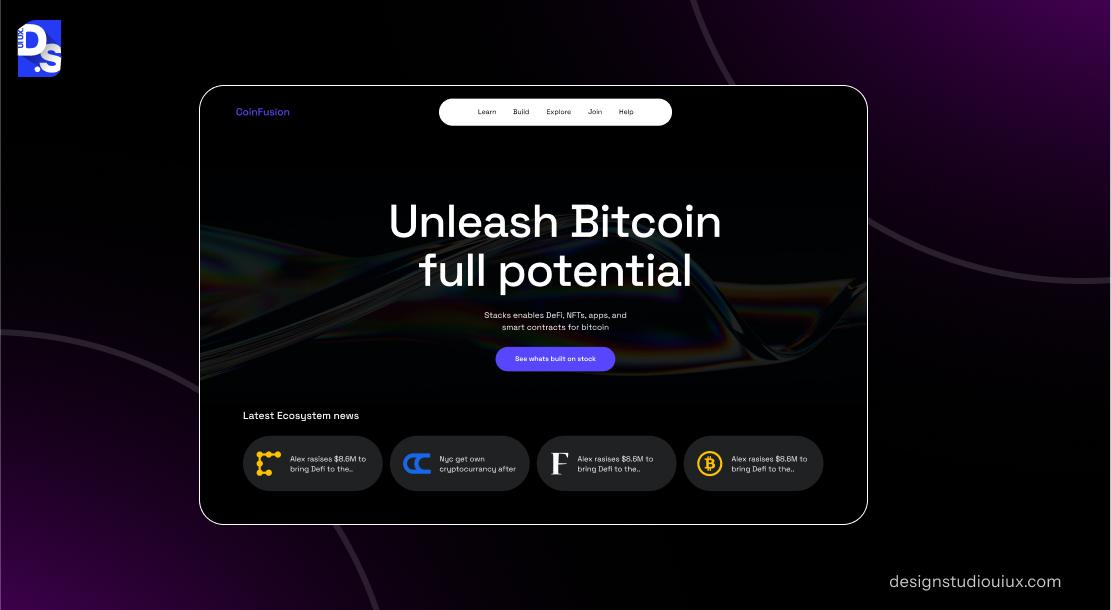
This is where you optimize for action. SaaS lives and dies by its conversion points. The site’s pricing page, its sign-up flows, and its demo booking flows- they all need to be friction-free.
Generic design patterns often fail SaaS sites.
Your pricing page doesn’t need walls of text. It needs a digestible pricing tier-list infographic. Your trial flows should feel like first dates for visitors. They should have progressive forms that don’t overburden users. Demo booking flows that entice with every scroll.
You also have to toss in many SaaS staples across these pages. Integrations grids, security badges, feature toggles, personalized CTAs, and more.
Optimize these critical funnel pages for maximum conversion. Team up with a specialized SaaS website design agency for maximum efficacy.
✅ Redesign pricing page for clarity & comparisons.
✅ Optimize signup flow (progressive forms, minimal friction).
✅ Improve demo booking (integrated calendar, instant confirmations).
✅ Add SaaS-specific components (integrations section, security page, feature grids).
✅ Ensure brand consistency across product + marketing site.
Technical and SEO Migration Planning
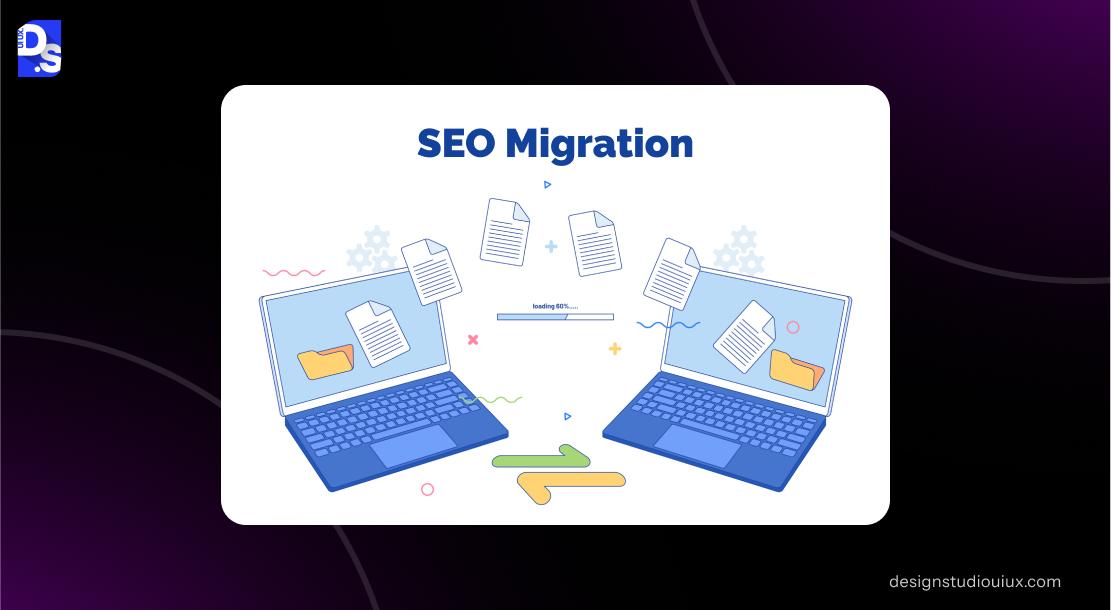
This step protects the site’s SEO equity you’ve spent years building. One misstep here can erase millions of search impressions overnight. Meticulous planning prevents that.
Migration panic is real. It is the fear of watching organic traffic vanish after launch, and losing the site’s rankings, inbound leads, and high-quality SEO-optimized content.
Silence that fear with a bulletproof plan. Give every high-value URL a new home. Preserve every Meta description, every schema for FAQs, and the site’s structured data architecture that feeds Google’s AI snippets. Migrate all content without link breaks. Also,
✅ Create a 301 redirect map for high-value pages.
✅ Preserve Meta tags, structured data, and FAQs.
✅ Ensure blog and knowledge base migration (don’t break links).
✅ Set staging site to no-index.
✅ Test new site with crawlers before launch.
Unsure of carrying out these preservation efforts? Seek out professional B2B website design services. Let them know that you want to protect your SEO assets.
Pre-Launch QA Checklist
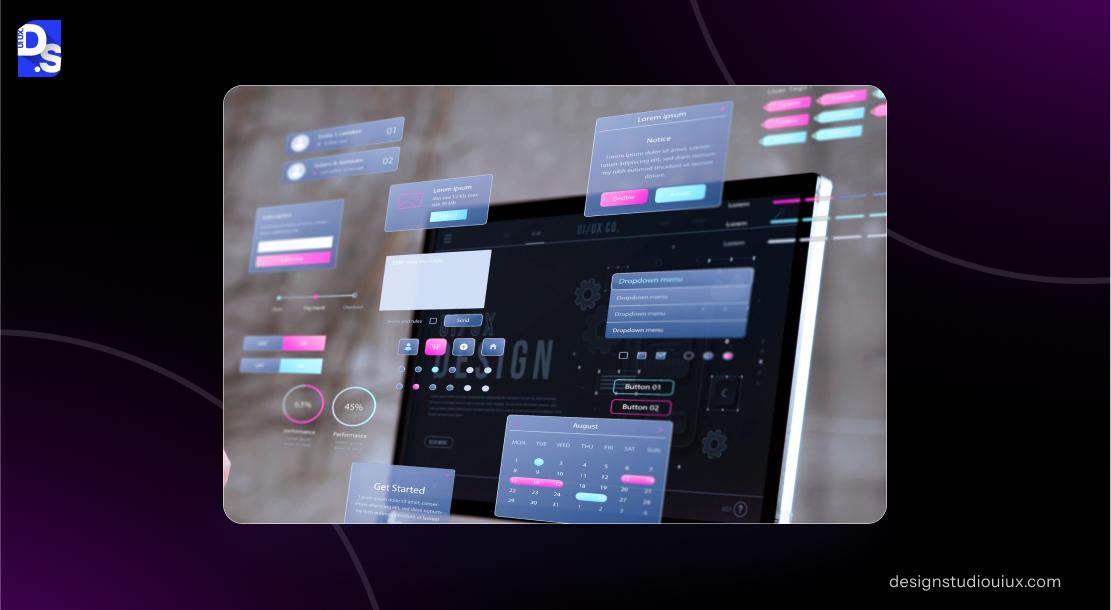
Next, we verify every link, form, and integration. The goal is to ensure the website element works fine before launching the redesign.
Is your redesign progressing well? Test on every browser. On every device. Click every button. Fill out every form. This step is boring. But it’s absolutely non-negotiable. A broken demo form on launch day is a revenue leak you can’t afford. To avoid that
✅ Verify forms, CTAs, trial signups, demo flows.
✅ Test integrations (CRM, email automation, analytics).
✅ Run full site crawl for broken links & missing redirects.
✅ Mobile & cross-browser testing.
✅ Set-up GA4 events + Search Console sitemap submission.
Post-Launch Monitoring
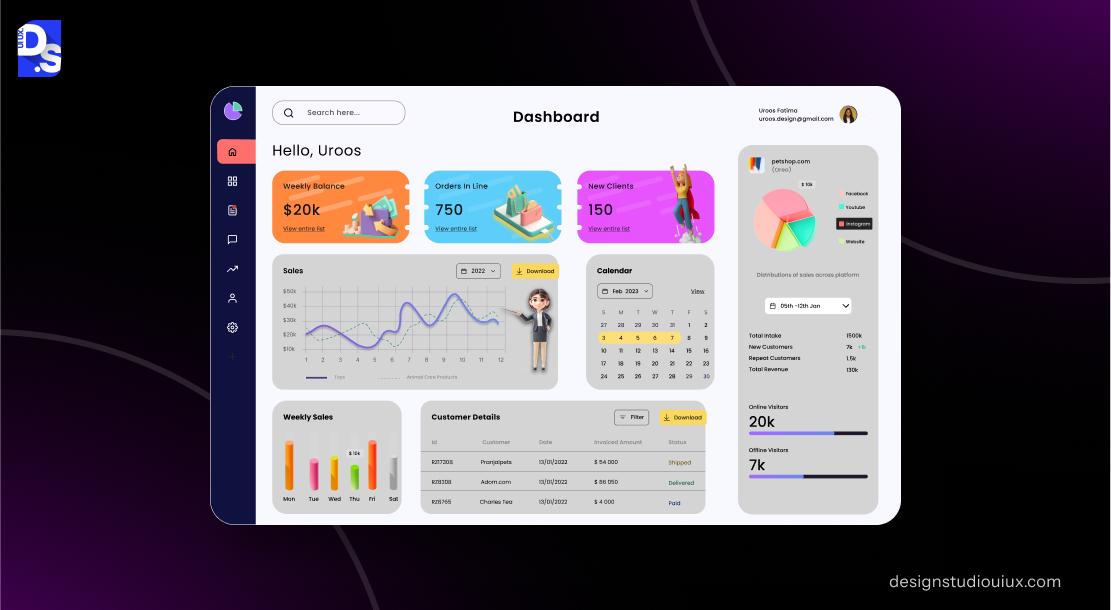
The work isn’t over at launch. Now, you watch, measure, compare, and tweak. This post-launch vigilance catches small problems before they escalate into major issues.
The first 72 hours post-launch are critical.
Is traffic flowing? Are leads coming in? Are the redirects working? Track all of these details with pre-launch KPIs. Use GA4 for tracking traffic baselines. Hotjar for behavior shifts.
Even eCommerce website redesign projects involve this level of meticulous post-launch monitoring. For B2B and SaaS funnels that process deals that are often 10x more valuable, the scrutiny should be higher.
✅ Monitor 0-72-hour traffic and conversions.
✅ Compare baseline KPIs (organic traffic, MQLs, trials).
✅ Track SEO ranking shifts (top 50 keywords).
✅ Review lead quality post-launch.
✅ Adjust CTAs, pricing page, and onboarding flow based on behavior.
SaaS-Specific CRO Enhancements (Ongoing)
A redesign for a SaaS site is a new beginning. Not a finish line. Keep optimizing to compound the site’s gains. Test, learn, and improve continuously.
Your SaaS website redesign checklist will continue long after launch.
Does a 30-day trial convert better than 14 days?
Does social proof on the pricing page reduce hesitation?
Learn the answers to these types of targeted questions by constantly monitoring all key site metrics. By extensively A/B testing all web design elements.
This is how you outcompete your peers and consistently improve conversion rates. Check out any successful SaaS product design case study to see how others have done it.
Your ongoing CRO requirements are
✅ A/B testing pricing tiers and trial lengths.
✅ Experiment with social proof (logos, testimonials, review badges).
✅ Personalize CTAs (by industry, role, or use case).
✅ Add in-app onboarding links from website CTAs.
Common Mistakes in B2B and SaaS Redesigns
The most costly website redesign mistakes are also the most common and every single one of them is 100% preventable. They usually stem from applying generic web principles to specialized B2B scenarios. And from poor planning in the migration phase.
Don’t be a case study in what not to do. Instead, study every B2B website redesign case study you can access.
You’ll see many redesigns fail because they repeat the same critical errors.
- Not preserving top-ranking URLs – the fastest way to destroy years of SEO work.
- Over-complicating trial sign-up forms – giving users reasons to leave.
- Weak CTAs on pricing/product pages that confuse users.
- Launching without a rollback plan to quickly revert to the old site.
Follow a solid B2B website redesign checklist to avoid these common pitfalls.
Conclusion
No more generic overhauls for your sophisticated SaaS tool. No more SEO scares or funnel breaks for your high-authority B2B website! Follow this website redesign checklist for B2B & SaaS and eliminate all the guesswork from this high-stakes business investment.
Need a customized SaaS or B2B website redesign checklist for your specific website? Reach out to us for a free consultation now! We’ll show you how to safeguard your site’s traffic while boosting its conversions and growth potential with a strategic redesign!
FAQ’s
What’s different in a SaaS website redesign vs a normal redesign?

A SaaS site redesign focuses on preserving complex funnels like trial signups and demo flows, not just normal webpages. These redesigns must also ensure seamless integration between the marketing site and the product.
How do I protect SEO during a redesign?
Create a comprehensive 301 redirect map. Preserve all high-value metadata. Maintain the URL structures of top-ranking pages. Test everything on a staging site before launch.
Which pages must never change URLs in SaaS?
The pages that should never change URLs in SaaS include pricing, trial sign-up, demo booking pages, as well as all high-traffic blog or solutions pages.
How long does a B2B redesign take?
A B2B redesign takes 3-6 months for all phases – planning, auditing, design, development, migration, and testing
Should SaaS sites redesign pricing pages during launch?
Yes, but with extreme caution. The pricing page is a critical conversion point. It should be extensively tested before launch.



