


What is Corporate Website & How to Design it Guide (2026)



Quick Summary
Corporate website design is the procedure of creating a professional and sophisticated website that reflects a brand’s identity positioning and core values to its target audience. A well designed corporate site gives you a competitive edge, builds credibility, and becomes a powerful tool for lead generation and business growth.
This blog post is your practical guide to designing a corporate website that builds trust, drives growth, and stands out in the digital space.
We’ll explore how corporate sites differ from consumer-focused platforms, break down the corporate website design process, and walk through actionable steps to create a site that aligns with your business goals.
Whether you are a business owner or designer, this is your roadmap to a standout corporate presence online.
A corporate website is your company’s digital flagship – Unlike product-specific sites, it showcases your organization’s ethos, expertise, and ecosystem.
Think of it as a 24/7 receptionist, portfolio, and press room rolled into one. It houses your mission statement, leadership bios, investor reports, and service details, all while reinforcing your reputation.
Corporate websites are built to connect with a wide crowd: potential clients, partners, and even job seekers.
While new age B2C sites are optimized to drive impulse buys, modern corporate website design is all about informing visitors and building long-term relationships.
These visitors are usually researchers (clients, investors), not individual shoppers. That’s why a typical corporate website has layered menus packed with case studies, whitepapers, and sensitive corporate data all locked behind encryption.
What Is Corporate Website Design and Why Does a Business Need It?
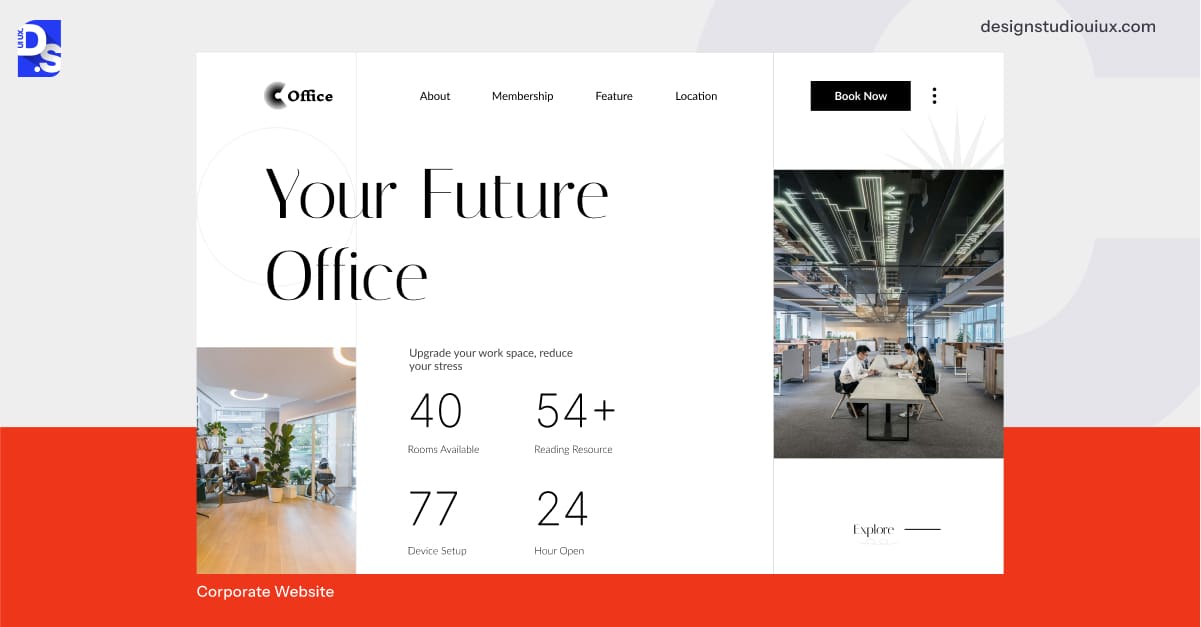
Corporate website design is the process of custom creating a website that mirrors a business’s identity. It is a specialized sector of web design focused on creating online spaces that reflect a company’s values, speak to its audience, and hit business targets.
A company website has to appeal to a sophisticated user base that contains industry stakeholders, business clients, investors, and employees.
In a competitive business world, corporate websites are a must-have tool for companies that want to create go-to digital spaces for anyone wanting to learn more or get involved with their brands. It is a vital business tool for forging long-term corporate relationships and establishing market authority.
Corporate websites are mainly for business audiences, which is why the same principles that convert B2B also fit perfectly here. For exploring those elements in more detail, visit our ultimate guide on B2B website design best practices .
That’s why only specialized agencies and designers who have a knack for business strategy, slick UI/UX design skills, and technical experience in creating such sites can engage in corporate website development and design. In many cases, WordPress website design plays a key role in this space, offering flexible, scalable solutions for businesses of all sizes.
With the right design approach, a WordPress-powered corporate site can effectively combine visual appeal, functionality, and user experience to support long-term growth and engagement.
The Role of a Website in Brand Identity and Online Presence
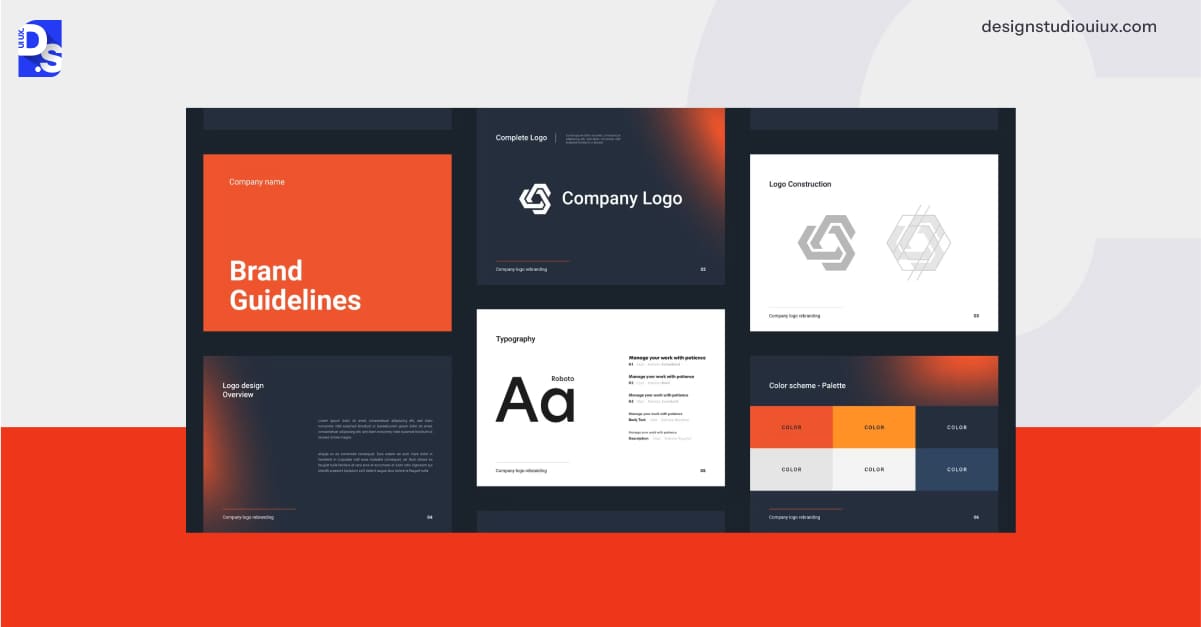
Intrinsically, we all know why web design is important for any business.
A local law firm that has a site with client portals is far more likely to earn your trust, gain your access, and outcompete its peers without their own business sites in generating leads. A manufacturer whose site clearly explains its capability deck is way better equipped to attract the right audience and keep them timely informed about supply chain issues. Even a small shop can gain a big audience via Google’s local search with a simple business site.
Your website is your brand’s digital anchor. It is where first impressions form and perceptions take root. Every color, word, and click tells your story.
Here’s why every business (including yours) needs a well-designed corporate website:
- Trust Building: 75% of users judge credibility based on web design; a polished site signals reliability.
- Uninterrupted Access: Your services become visible globally, day or night.
- Competitive Edge: You get to outpace rivals by offering perks like faster load times and intuitive UX design.
- Lead Generation: Contact forms and chatbots can convert visitors into clients.
- Data Control: You get to own your platform, unlike social media, where algorithms dictate reach.
- SEO Advantage: Rank higher on Google for industry keywords, attracting organic traffic.
- Crisis Management: Share real-time updates during disruptions, maintaining stakeholder confidence.
In short, a company website is your digital home base. It builds trust, spreads your name, and ties your brand together across every online channel.
Steps to Design & Develop a Corporate Website
Ready to design a standout corporate website that helps your business achieve all the perks we discussed above? Here’s how it happens, step by step.
1. Project Kickoff and Initial Planning
Modern corporate website design projects typically kick off when businesses recognize critical gaps in their digital presence. Be it due to outdated designs, poor lead generation, or evolving brand strategies, companies usually hire professional web designers when they know their existing online presence is not cutting it.
The first sit-down brings the big players together. Business heads meet the design crew – project leads, creatives, tech wizards. Together, they hash out the vision, pinpoint pain points, and set goals. Talks cover timelines, budgets, and must-have functionalities for the site.
Then the team whips up a blueprint- a detailed plan listing tasks, deadlines, and cost of designing a website. It is the foundation that keeps everyone on the same page, steering the project toward a win.
2. Understanding Your Audience and Business Needs

A corporate site can only thrive when it knows its purpose and people. This step is all about that. It splits into three smart moves.
First, the web design team nails down what the site’s chasing, be it more leads, stronger rep, or better client service. The team makes its goals clear, like aiming for 20% more inquiries in the first quarter.
The next task is to figure out who’s clicking through. Professionals sketch out profiles for key visitors, from clients hunting solutions to investors eyeing key business stats. They tap into surveys, heatmaps, and customer interviews to understand what their average visitor wants.
A corporate bank, for example, might cater to:
- CFOs seeking investment tools.
- Compliance officers requiring regulatory updates.
- Retail customers comparing mortgage rates.
Lastly, they peek at the competition. They scope their closest sites for design wins or gaps to exploit. Let us say you are in the consumer goods space. Studying leaders like Siemens or Procter & Gamble can highlight the corporate website development trends your site needs to adopt.
This prep helps shape a corporate website design plan packed with modern web design trends that instantly click with users and gives the company an edge. Staying updated with evolving trends like minimalistic layouts, micro-interactions, and dark mode ensures the site remains fresh and competitive.
3. Planning the Website Structure and Layout
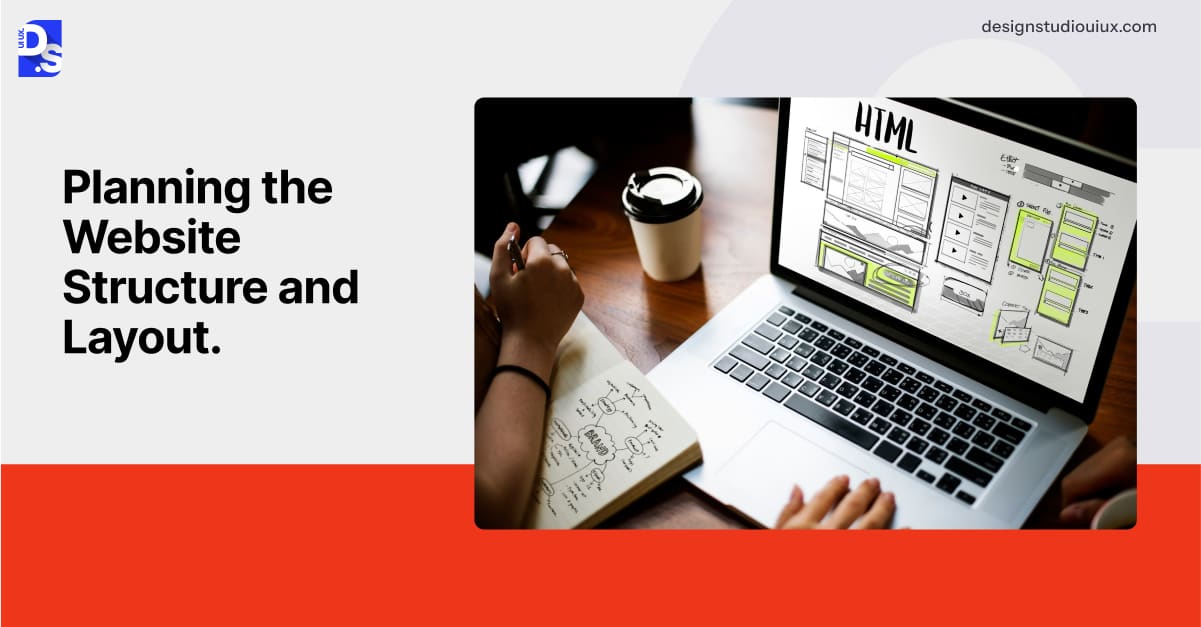
Website design for Enterprise is completely different from designing a typical blog or eCommerce site. Yes, both types of sites need to have a user-centric and mobile-friendly design. But their navigation structures? Totally different.
Unlike simple consumer pages pushing quick sales, these pack in layers like service breakdowns, investor info, or team portals. Their structures also vary by industry. A logistics company might split its site into “Shippers”, “Carriers”, and “Investors”, each with nested pages for tracking, compliance, or financials. A consulting firm might have pages upon pages dedicated to expert content.
To create the right structure, corporate web designers list every section needed. Then, they create a site map to sketch out how all the different site sections connect. They use tools like card sorting and perform workshops with test users to categorize all content sections logically. Following this, they leverage flowcharts to plot out how the target visitors will move around the site, and then refine the site structure and layout accordingly.
The outcome by the end of this step is a clean, custom structure that makes finding infoon the site a breeze.
4. Crafting an Engaging and Professional Design

Custom website design and development in the corporate space is about embodying the brand’s essence while keeping users hooked. To do so, web designers first pick visual elements that help them achieve this goal. They pick hues that echo the company’s soul – soft grays for a financial giant, maybe punchy reds for a tech upstart. Next comes making typographic choices that mix readability with a dash of brand flair.
Testing is baked into every step. Tools like Figma let teams mock up layouts and A/B test them. Does a specific typography and color combo reflect the brand’s ethos? Do video demos on the homepage outperform static infographics? A/B tests help answer such questions.
Iterations happen in real time. For instance, a healthcare site might tweak button placements after noticing users struggle to book appointments.
Once the design’s core elements are tested and refined, micro-interactions, like subtle hover effects on service cards, are added gradually to further enhance the experience. It is a slow build, layering in elements after elements until the site is both stunning and smart.
5. Optimizing User Experience (UX) and Accessibility
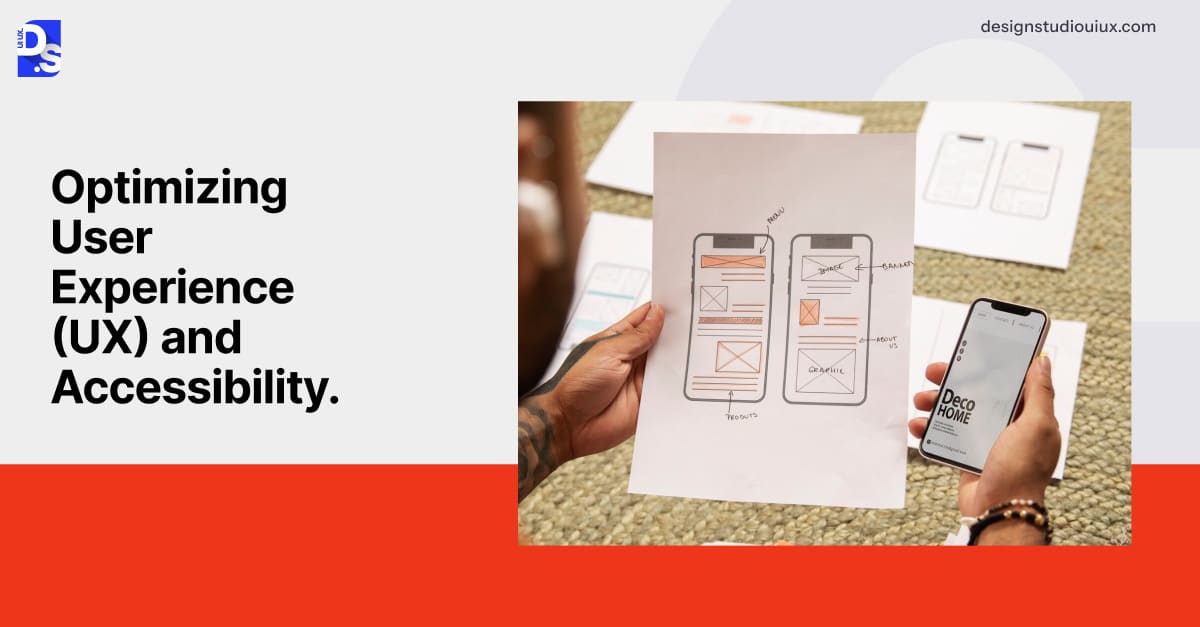
Corporate UX design is mainly centered around making complex information feel effortless to navigate and consume. To do so, the site’s navigation needs to cater to everyone: investors hunting for annual reports, job seekers skimming culture pages, or partners logging into portals.
If a corporate site is packed with content, its mega menus must let users drill down on each content section by industry or role without getting lost. Personalization plays a huge role, too. Returning clients might land on a dashboard packed with project updates, while new visitors see a guided tour of services.
Accessibility must also be woven into the fabric of design. UX designers use tools like WAVE to scan sites for contrast issues or missing alt text. They also perform manual tests with screen readers to ensure compliance with standards like WCAG 2.1.
For global brands, multilingual support is also key. Web designers add region-specific content that adapts to local languages and regulations, to international sites.
6. Content Strategy and SEO Optimization
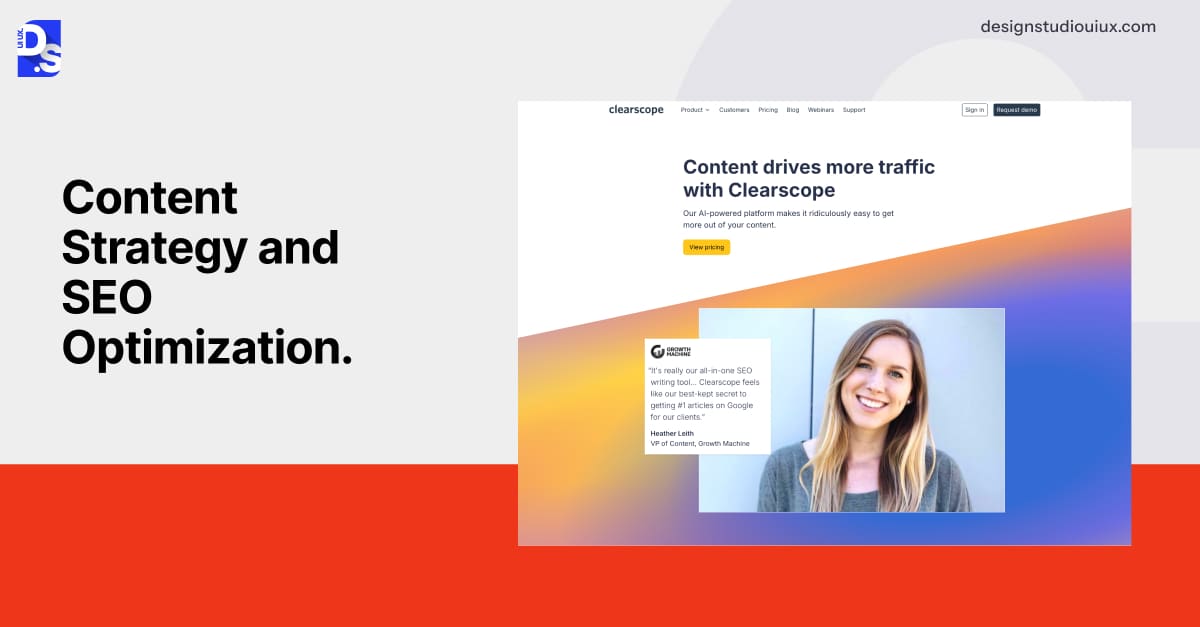
Content on corporate sites walks a tightrope: it needs to inform without sounding salesy. So, web designers take steps like making a cybersecurity firm publish deep dives on threat detection, instead of sharing blatant ads. They make a nonprofit share impact stories to tug at donor heartstrings, instead of directly asking for donations.
Web designers also center corporate sites’ SEO strategies around answering niche queries. So, instead of using terms like “cloud services on sale,” they make a B2B cloud platform target phrases like “scalable, hybrid cloud solutions for enterprises.”
Tools like Clearscope help them align content with search intent. Regular content audits help them prune dead weight (outdated case studies or broken links). They also keep publishing fresh content based on user feedback to keep the site relevant.
The result? A corporate site that ranks high and resonates deeply.
7. Incorporating Essential Functionalities
Corporate sites also need to be hubs for action. They must let users perform key functions like tracking orders or accessing support tiers. They must feature locked-down portals for client files, sign-up forms for events, or job boards buzzing with openings.
For manufacturers, their sites must offer interactive tools like 3D configurators to let clients customize products in real time. Web designers spend a lot of time custom-designing and integrating these essential functionalities into corporate sites.
They use APIs to connect CRM systems, payment gateways, chatbots, event platforms, calendars, supplier portals, and more to these sites. They also optimize functions like document uploads, file downloads, and booking for easy engagement.
For example, in SaaS website design, making the software order and payment processes easy to use is the main task of designers. Once this step is complete, every tool feels native to the site, not bolted on. It turns the site into a hub that does not just talk business but does it.
8. Testing and Launching the Website
Before the curtain rises, rigorous testing ensures the site won’t flop. Tools like BrowserStack simulate how the site behaves on everything from iPhones to aging Androids.
UserTesting recruits real people, like procurement managers, for testing RFP portals. After they spot on-site design hiccups, designers make instant performance tweaks, like compressing images with TinyPNG or lazy-loading videos to shave seconds off load times.
Launch day is all about checklists:
- Redirect old URLs to keep SEO juice.
- Double-check SSL certificates and GDPR pop-ups.
- Test all integrations for smooth operations.
Post-launch, tools like Hotjar track where users stumble. Maybe contact forms time out, or mobile menus stick. Applying quick fixes to such issues keeps the site smooth.
9. Maintaining and Updating the Website
A corporate site is never “done.” Security patches keep rolling out every month to fend off breaches. Content keeps getting refreshed.
Analytics tools like GA4 keep spotlighting user behavior trends that the site’s design needs to accommodate. New security threats pop up and continuously demand addressing.
Responsive website design standards keep evolving as new devices hit the market. New web design trends keep emerging as new technologies arise and user preferences change.
Web designers keep modifying corporate websites accordingly. They keep the site’s design alive, slick, secure, reliable, and always ready to impress.
Technologies That Aid Website Design for Company Sites
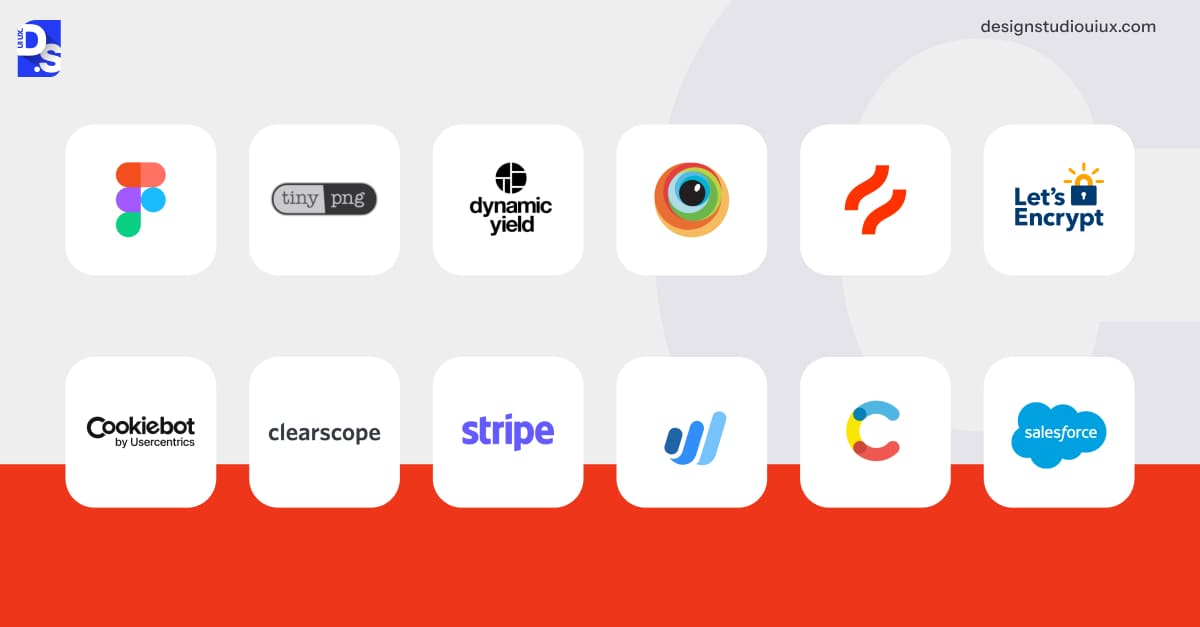
Building a corporate website in 2026 means picking tools that deliver speed, security, and style. Front-end development leans on collaborative platforms like Figma, where teams co-design wireframes in real time, refining navigation structures through card-sorting workshops.
Tools like TinyPNG compress visuals without quality loss, while lazy-loading prioritizes critical content, slashing load times. Personalization engines like Dynamic Yield power personalization, tweaking content in real-time based on user data.
Testing leans on tools like BrowserStack for device harmony and Hotjar for heatmap insights. Back-end muscle comes from Let’s Encrypt SSL certificates that seal all on-site data securely. GDPR-compliant cookie managers like Cookiebot also help safeguard data.
For SEO, Clearscope tunes content to rank high, while WAVE ensures accessibility hits WCAG marks. A headless CMS like Contentful keeps updates flexible. API integrations with tools like Salesforce or Stripe APIs simplify content management and payments.
Best Business Website Examples or Inspirations
Before you go, try out these tools and create your own corporate website. Here are some corporate sites in 2026 that masterfully balance form and function to inspire you:
McKinsey’s Thought Leadership
McKinsey & Company keeps it text-rich but sleek. Filterable insights by industry, like energy or tech, make browsing a breeze. Subtle scroll animations add flair, and a global language picker covers 50+ regions effortlessly.
Davydov Consulting’s Creative Edge
Davydov Consulting’s corporate website design blends bold creativity with a professional edge. Its layout is clean yet dynamic, using earthy tones that reflect a commitment to sustainability. High-impact visuals, such as a bold project showcase and multilingual testimonials, highlight their global reach. The intuitive navigation, strong calls-to-action like “Book a consultation,” and modern aesthetic emphasize their expertise in crafting accessible, engaging digital experiences for a diverse clientele.
Deloitte’s Smart Integration
Deloitte weaves microsites into one hub. ESG dashboards powered by live data via Tableau shine, while biometric logins nod to cutting-edge security.
Lee Cooper’s Denim Legacy
Lee Cooper wears its British denim roots like a badge of honor.
The site’s homepage hooks you with a scrollable “Our Story” timeline, tracing over a century of stitching jeans for rock legends like the Rolling Stones.
Clean visuals spotlight recent campaigns, while a footer packed with social links invites you to follow the journey. The design is simple but sharp, with a nod to its East London grit.
Cleveland Clinic’s Health Hub
Cleveland Clinic blends AI symptom checkers, built on Epic, with telehealth booking. Physician intros via video and live ER wait times keep it intriguing and accessible.
IP Gennesis’ Legal Precision
IP Gennesis keeps it crisp and professional, tailored for Malaysia’s IP crowd. The homepage lays out trademark, patent, and copyright services with zero fluff, straight to the point.
The clean layout features a prominent “TO PROTECT INNOVATION” tagline, reinforcing their mission. With intuitive navigation and a responsive interface, the site ensures accessibility across devices, aligning with their commitment to professionalism and client engagement.
Tips for Designing The Perfect Corporate Website in 2026
Here are some final tips on creating a near-perfect, modern company website.
Align Stakeholders Early
Host cross-departmental workshops to harmonize IT, marketing, and leadership priorities.
Design for Speed and Agility
Adopt mobile-first frameworks like Bootstrap to ensure seamless responsiveness. Optimize the site’s Core Web Vitals. Lazy-load videos via LiteYouTube to hit LCP targets of under 2.5 seconds.
Embed Security Everywhere
Use RBAC (Role-Based Access Control) to tier data access. Pair this with quarterly penetration tests using tools like OWASP ZAP.
Automate Intelligently
Deploy AI chatbots like Drift for 24/7 query handling, but keep human escalation paths for complex issues.
Simplify Content Management
Use modular blocks via headless CMS platforms like Contentful to let non-tech teams update press kits or blogs without coding.
Optimize for Global Audiences
Implement multilingual support with tools like Weglot, which auto-translates content without redesigns.
Adopt Dark Mode
Reduce energy consumption and improve readability using CSS frameworks like Darkmode.js.
Streamline Form Submissions
Use Typeform’s conditional logic to minimize fields and boost completion rates.
Monitor Uptime Rigorously
Use tools like Uptime-Robot to alert your team about to outages instantly.
Audit Accessibility Quarterly
Follow WCAG 2.2 guidelines using screen readers like JAWS.
Leverage Headless Commerce
For B2B sites, use Shopify Plus to manage scalable product catalogs.
Host Media Kits
Provide downloadable logos, press releases, and executive bios via Dropbox Business.
Schedule Bi-Annual UX Audits
Constantly identify friction points through tools like Crazy Egg.
Integrate Real-Time Analytics
Use Google Analytics 4 to track user behavior and refine strategies.
Prioritize Sustainable Design
Adopt eco-friendly practices like optimizing images with TinyPNG and using green hosting providers like Green-Geeks.
Implement AI-Powered Search
Use tools like Algolia to enhance on-site search accuracy, helping users find content faster.
Test Across Devices Relentlessly
Use BrowserStack to simulate how your site renders on everything from foldables to legacy devices.
Future-Proof with Web Components
Build reusable elements using Lit to ensure compatibility with evolving tech stacks.
Conclusion
Hopefully, this ultimate guide on corporate website design helps you create a valuable online business asset for your company this year. Remember, your website is a living asset. So, test relentlessly, refine ruthlessly, and let it evolve alongside your business.
Ready to build yours? Start with purpose, end with impact. For more assistance, reach out to Design Studio’s corporate website development and design branch! As a seasoned user experience design agency, we specialize in crafting seamless digital journeys. Our team ensures every click, scroll, and interaction aligns with your brand’s goals and user needs.
Summarize this article with AI



